An empathetic onboarding & adoption flow
CLIENT
CLIENT TYPE
Assistive audio technology
PROJECT TYPE
UI/UX, mobile app, design audit
YEAR
2026
PROJECT ROLE
Product & visual designer
PROJECT CONTRIBUTION
Stakeholder analysis
User research
Wireframing
User flow mapping
App layout
Rapid prototyping
TOOLS
Figma
Adobe Illustrator
Adobe Photoshop
COLLABORATORS
Sanya Gupta,
Product & visual designer
Context
For first-time hearing aid users, the initial weeks are both medically & emotionally significant.
Problem
Users often revisit professionals due to confusion or discomfort during early use.
Inconsistent hearing aid usage reduces treatment effectiveness.
Opportunity
How can a mobile app meaningfully support individuals during the initial phase of receiving their first hearing aids?
Intervention
We proactively expanded onboarding into a gamified, interactive journey, turning the app into a daily companion that reduced friction & improved sustained hearing aid use.
Impact
Encourages feature discovery though guided walkthroughs.
Eases long-term product adoption & use through fun & curiosity-driven habit forming.
Reduces manual intervention, saving cost & time for users & health care providers.
User profile
Basic smartphone familiarity.
Fear & under confidence around new technology.
Subject to social stigmas around assistive tech.
Limited vision, memory & language fluency.
Usage context
Quiet home vs loud public spaces.
Assisted vs independent usage.
Reluctant to adopt new habit.
Users typically consult a hearing aid professional who conducts tests, recommends a device, & helps the user configure it based on their needs.
Assisted
onboarding
at the clinic
Trust in medical professional.
Better understanding of purpose and functions.
Limited retention of instructions.
Hesitation while using independently for the first time.
Independent
onboarding
at home
May confuse experimentation discomfort with device fault.
Is not sure how it is supposed to feel.
Unsure when to adjust settings.Afraid of misconfiguring controls.

Presenting
Signia v2.0
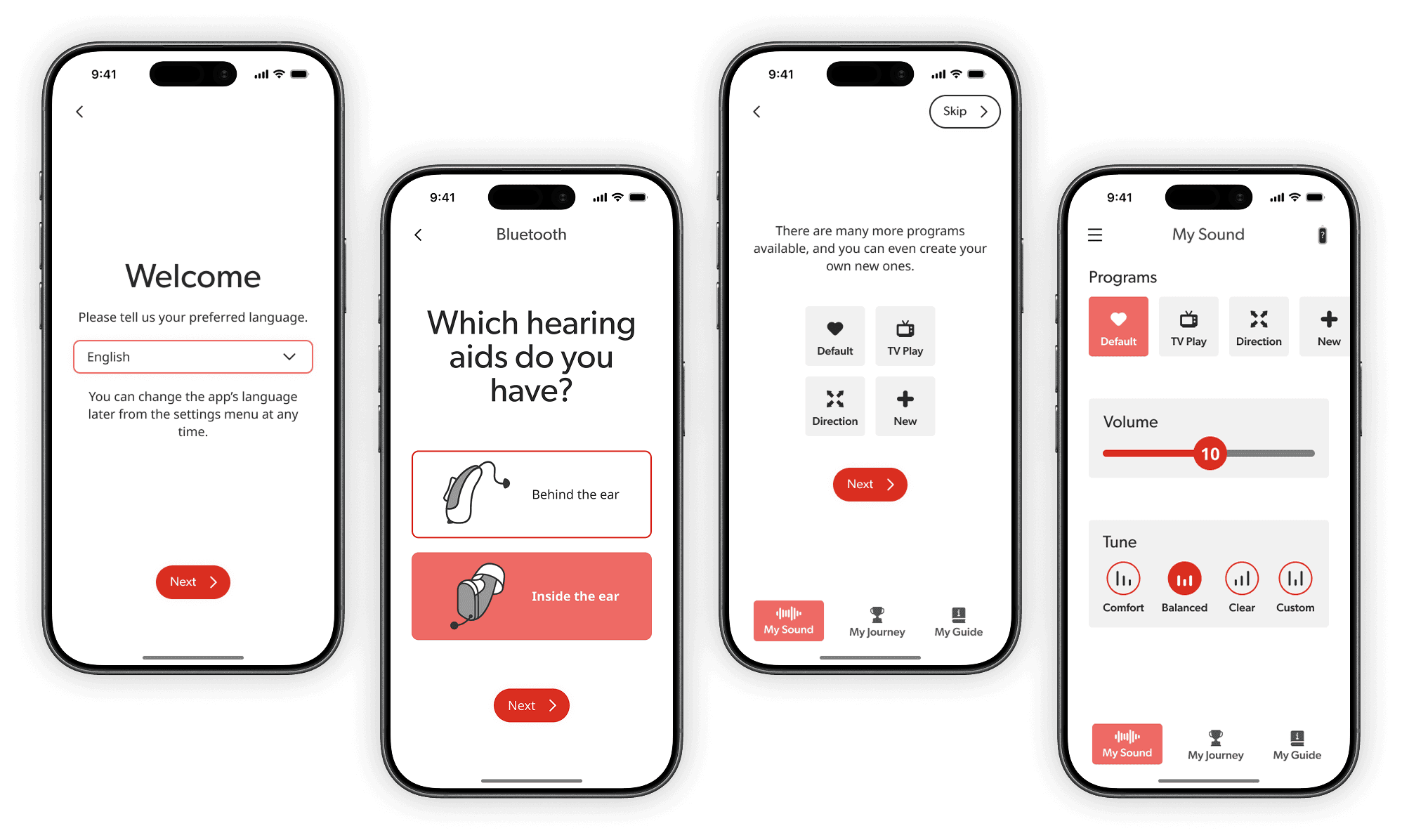
Welcome flow
Users are unfamiliar with technology & thus hesitant to use it
Splash screen featuring the brand logo to establish trust
Users are spread globally with varying native tongues
Start in a familiar language, making the experience accessible & transparent
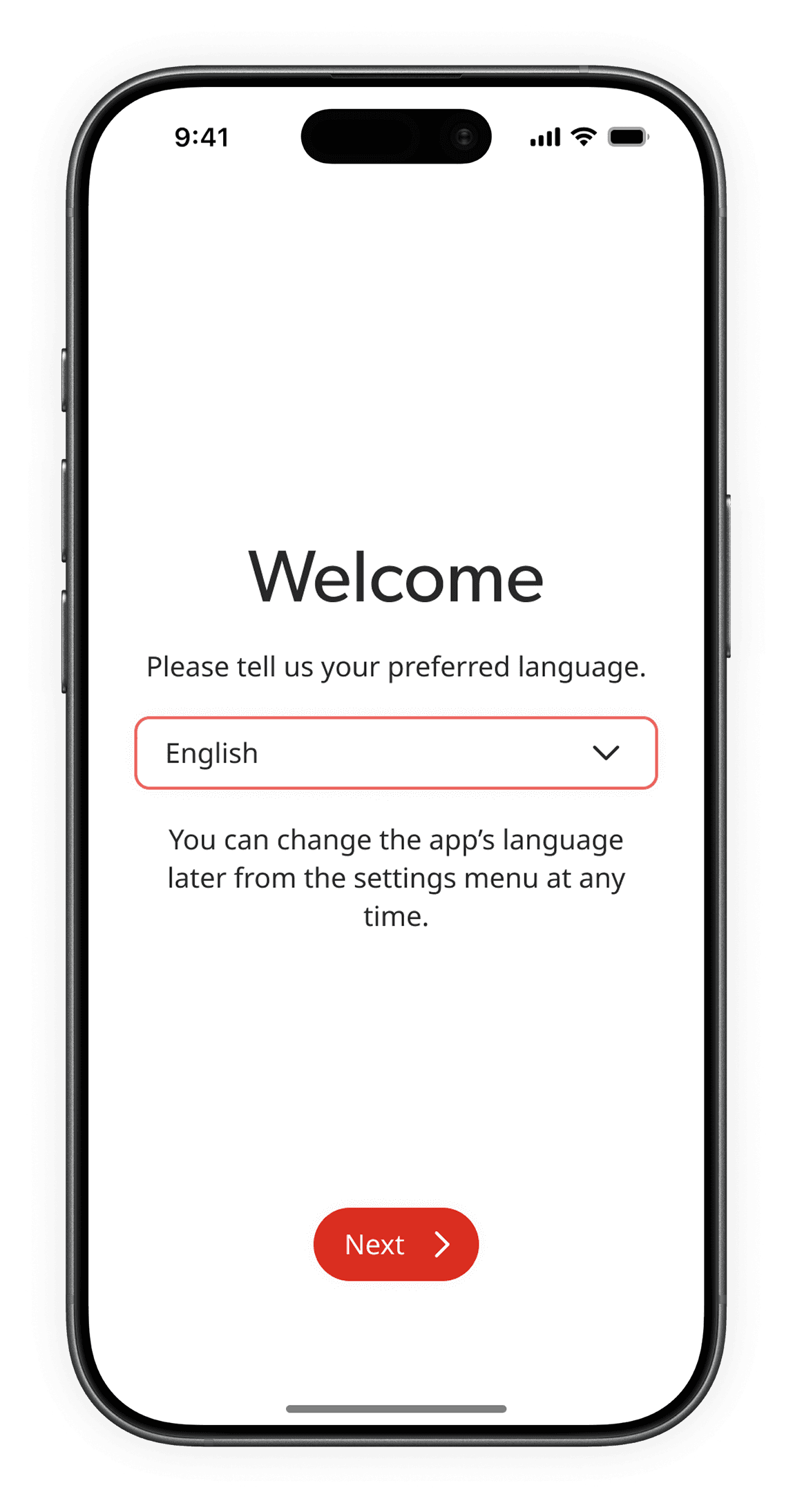
Guided consent in a familiar language ensures users feel informed & in control
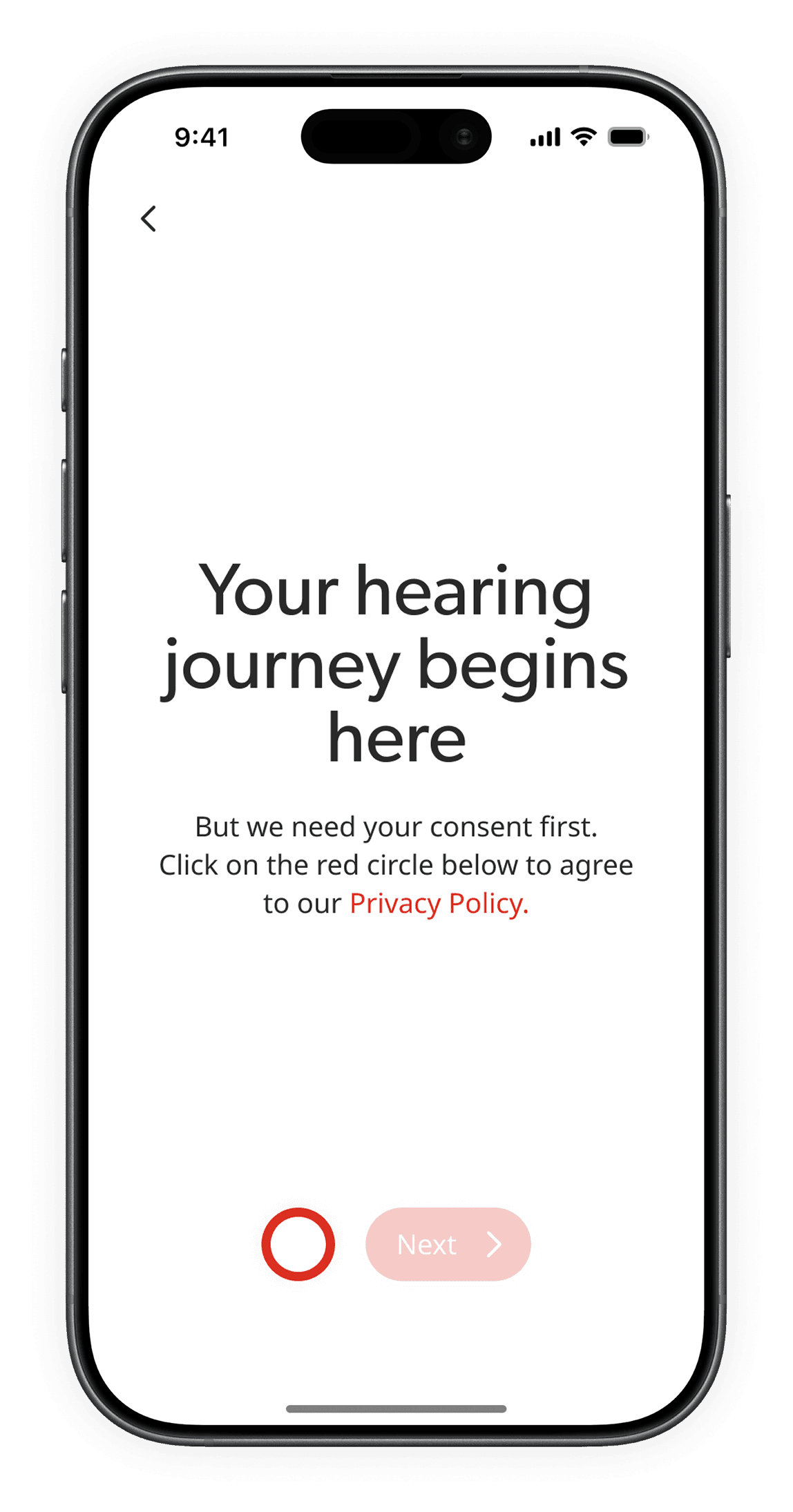
Users are often new to modern tech
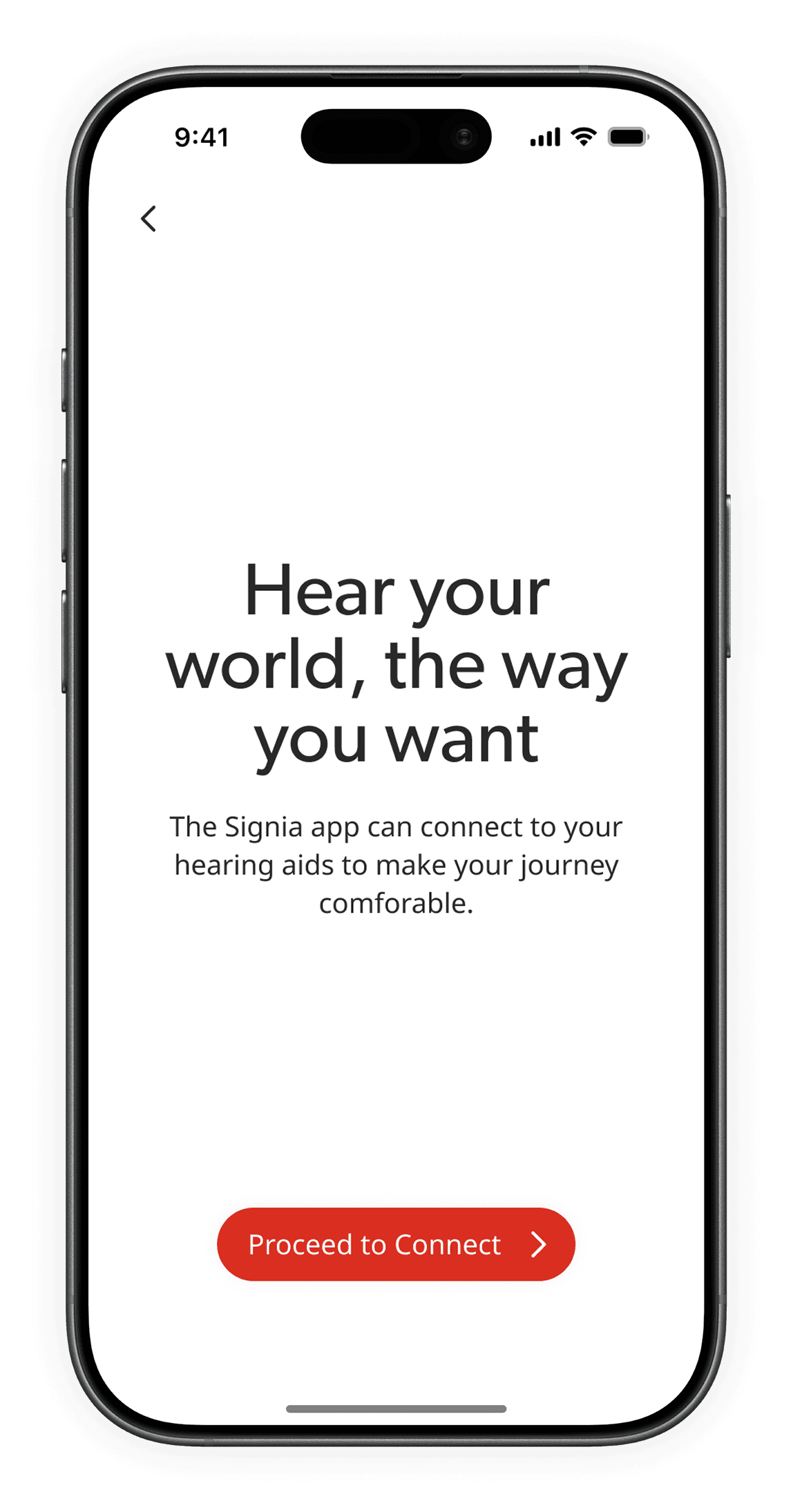
A gentle transition prepares users & sets expectations before taking any actions
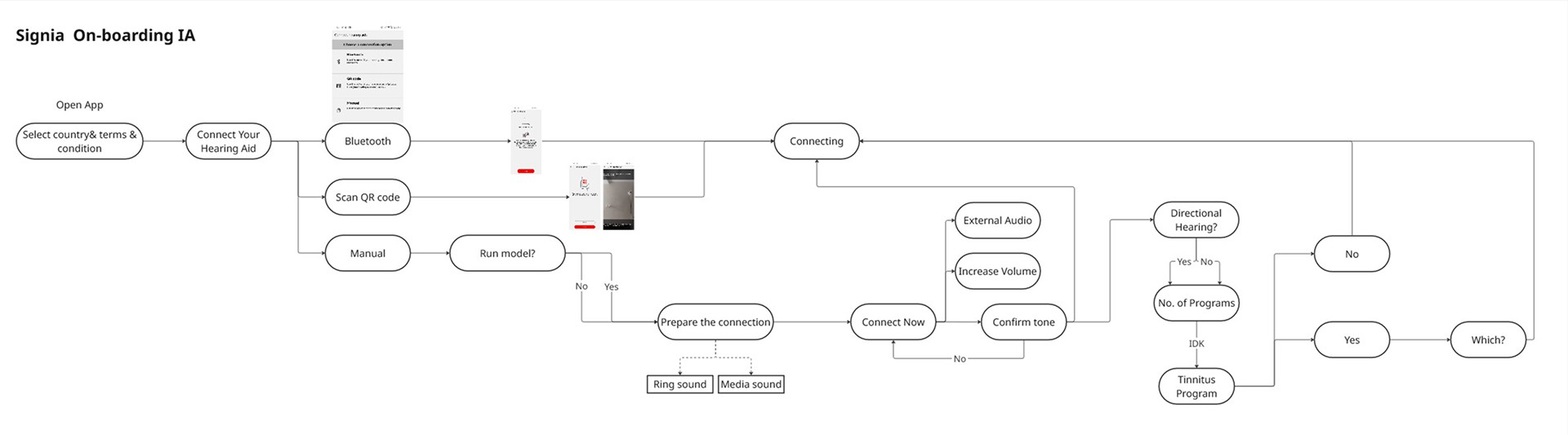
Bluetooth connection happy flow
Users are prone to memory lapses, especially around new topics like tech
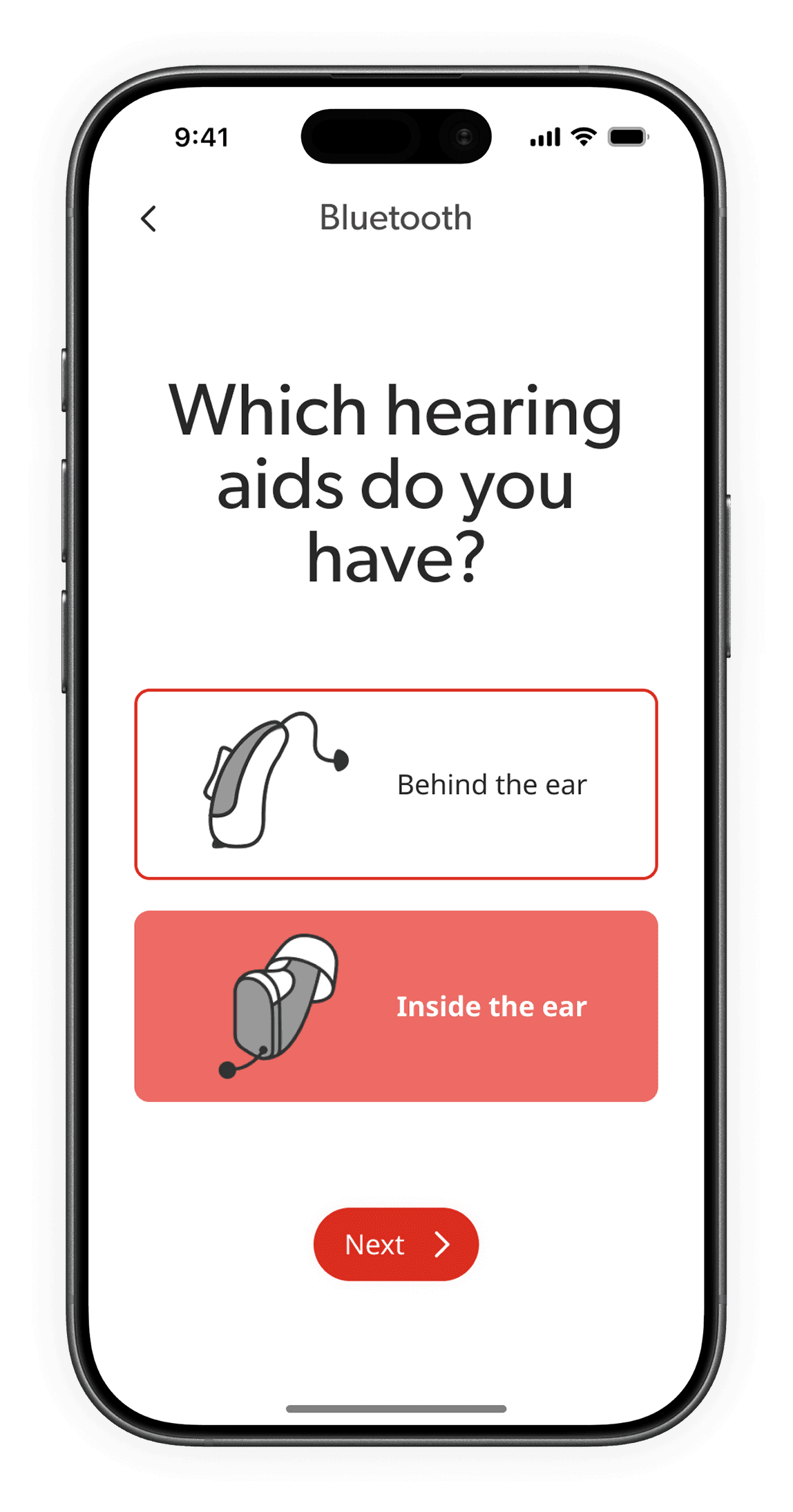
Descriptive buttons jog recognition & support informed choices
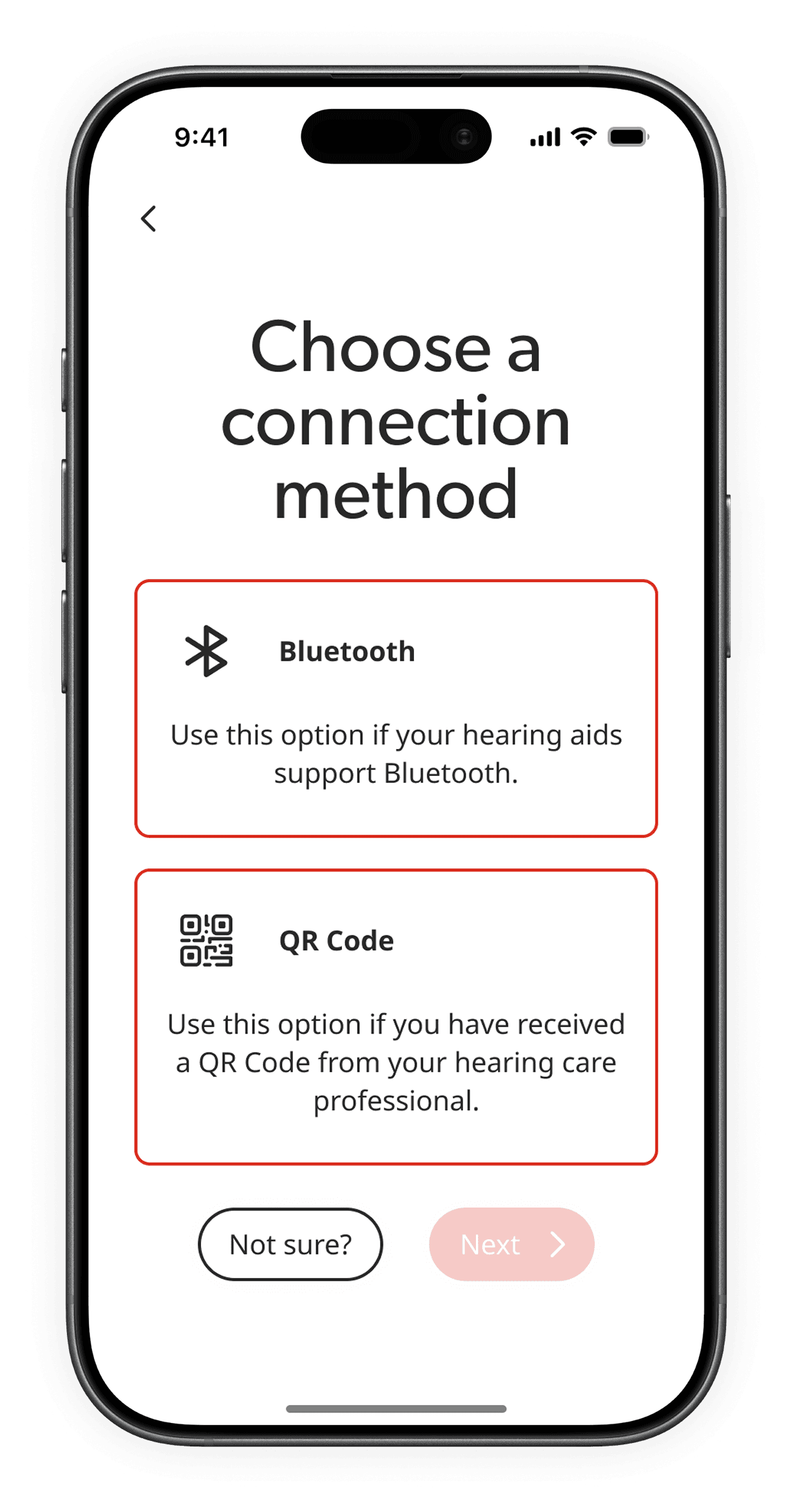
Users are prone to accidental taps
Delaying action by asking for confirmation after choosing
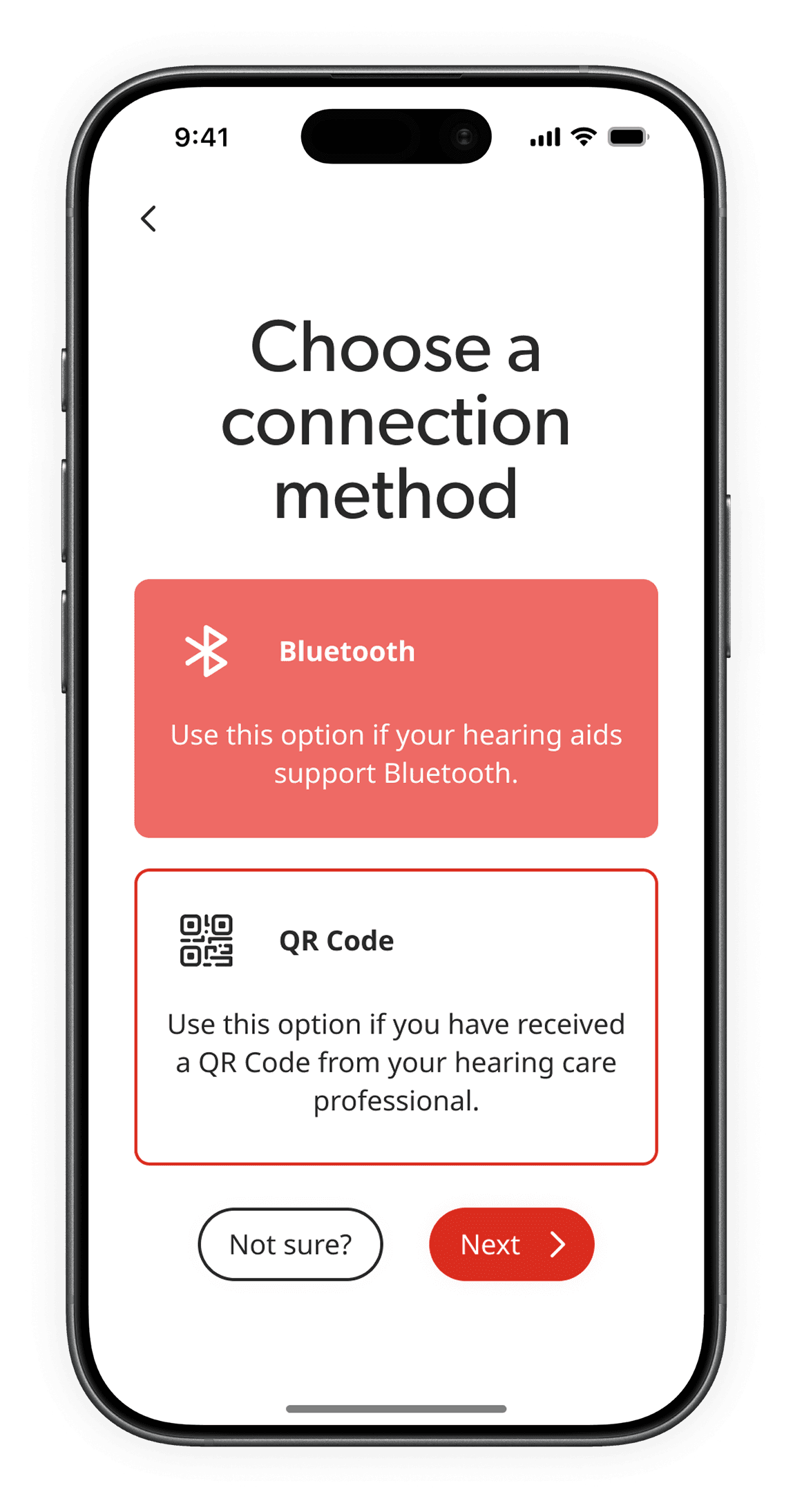
Clear consent & declaration of next steps to mitigate fear of new tech
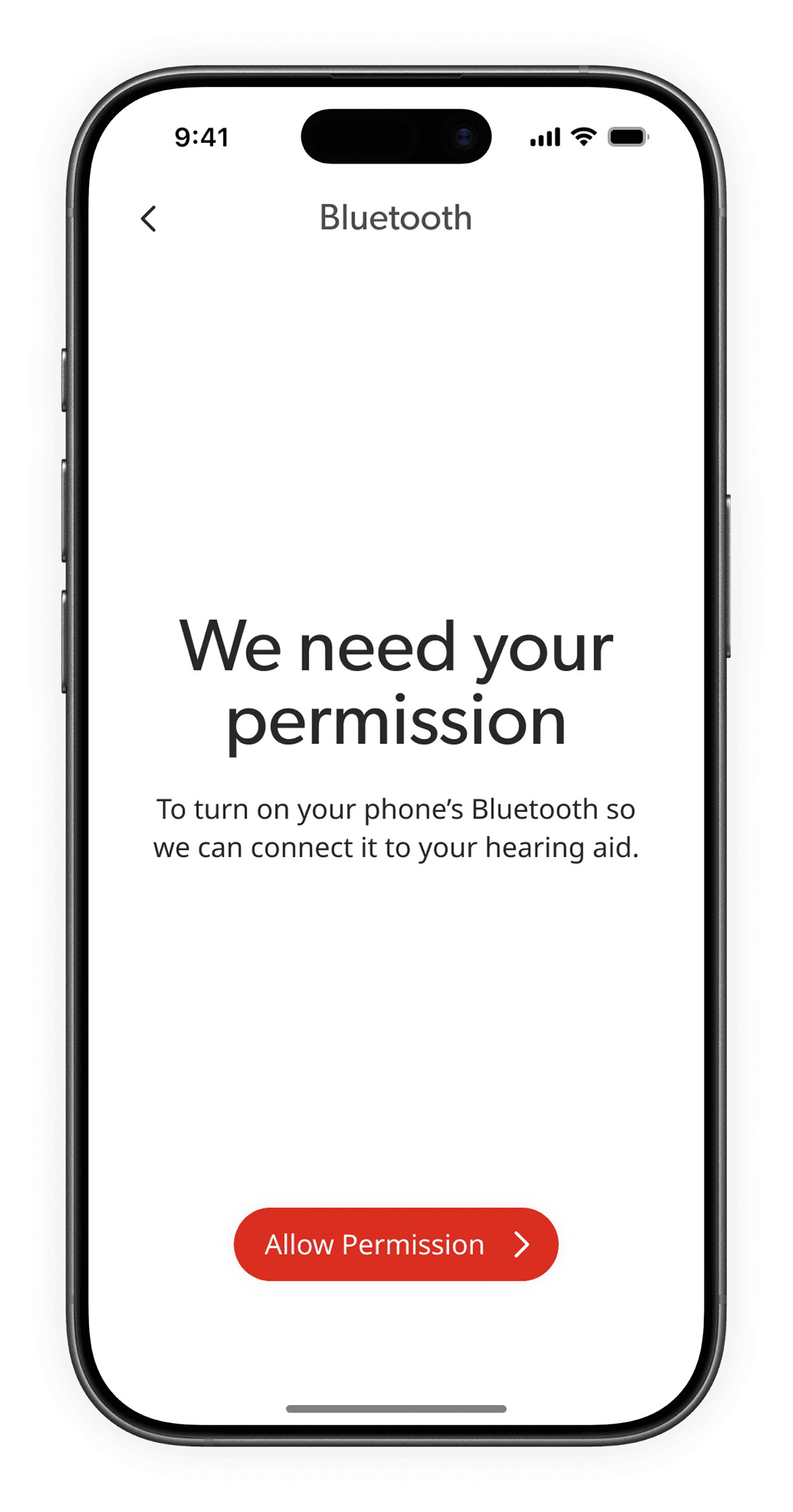
Descriptive icons to mitigate backtracking to correct missteps
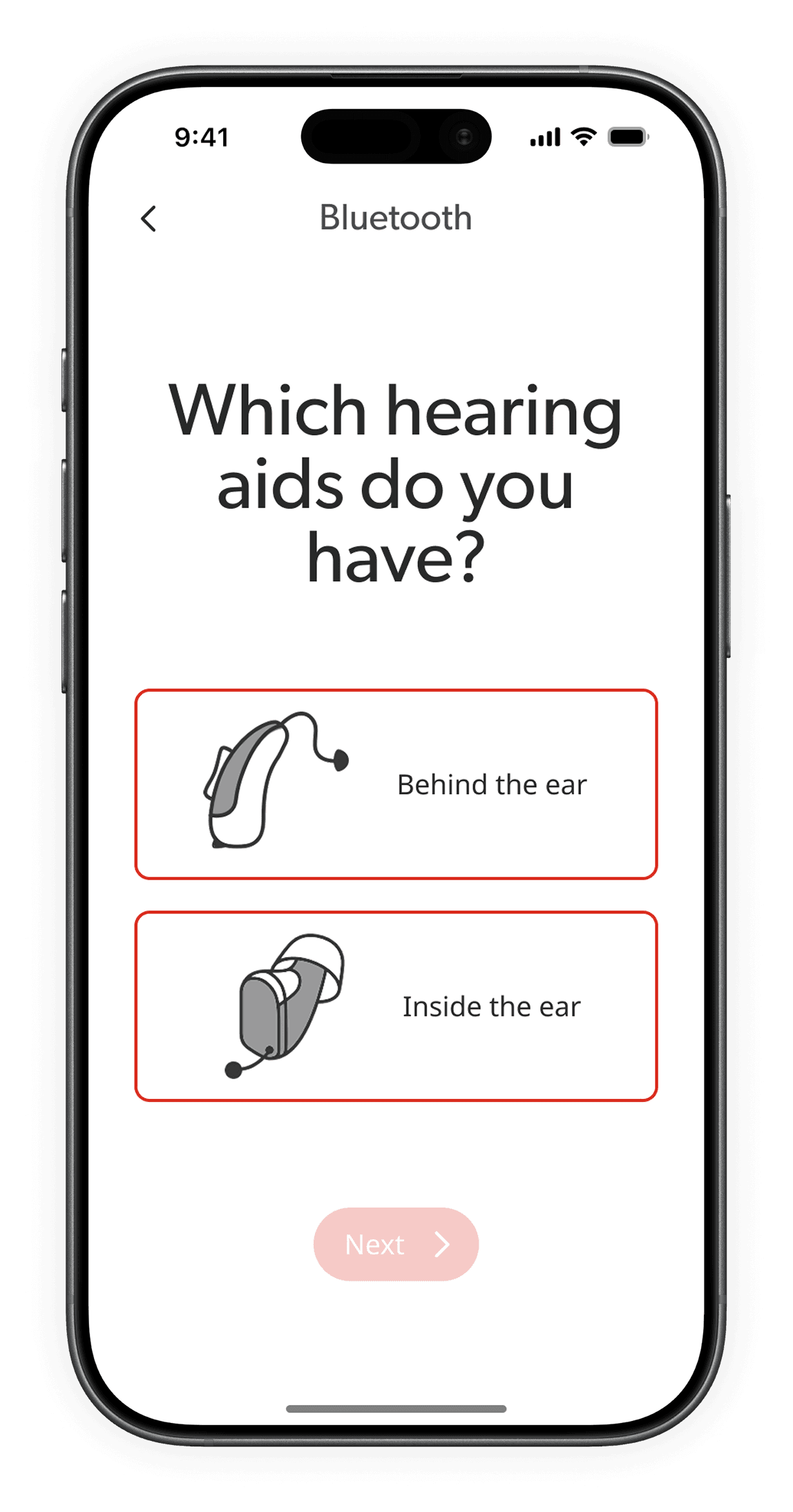
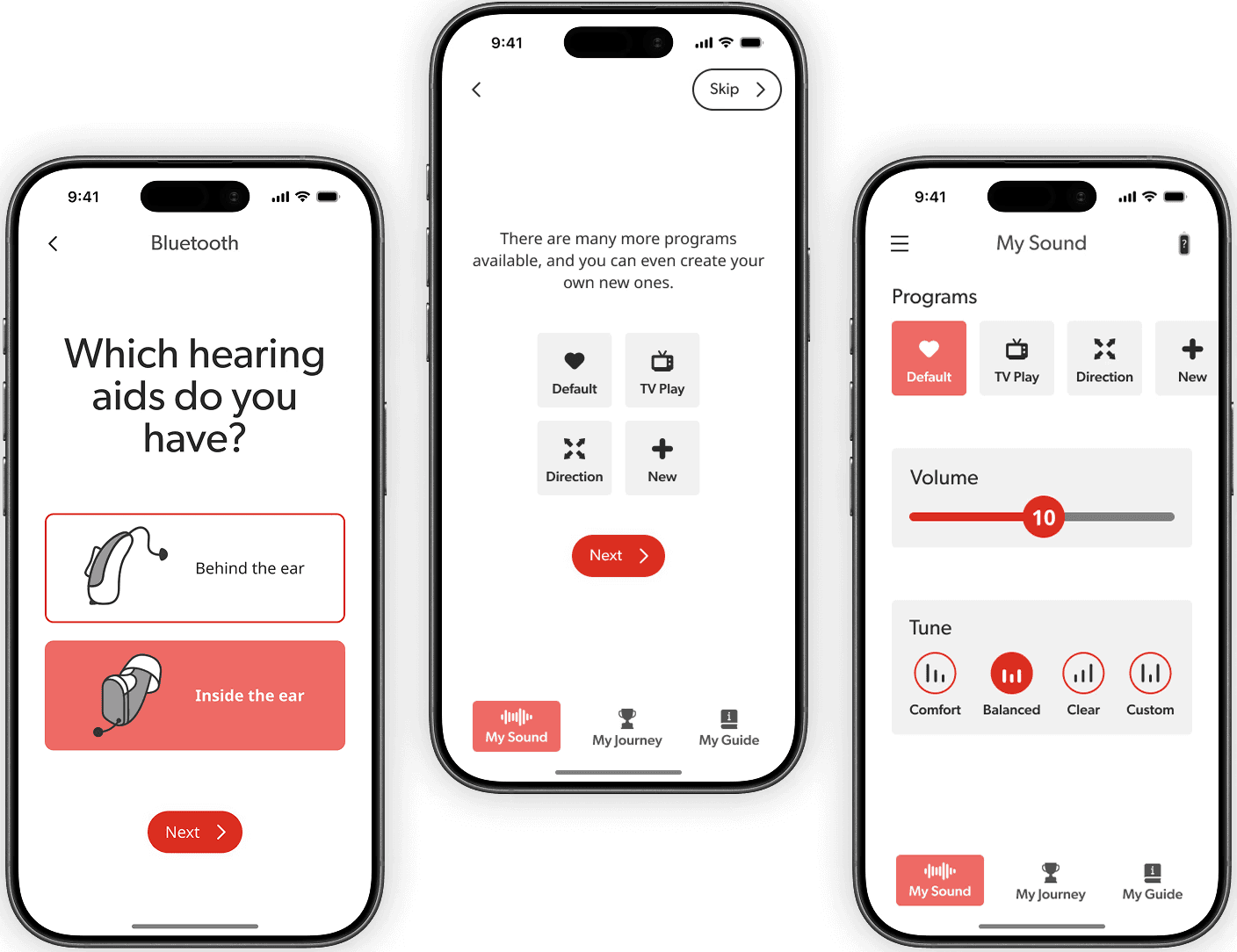
Selecting the hearing aid model
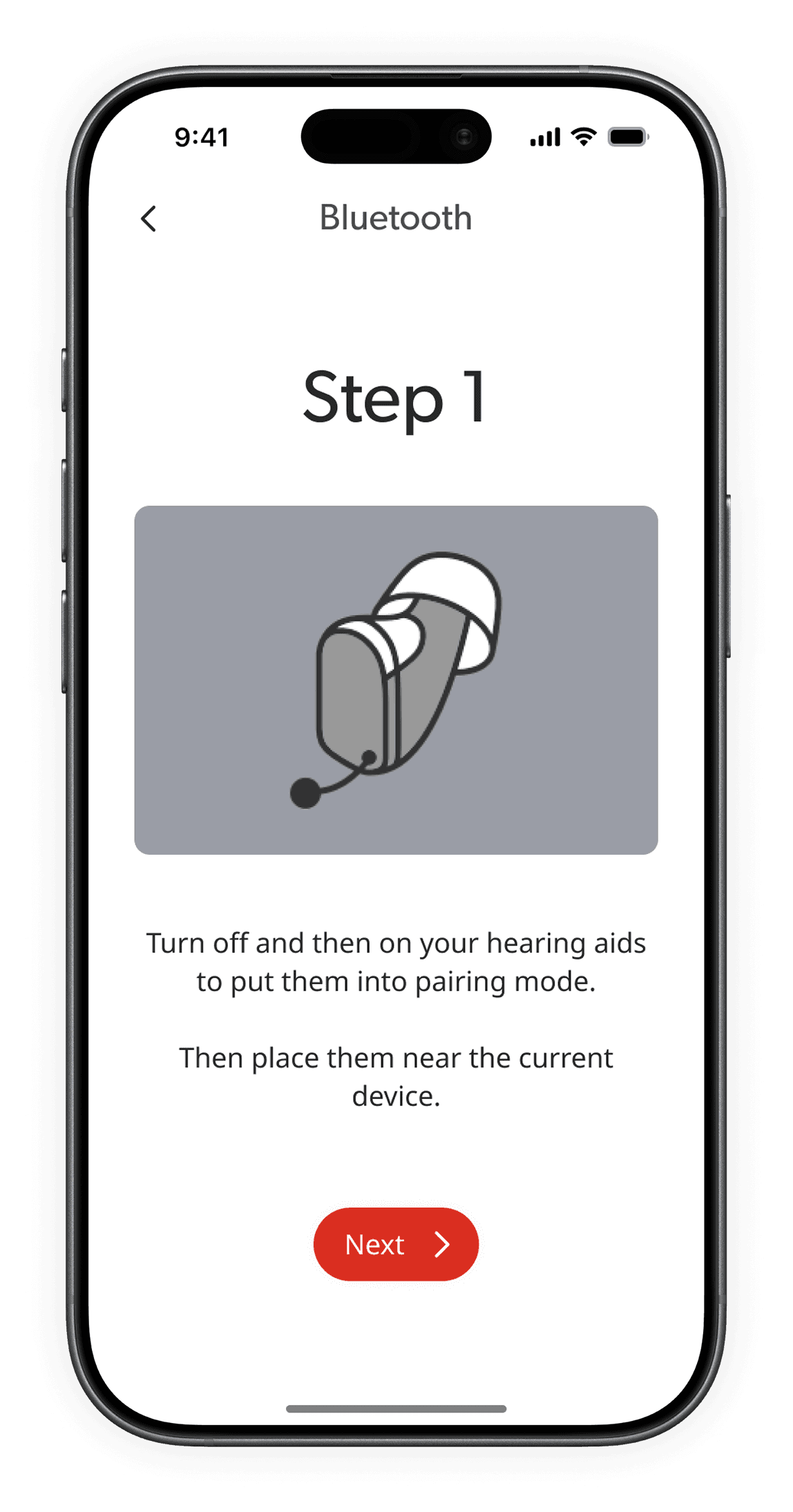
Large looping gifs to communicate actions
Sets clear time expectations to prevent uncertainty around new tech
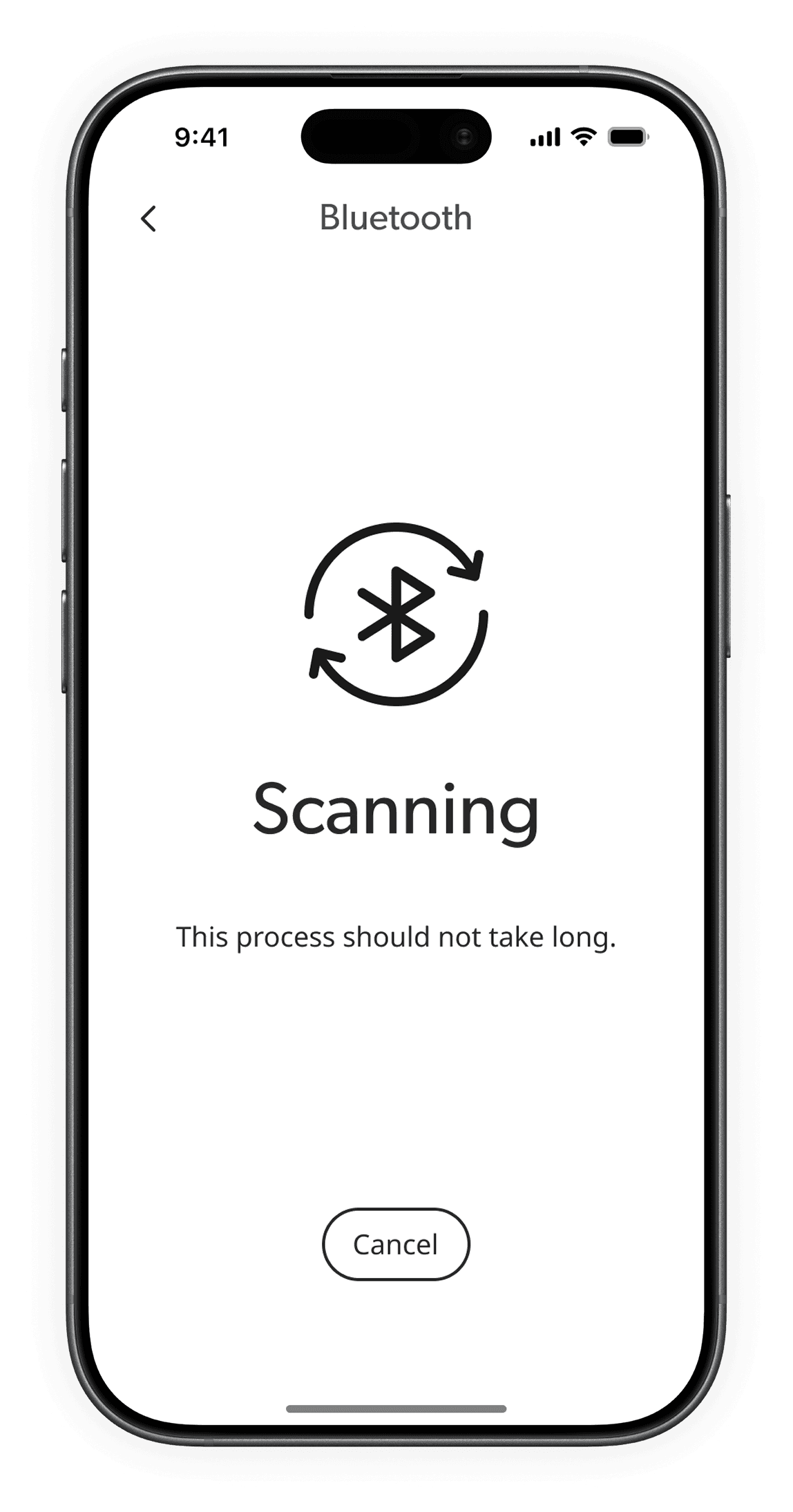
Clear communication of success with user intervention to proceed boosts morale & aids understanding
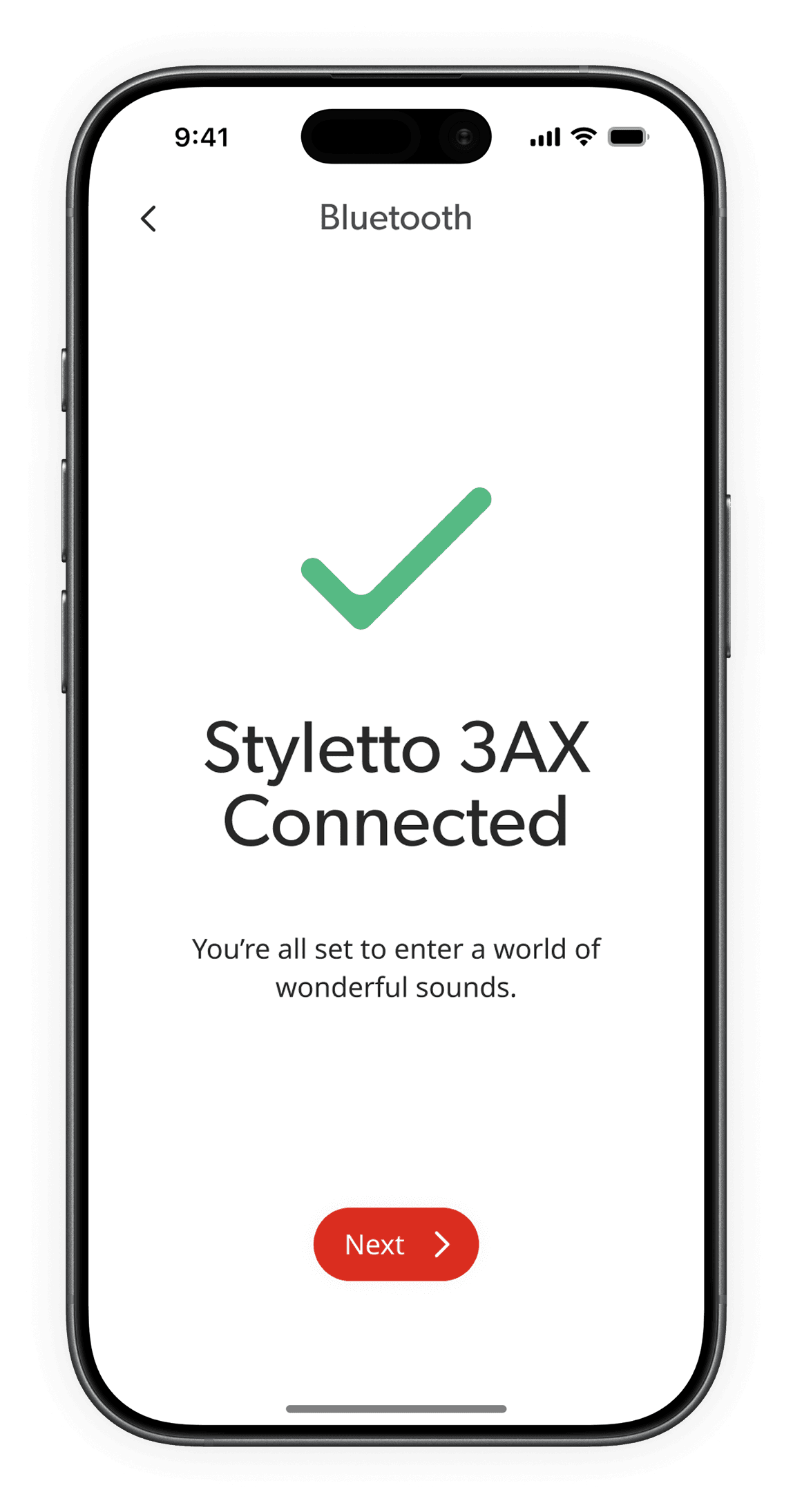
Bluetooth connection edge cases
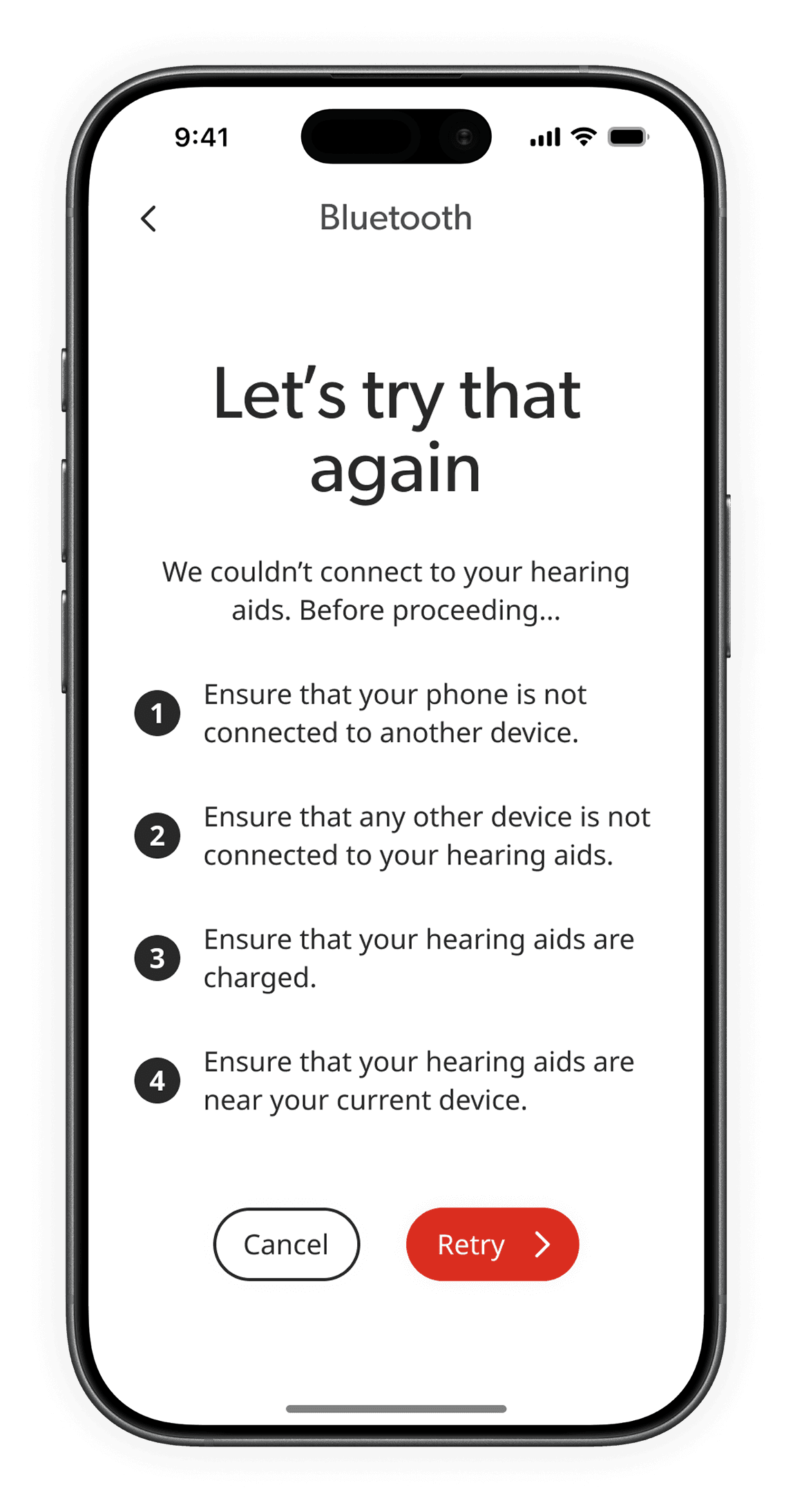
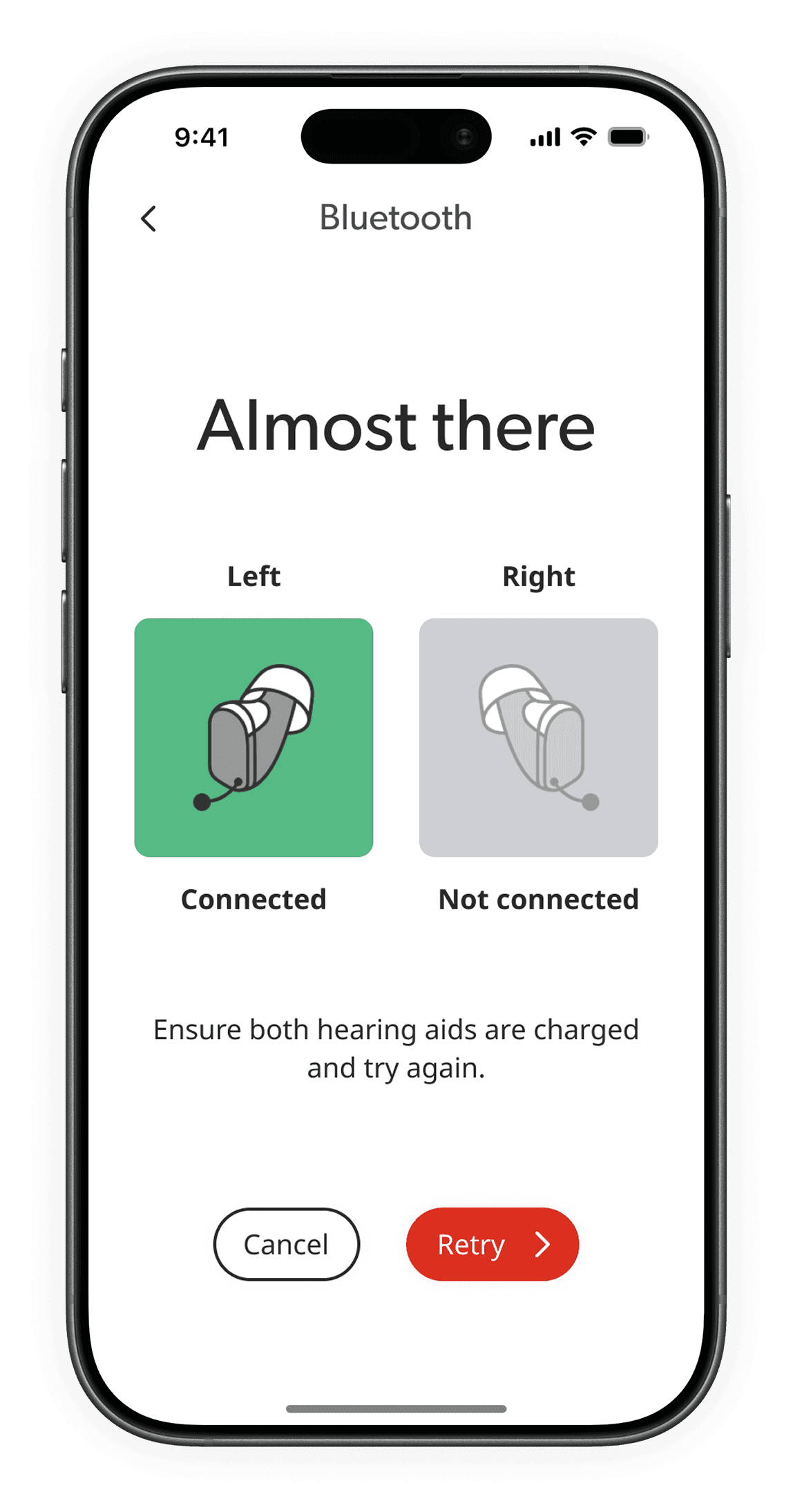
Frames errors as reassuring next steps to reduce anxiety & keep users confident & in control.
In case the device fails to connect
In case only one hearing aid gets connected
Feature walkthrough
Designed for both assisted & independent onboarding
Gives users & professionals the choice to follow or skip the walkthrough
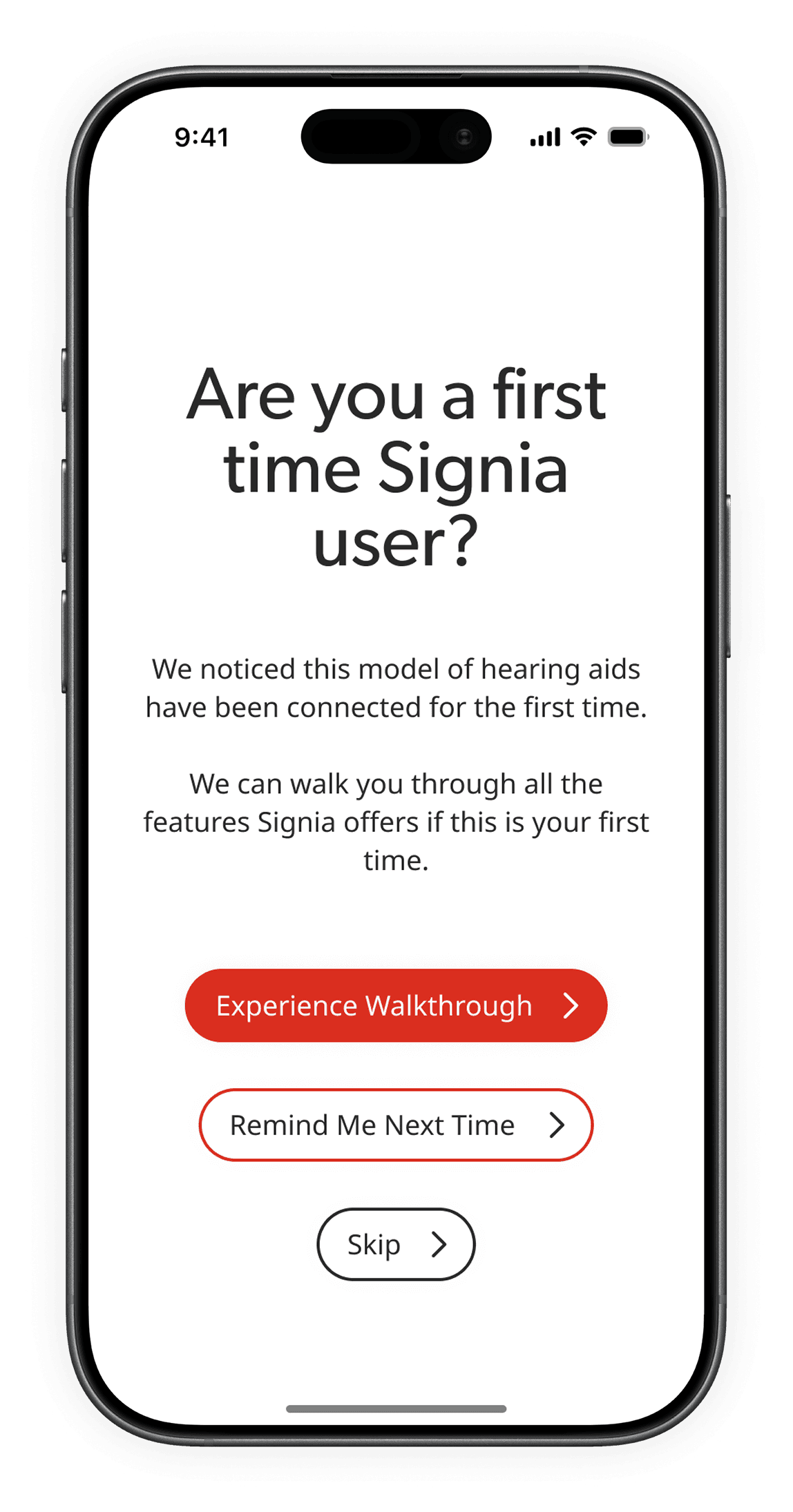
Users have prior cognitive load from setup
Kept short, hands-on, & non-overwhelming to build confidence without adding cognitive load
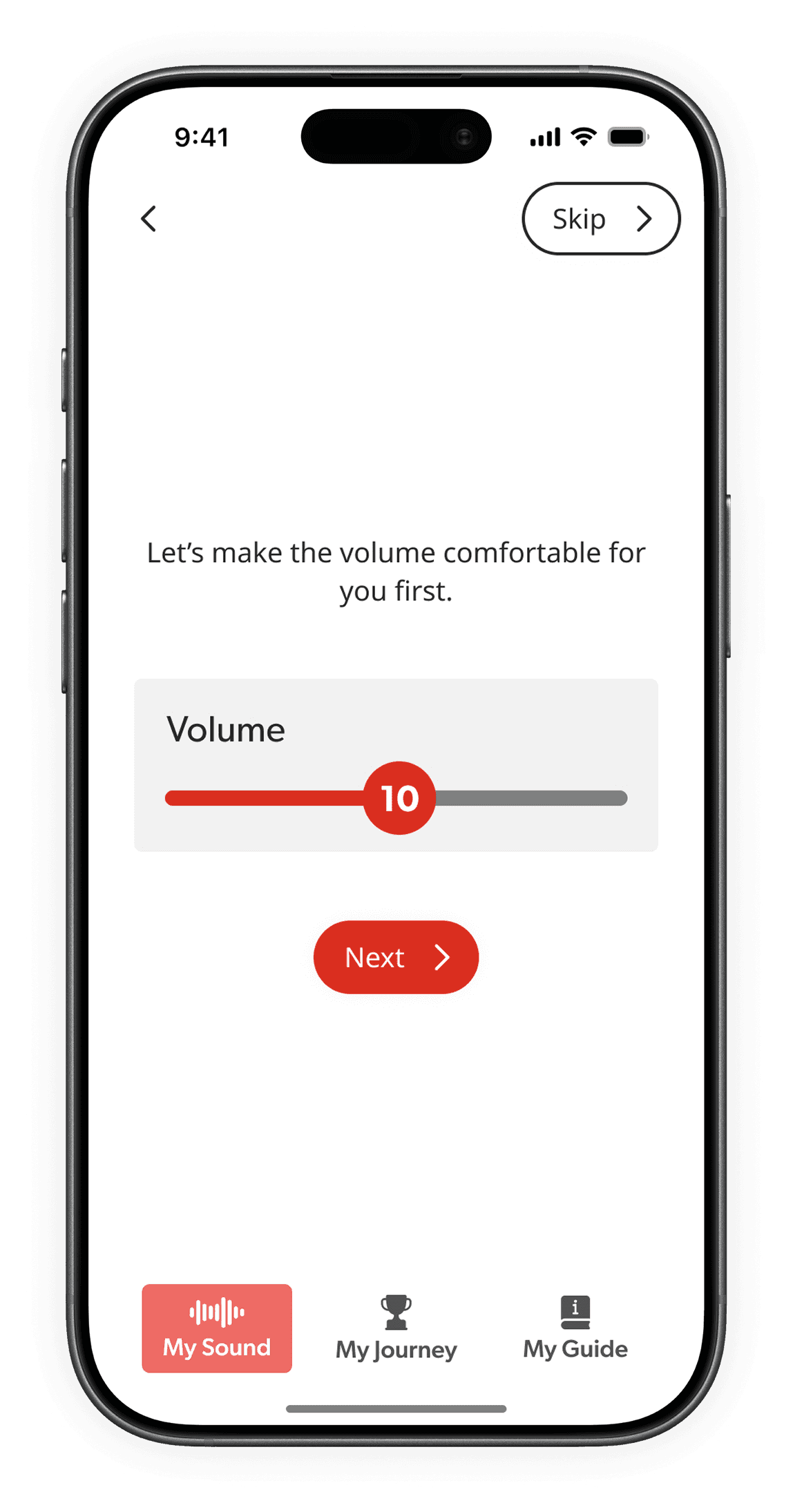
Users new to tech & intimidated by jargon
Uses familiar, perception-based terms to match how users experience sound
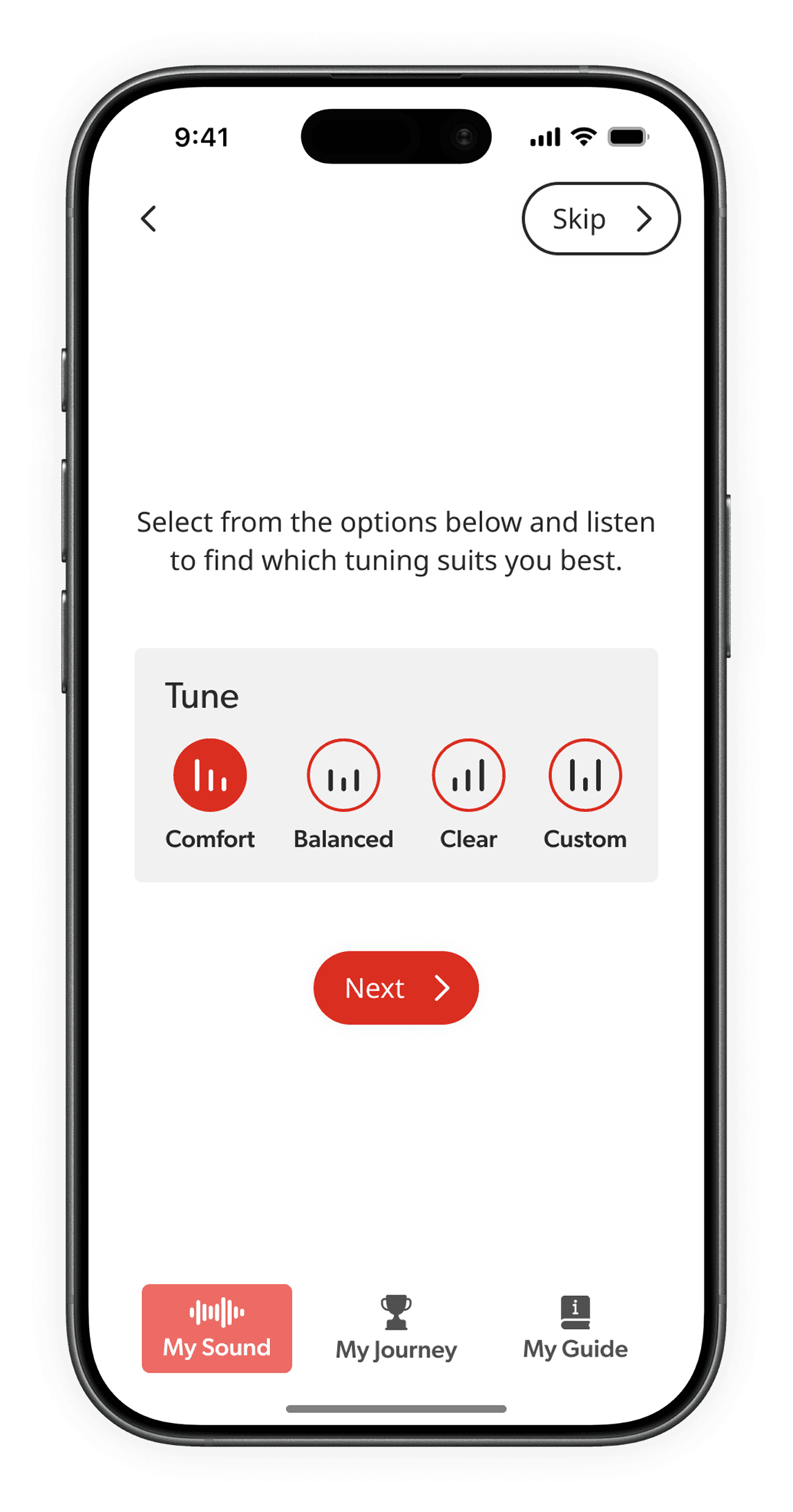
Breaks the journey into small, user-controlled steps to ensure clarity & confidence
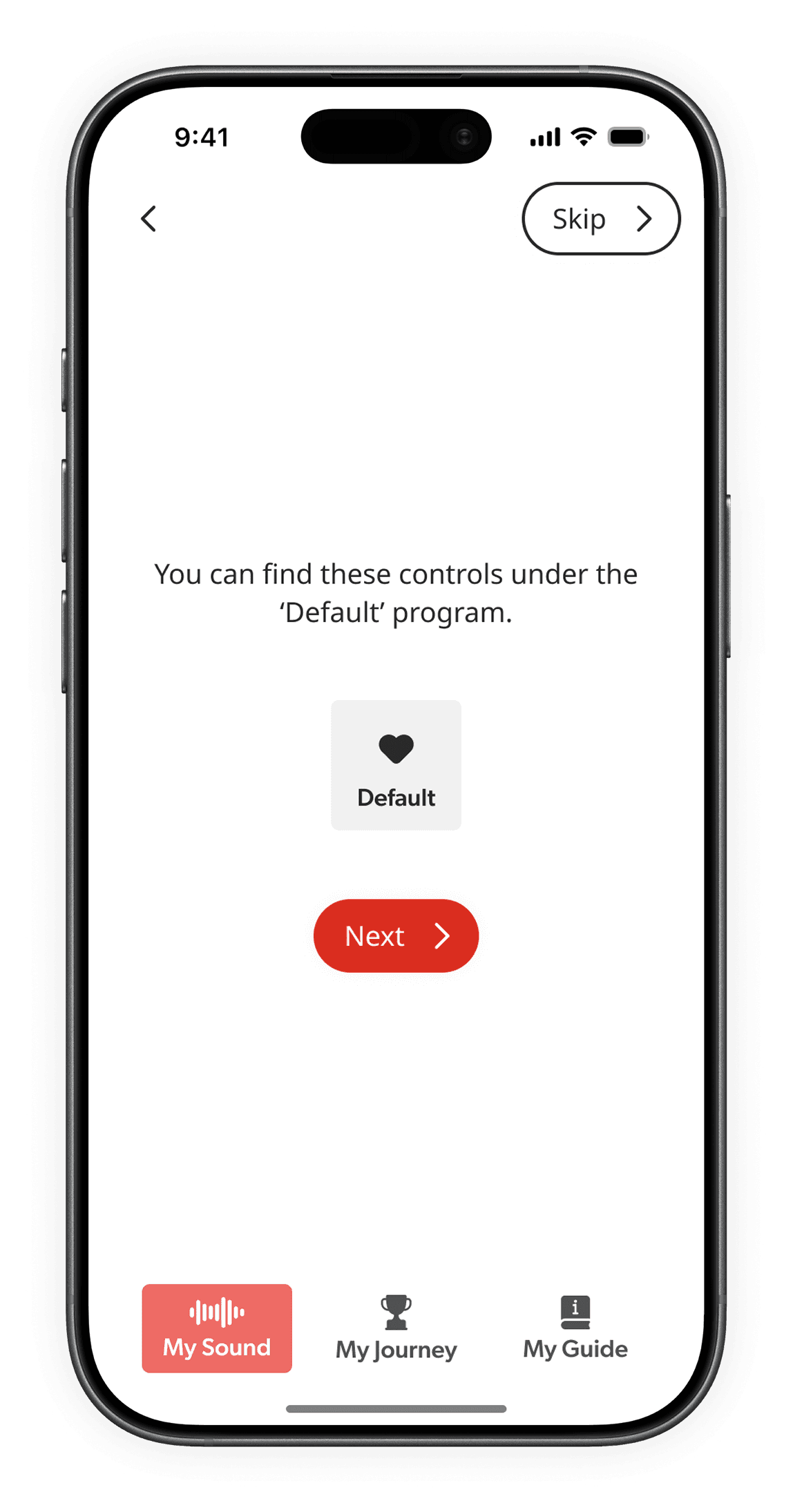
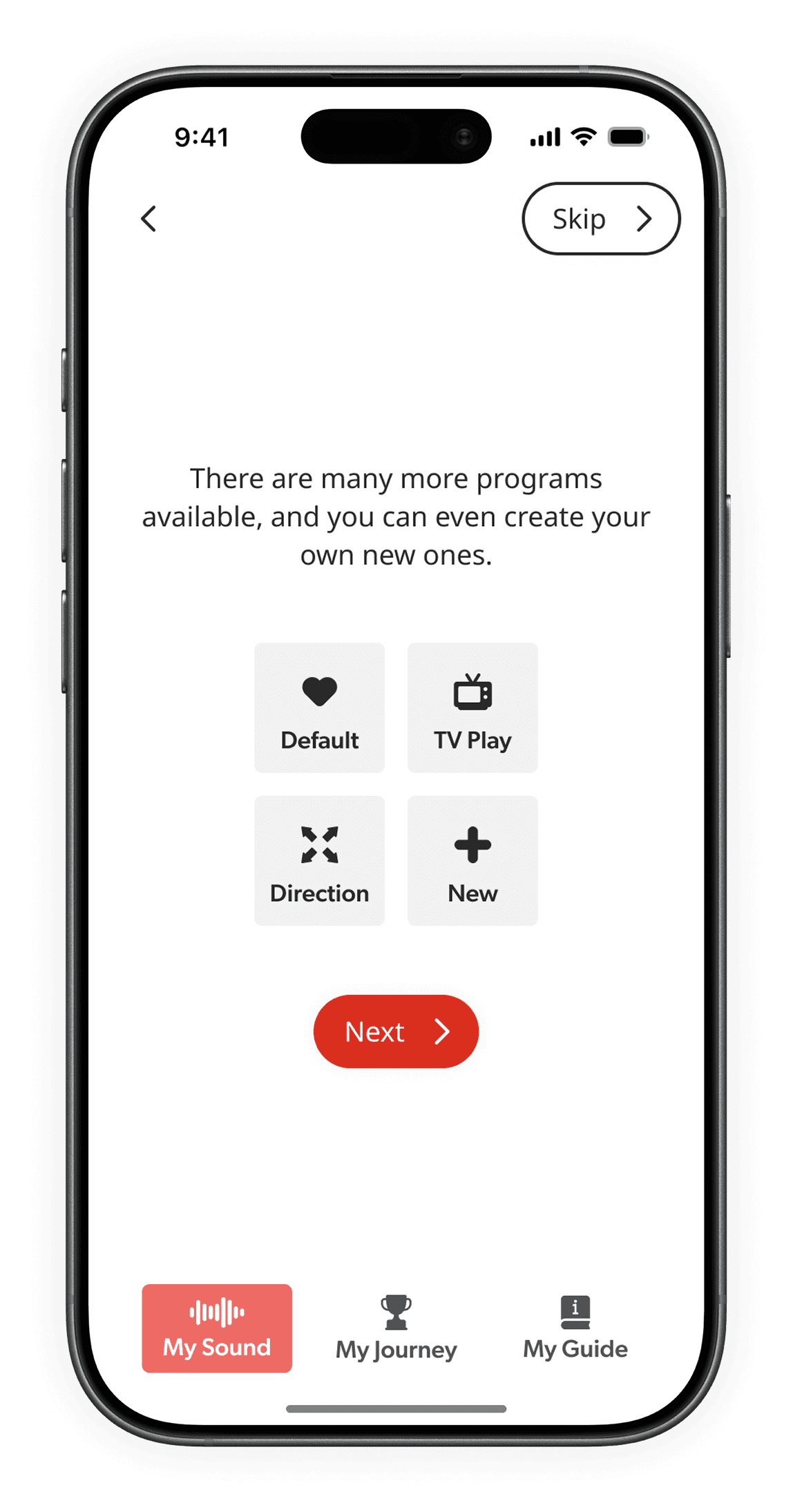
Home page after the tutorial brings familiar elements together
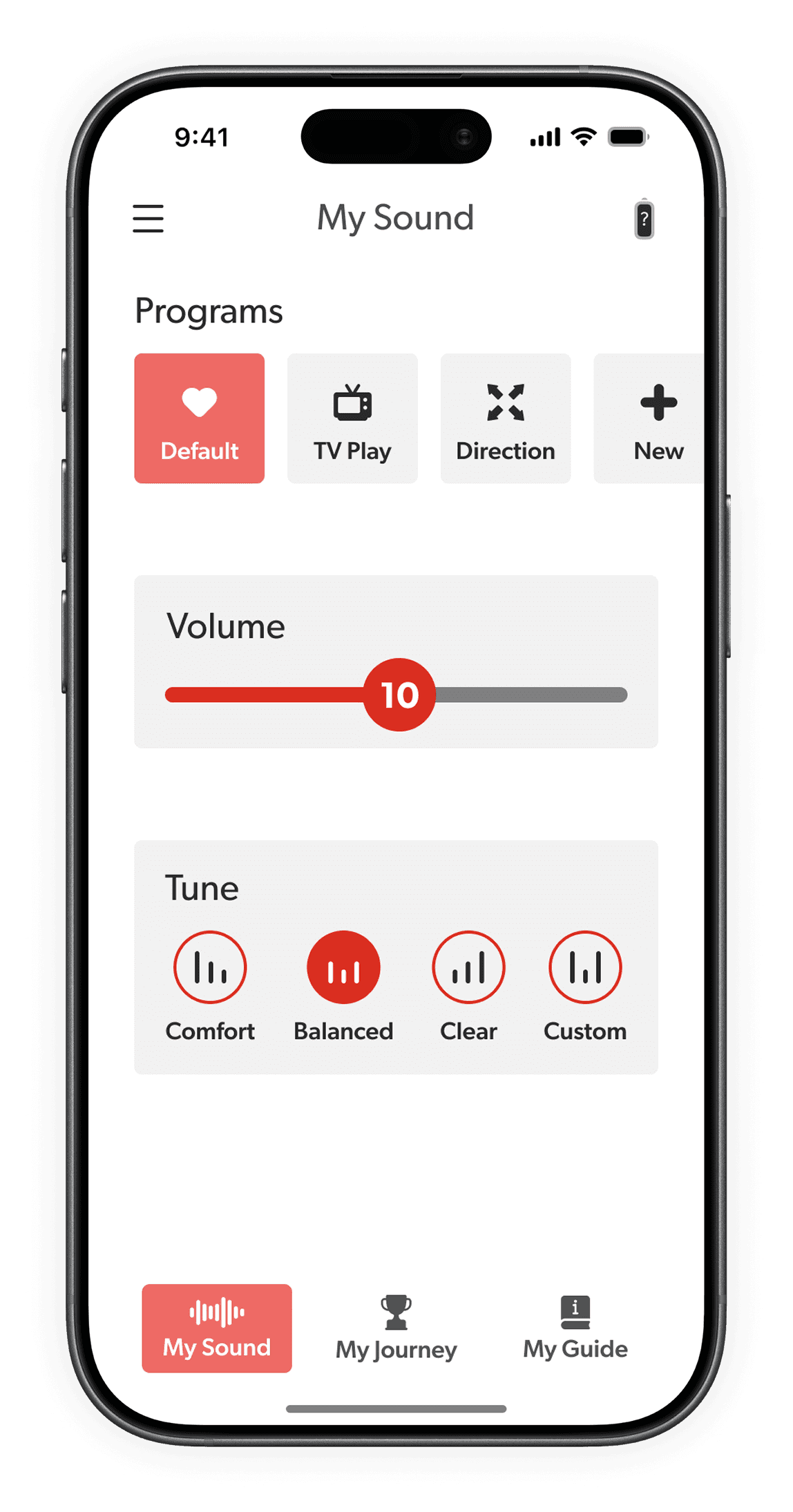
Progressively reveals advanced feature, introducing them only when needed
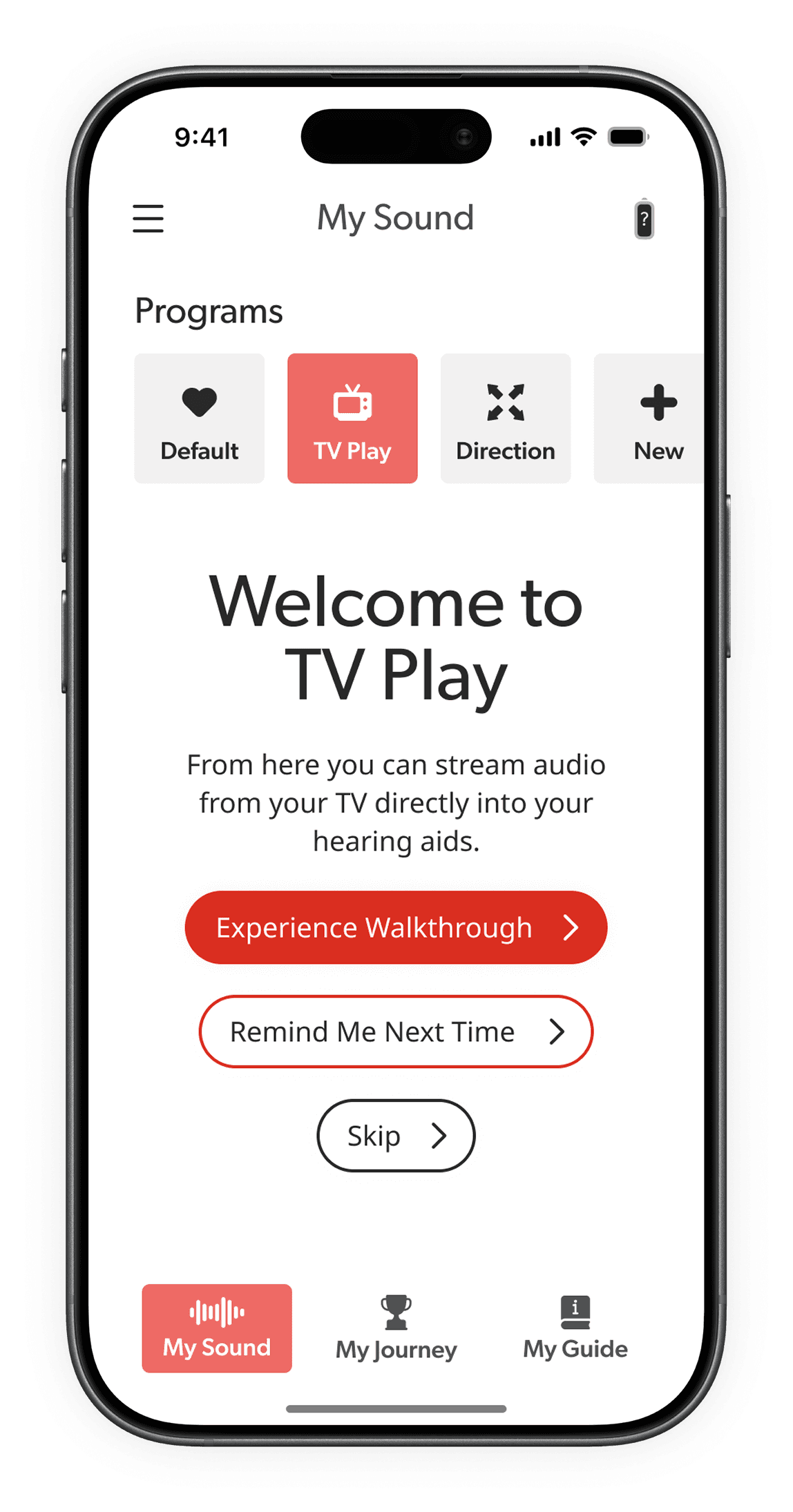
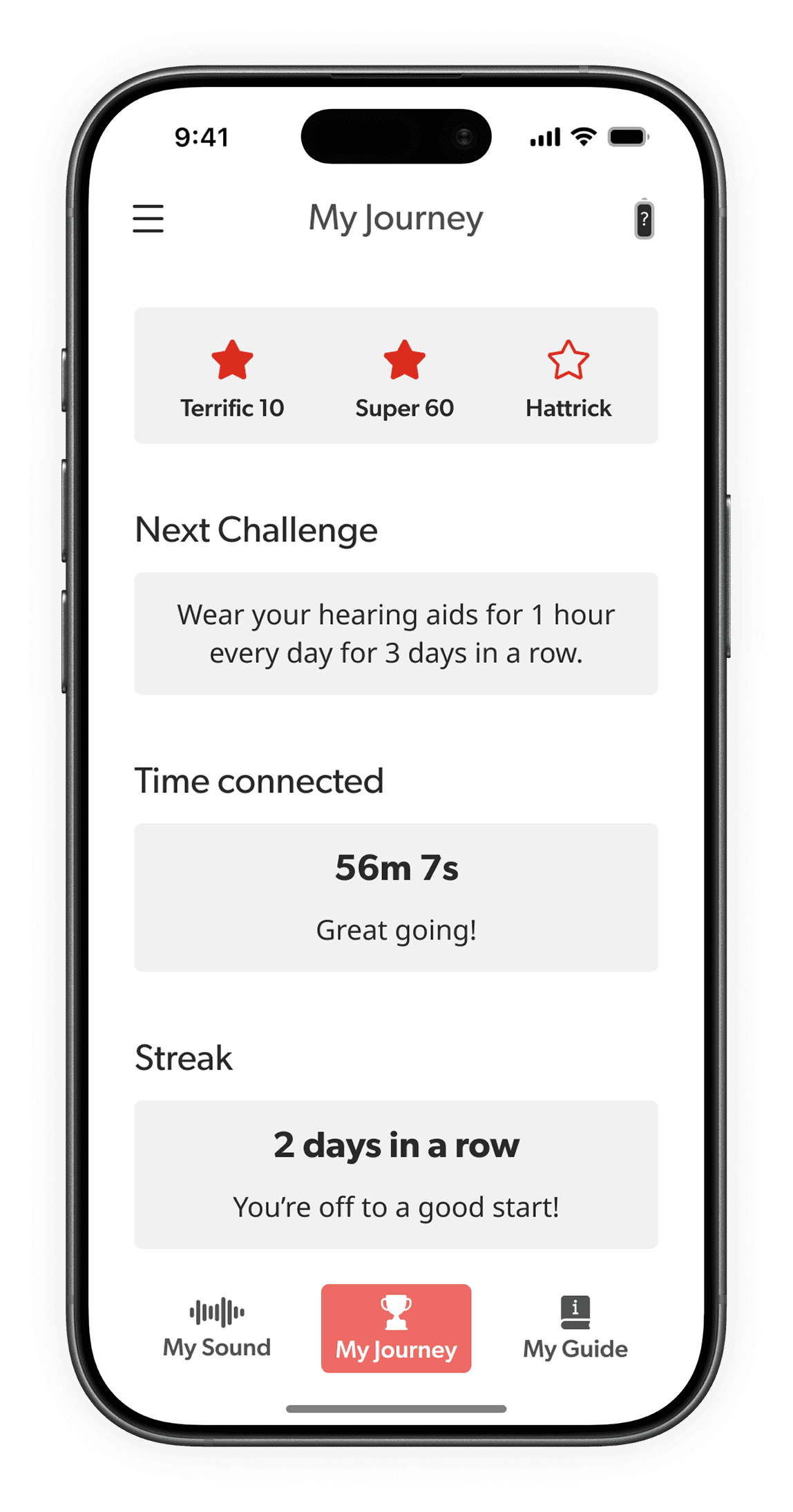
Acclimatization feature:
My Journey
Personalized, goal-based progression to gently build wearing habits. Used safe, structured milestones & positive reinforcement to encourage consistent adoption.
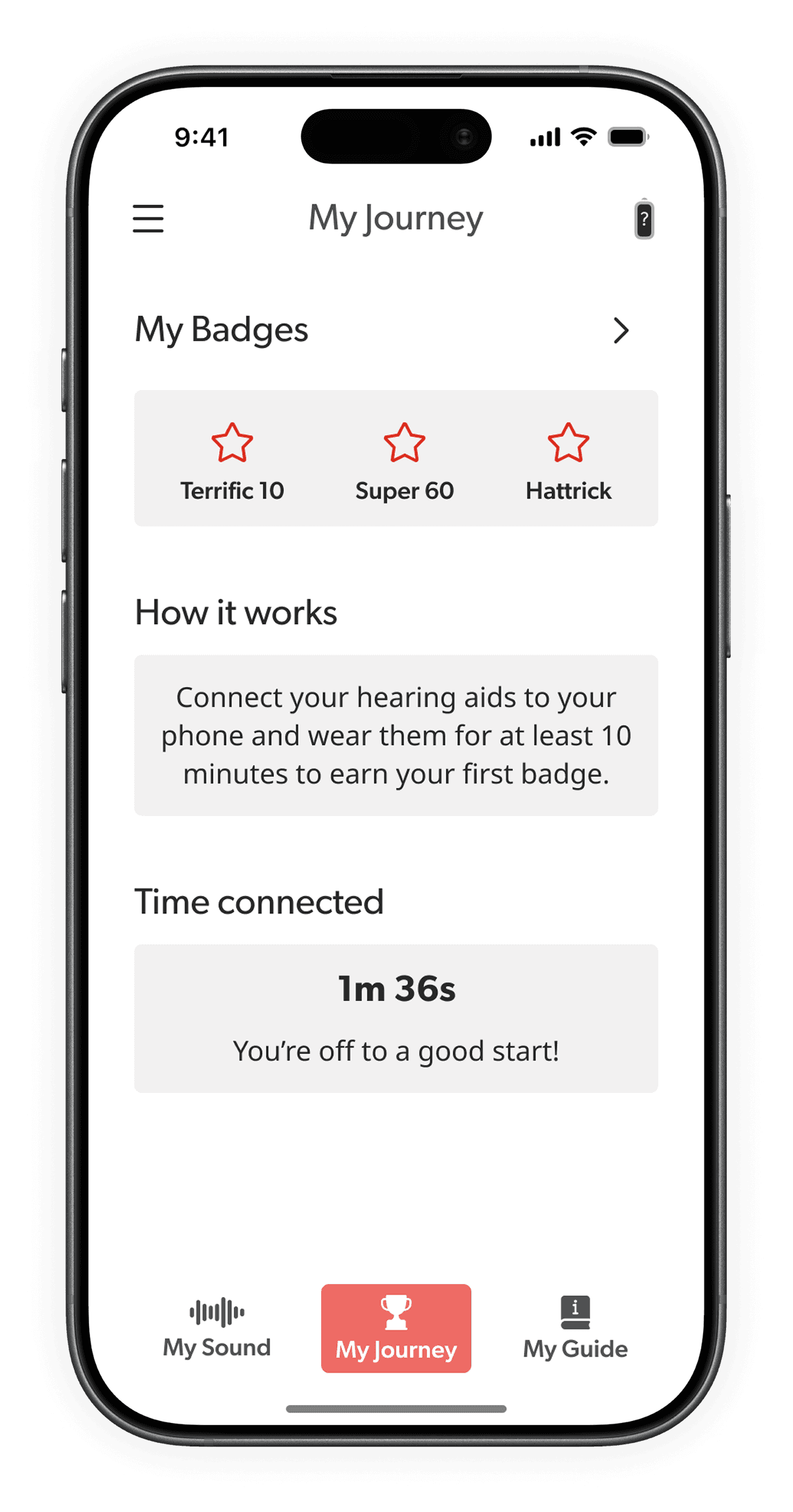

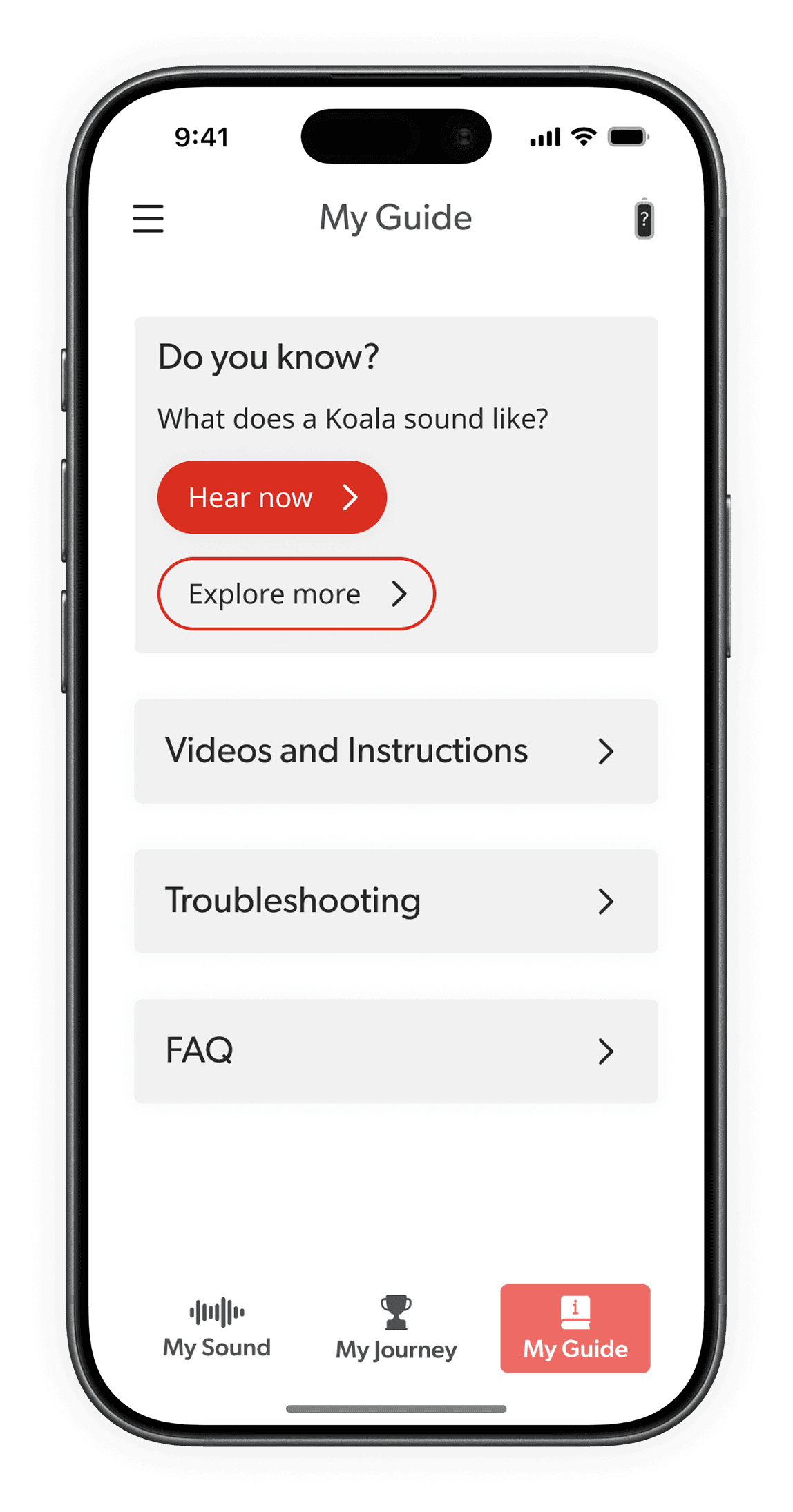
Acclimatization feature:
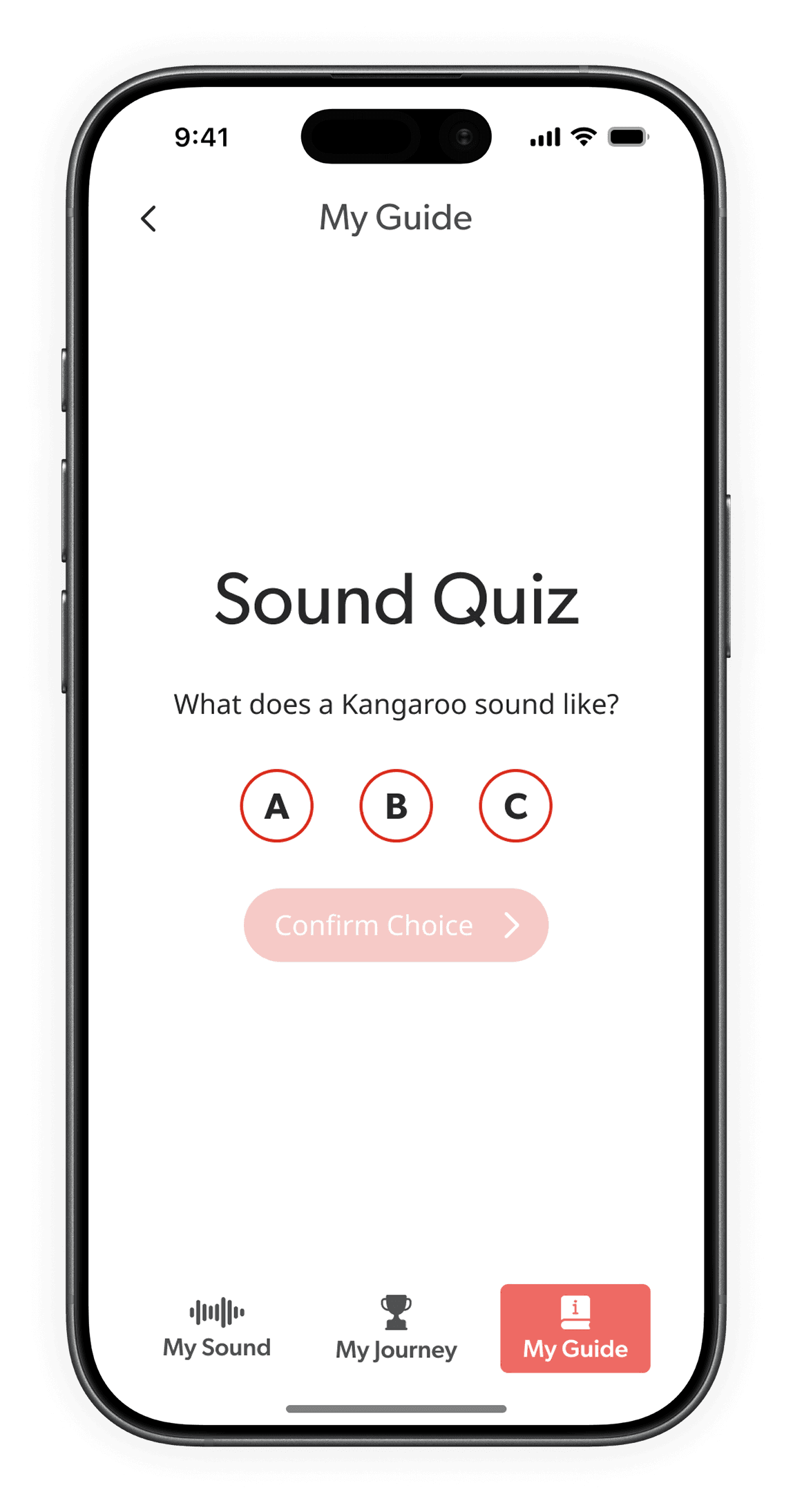
My Guide
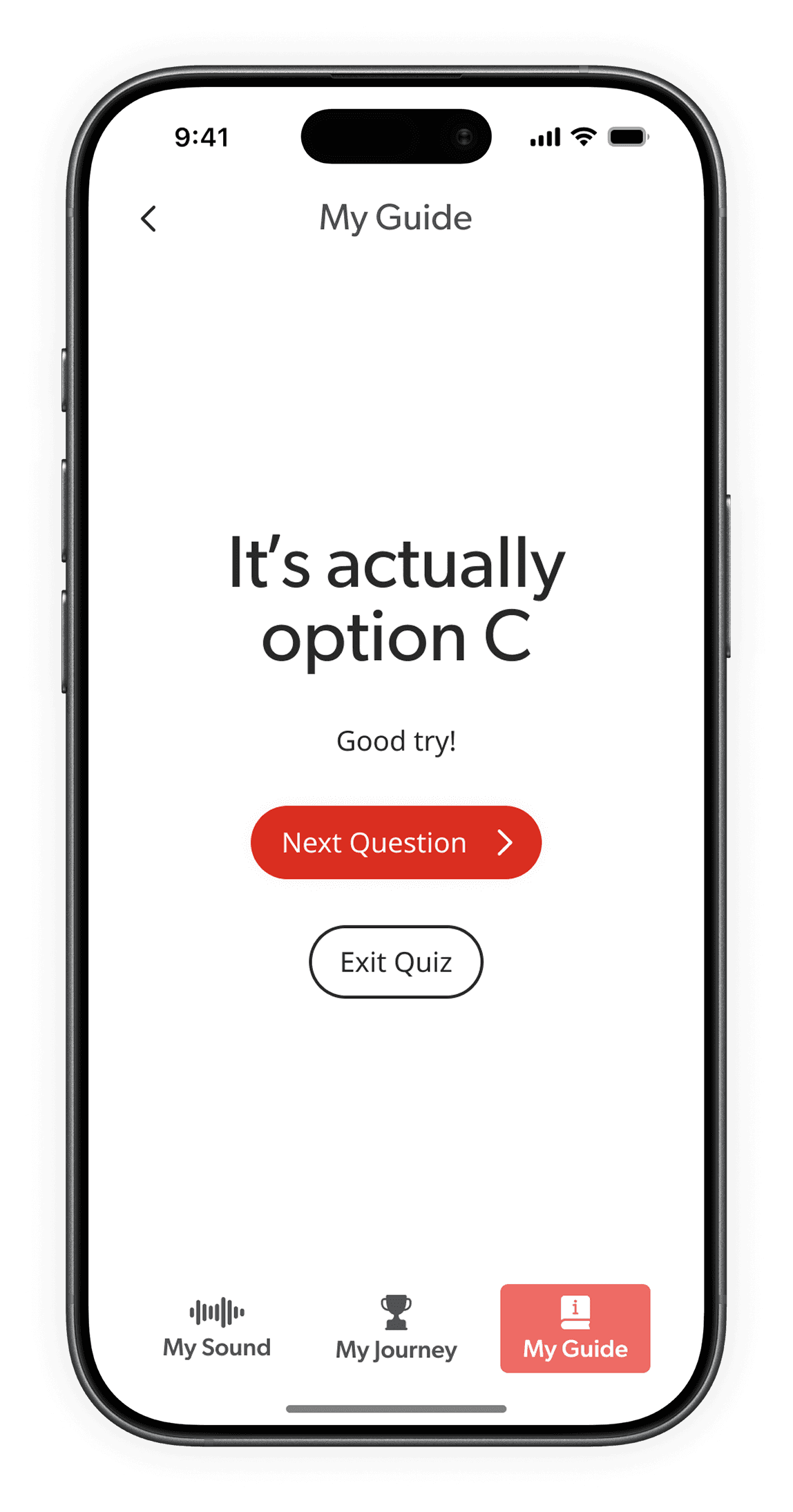
Turns daily usage into a fun, curiosity-driven habit. Used quizzes & playful prompts to encourage learning, engagement, & consistent hearing aid use.

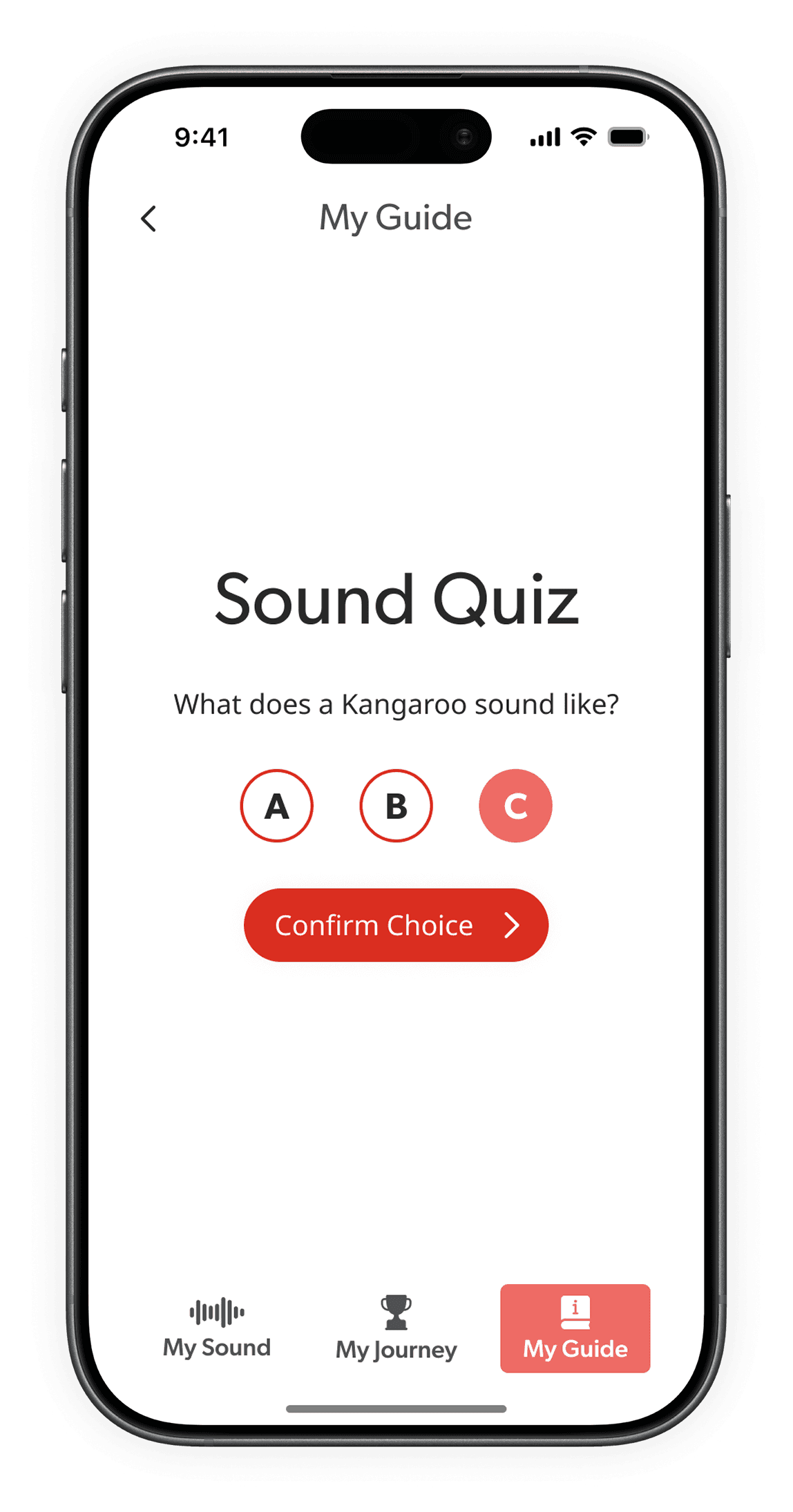
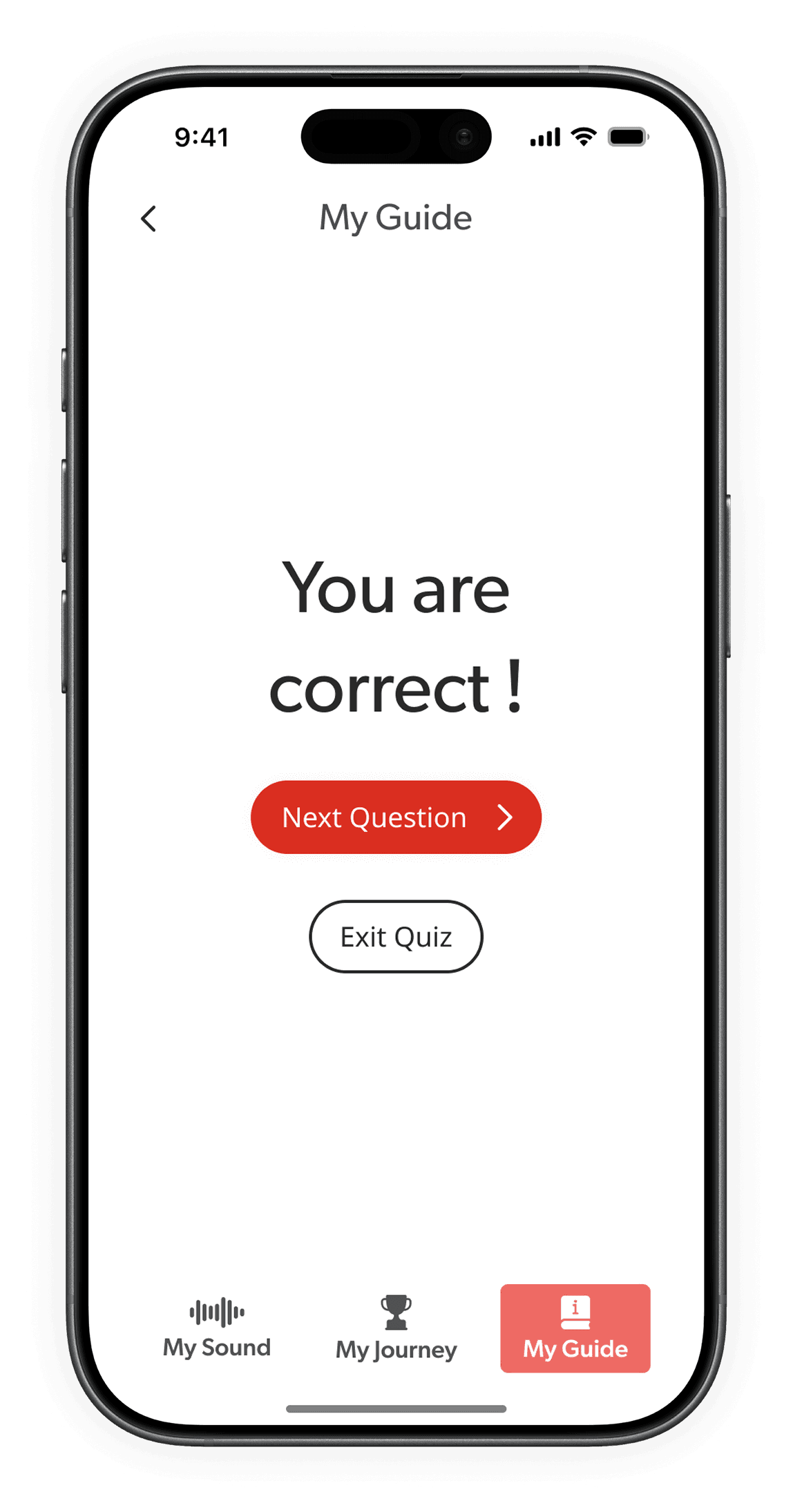
Users are emotionally sensitive
Acknowledges incorrect answers with positive encouragement