Making rocket
science feel easy
PROJECT ROLE
Product & visual designer
PROJECT CONTRIBUTION
Stakeholder analysis
Competitor research
Information architecture
User interaction & experience design
3D modeling & rendering
User testing
Visual design & content creation
TOOLS
Figma
Adobe Illustrator
Adobe Photoshop
Rhinoceros 3D
Digital & offset printing
COLLABORATORS
Sanya Gupta,
Product & visual designer
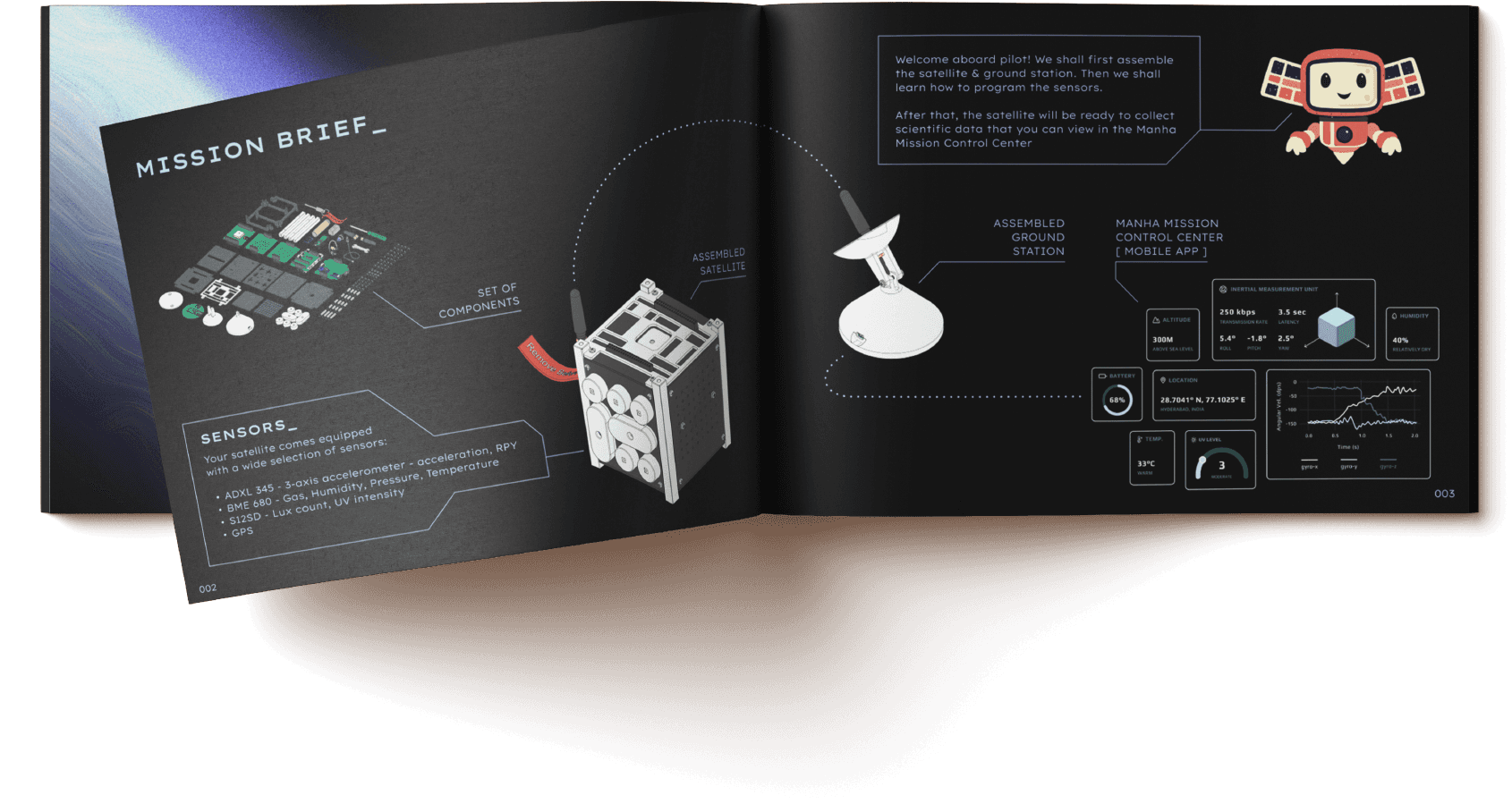
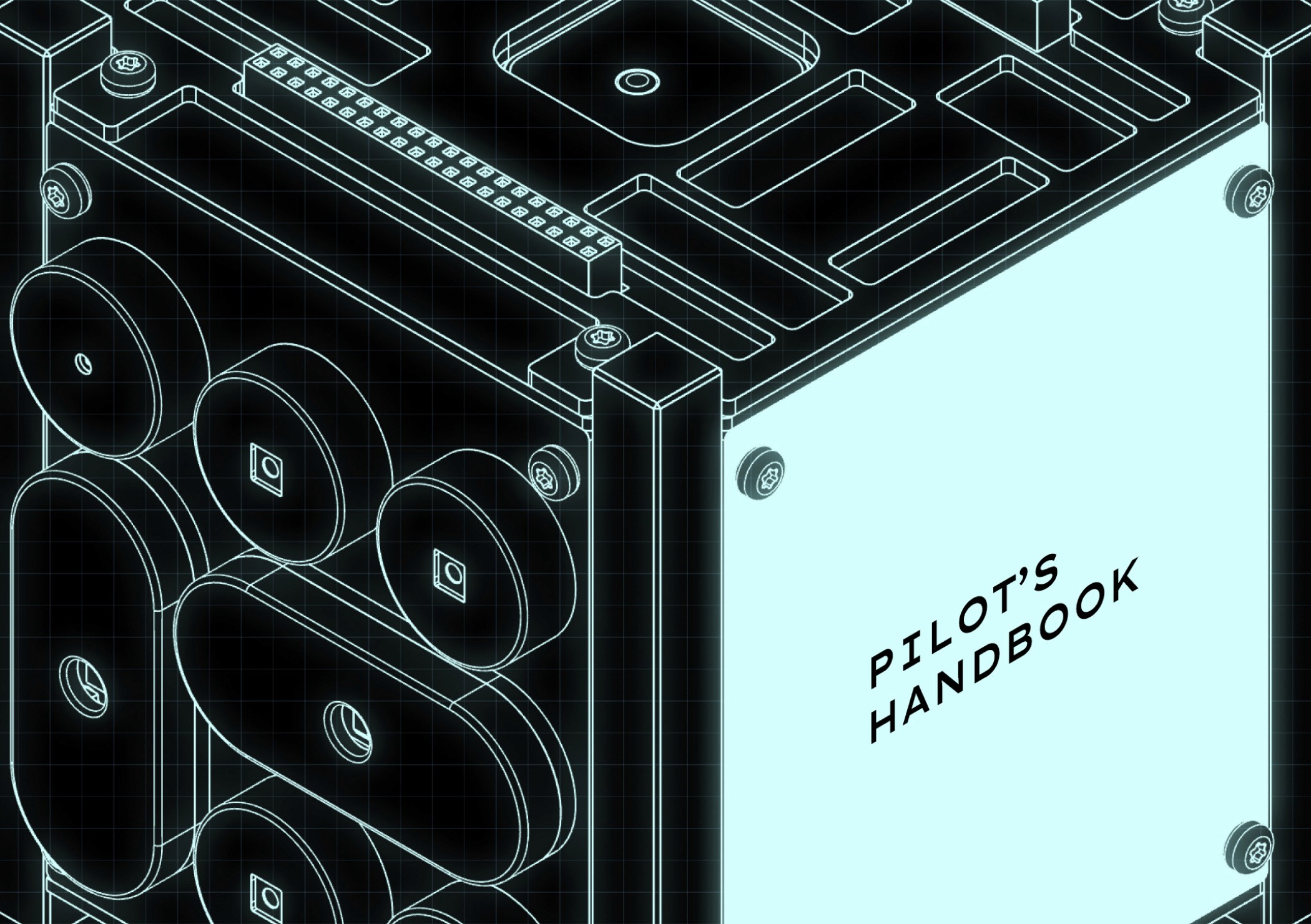
to go from this
to this
Give it a flip!

Here's the backstory in 04 points
01
It's a premium kit for
students aged 13 to 20+
👩🏫
13+ y/o
School student
Tech-shy
02
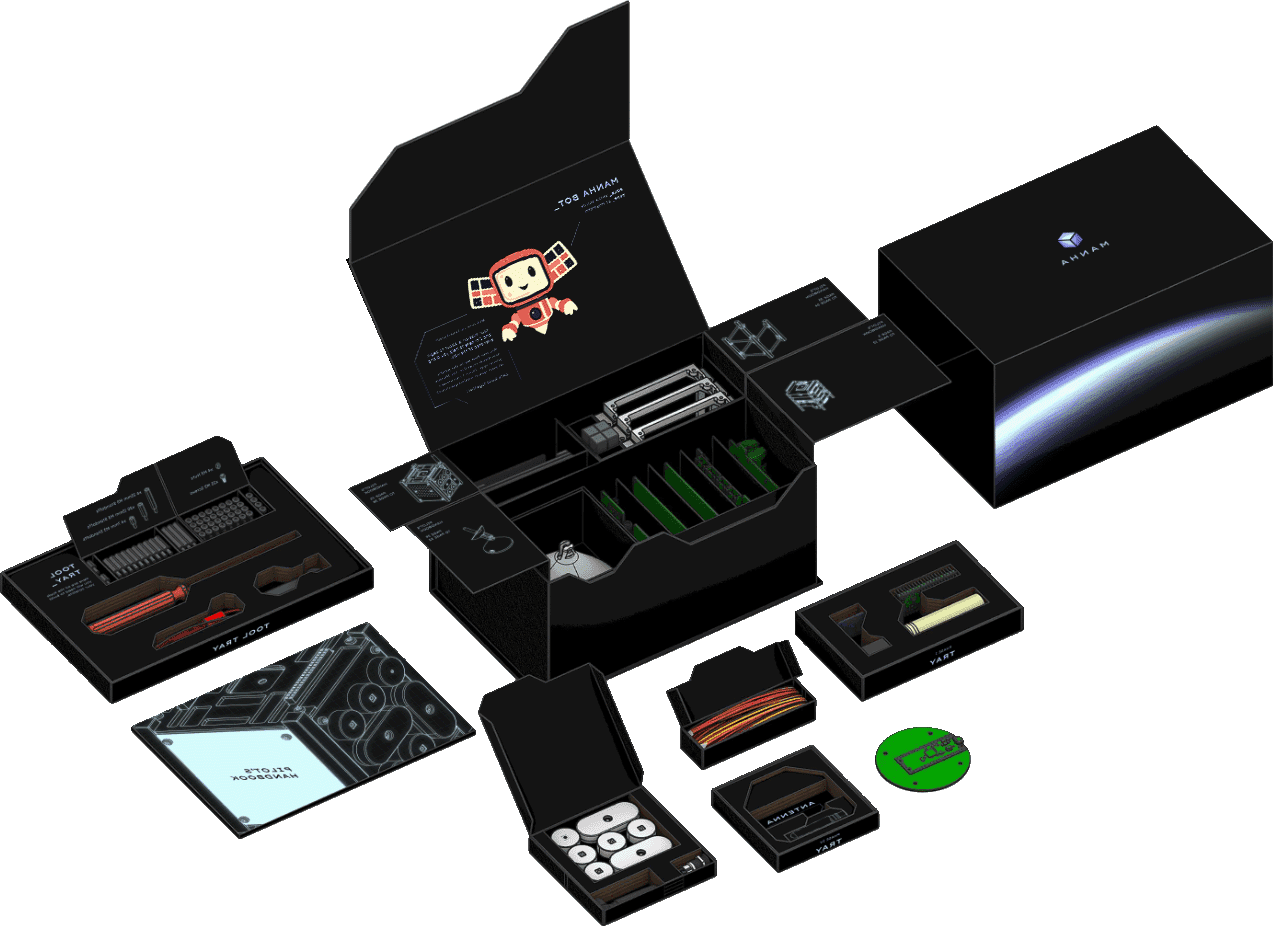
It will be used by multiple groups of students at a time during sessions conducted by a single facilitator.
03
04
The challenge
Designing for both the tech-shy & the tech-enthusiast.
Make the manual exciting enough to stop users from skipping it, while easing them into assembly as their first touchpoint with the kit.
Blending the physical & digital experience
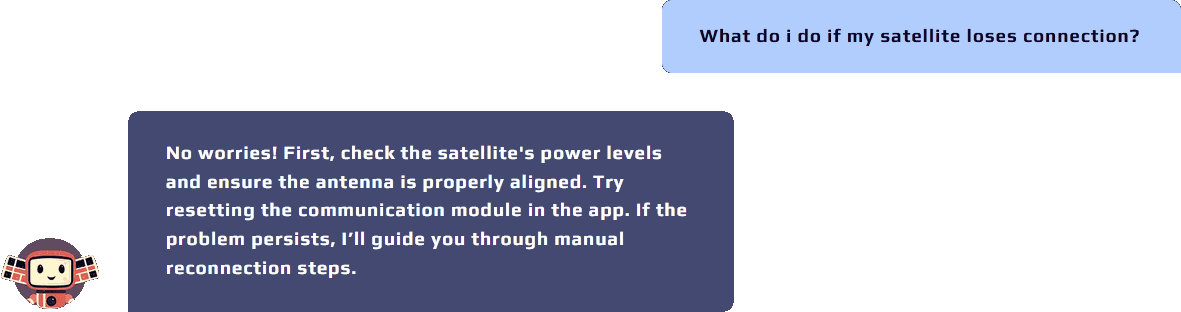
Manha Guide ties packaging, manual & app into one seamless flow.
We unified the physical unboxing & the assembly experience into a guided flow that transitions seamlessly into their AI powered app.
The result
01
Accounts for user extremities.
02
Identifies & provides resolutions at every potential pain point.
03
Lower chance of misplacing parts or missing assembly steps.
Here's how we did it in 08 points
01
First point of contact
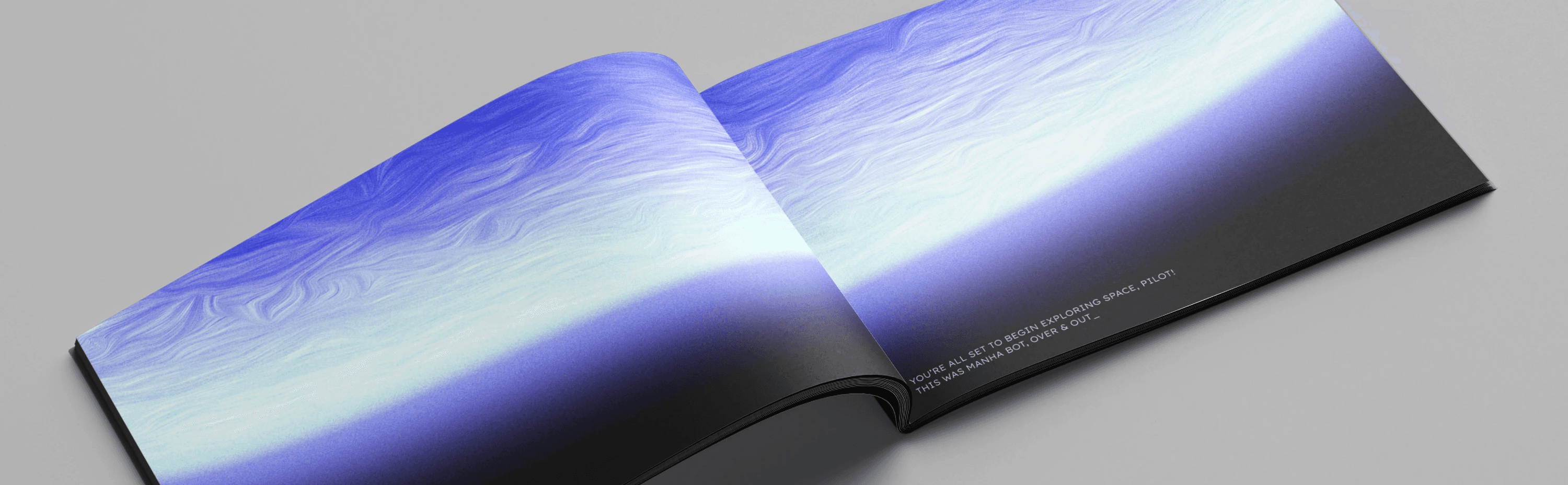
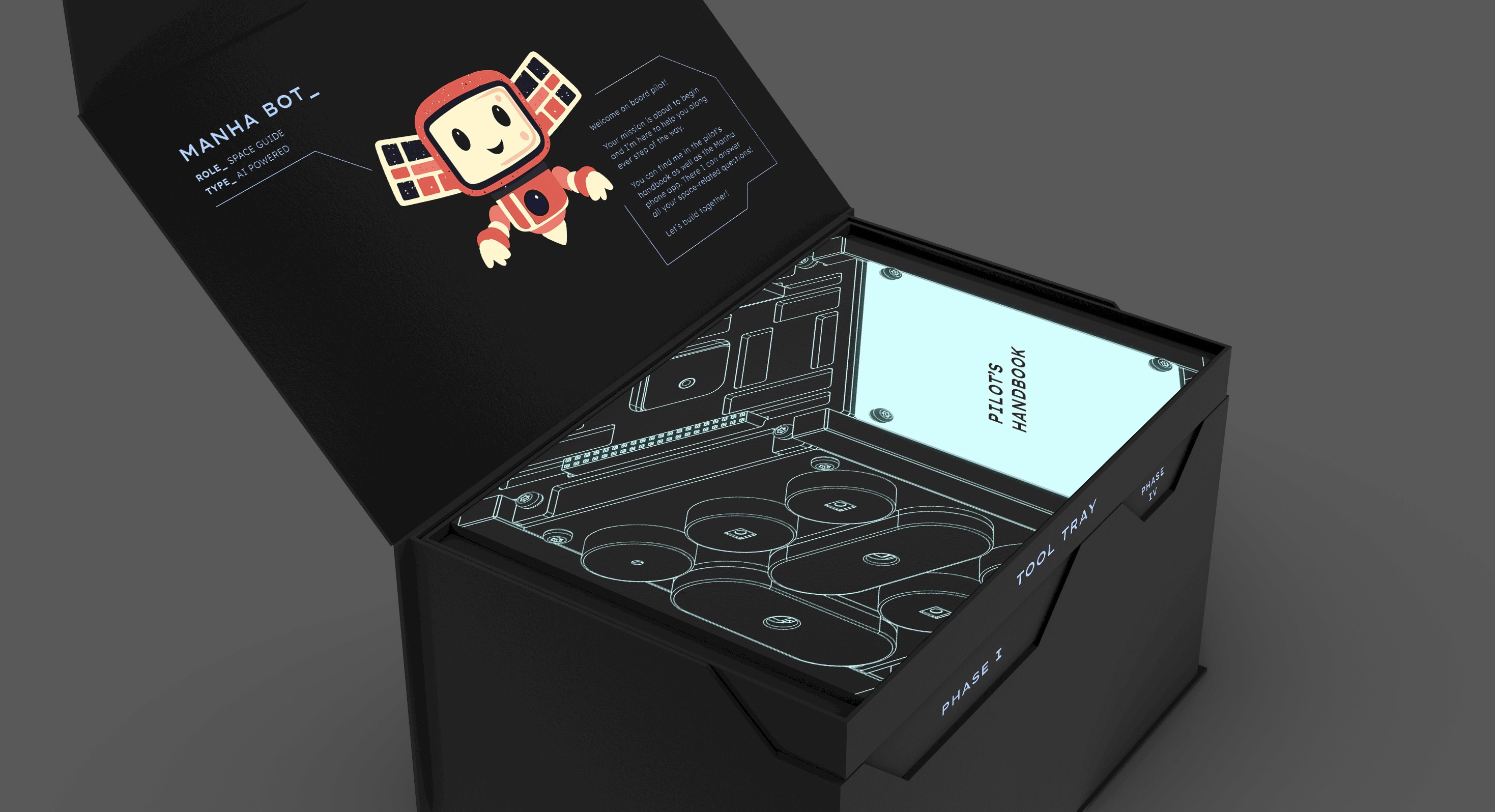
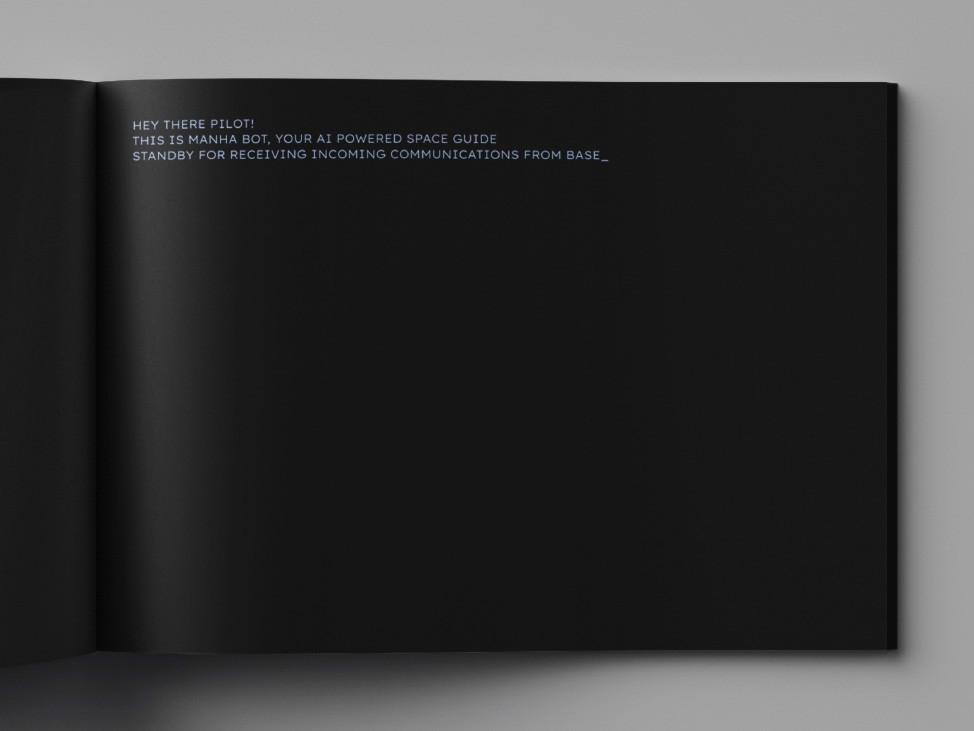
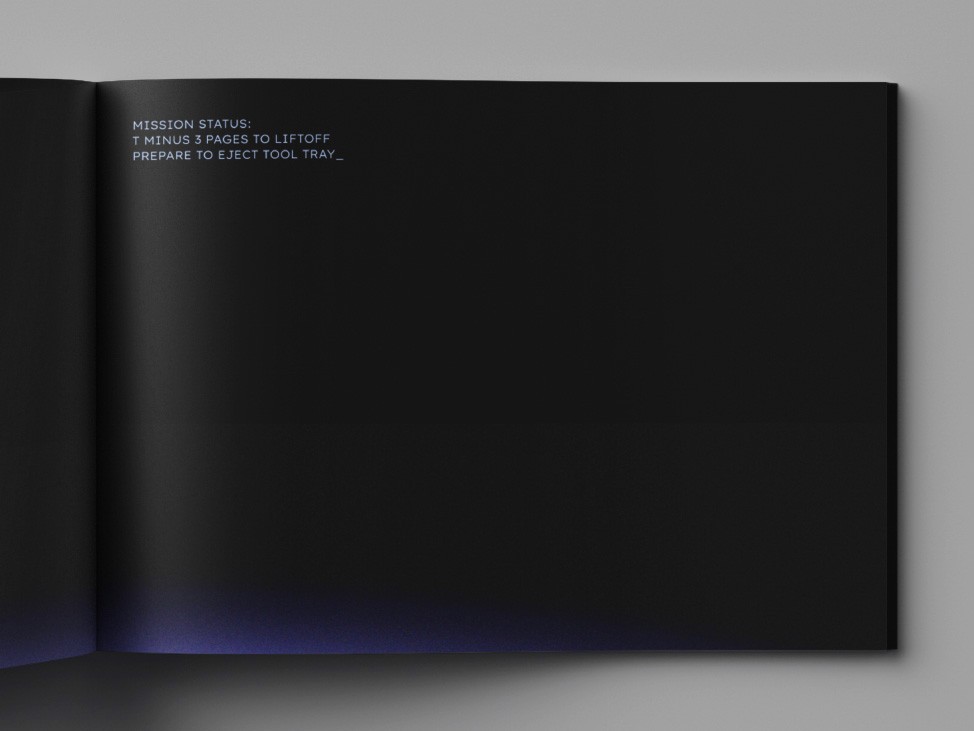
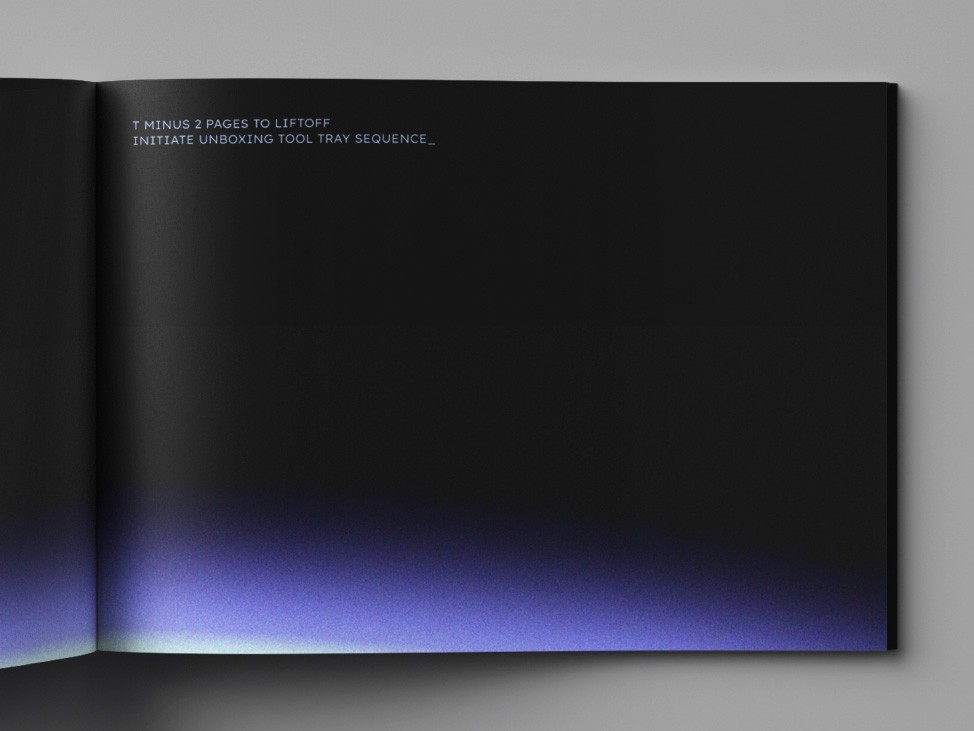
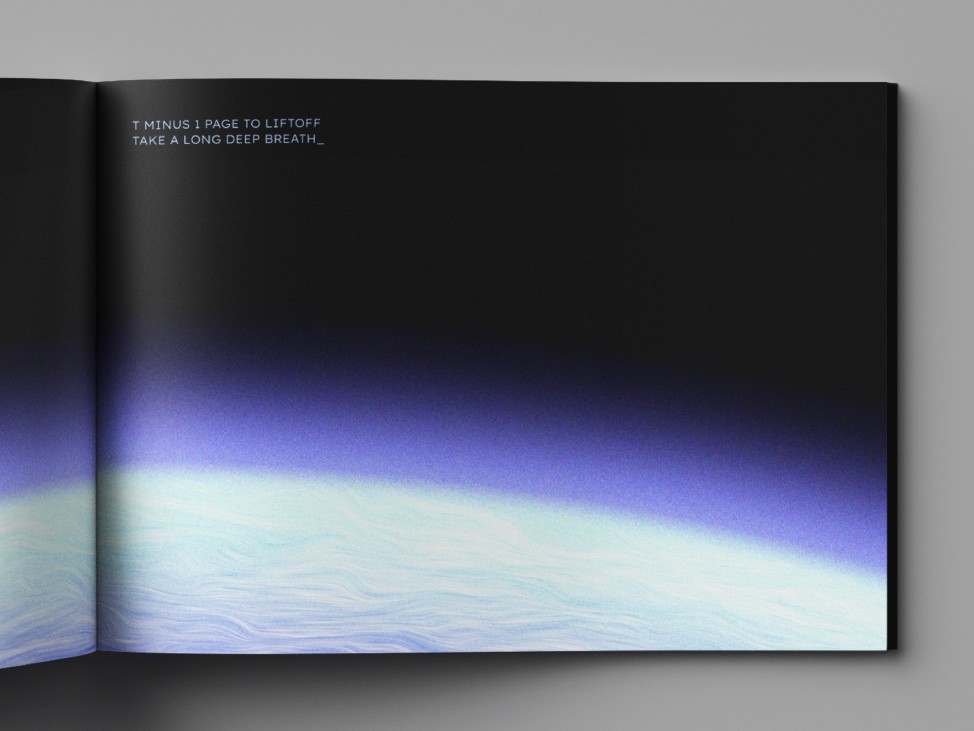
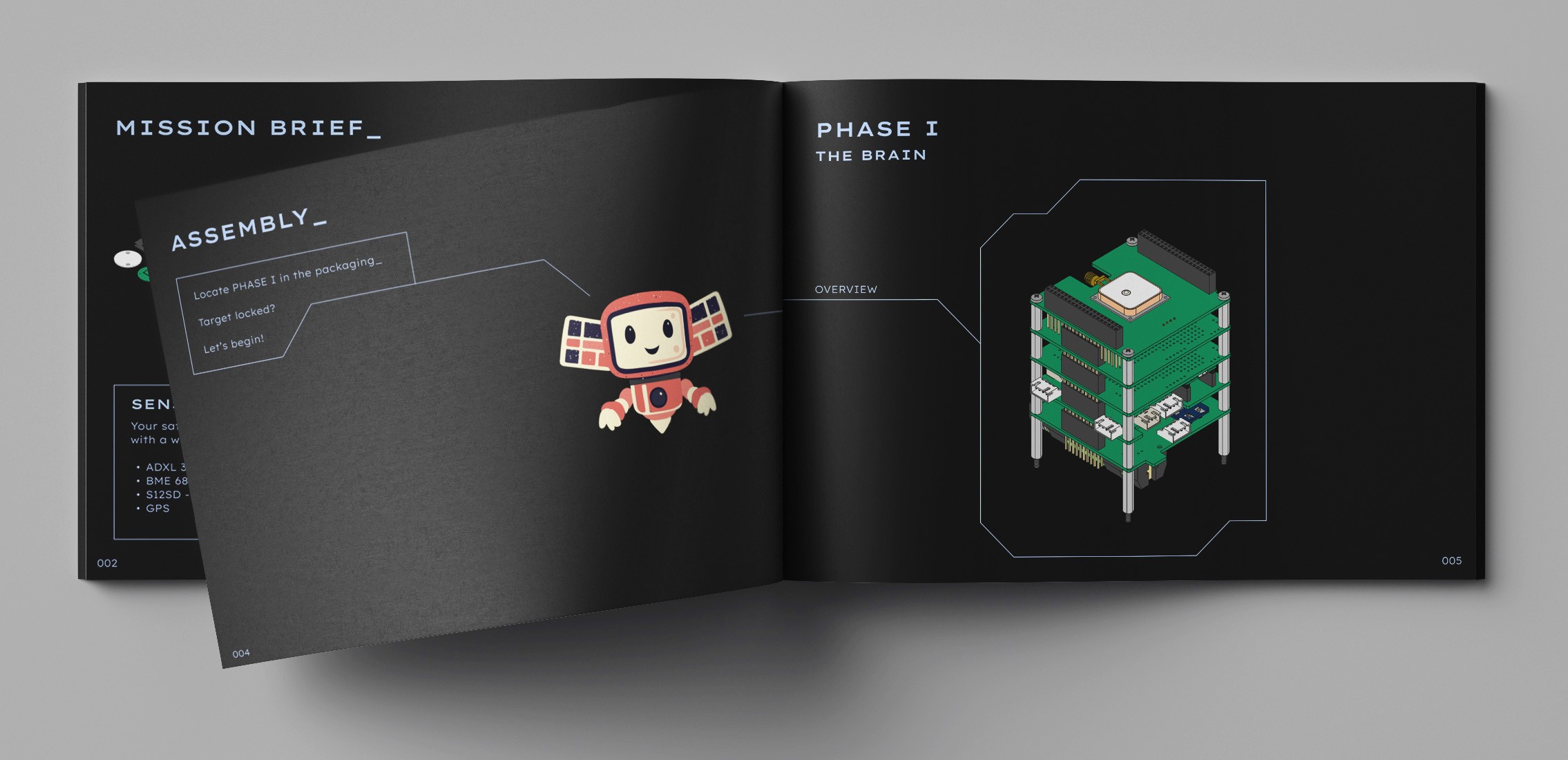
The manual ("Pilot's Handbook") is introduced immediately after the mascot Manha Bot greets the student on opening the packaging.
02
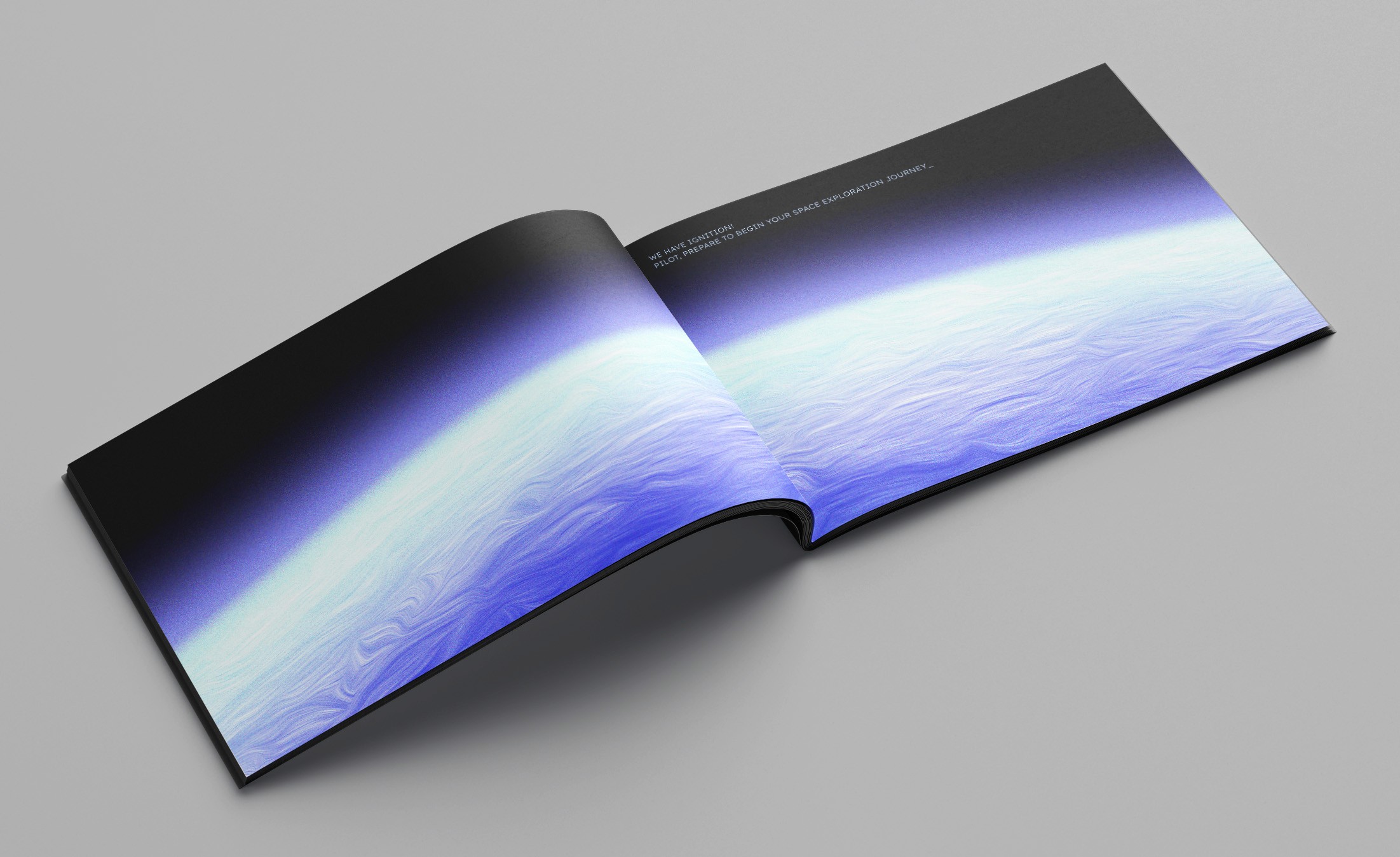
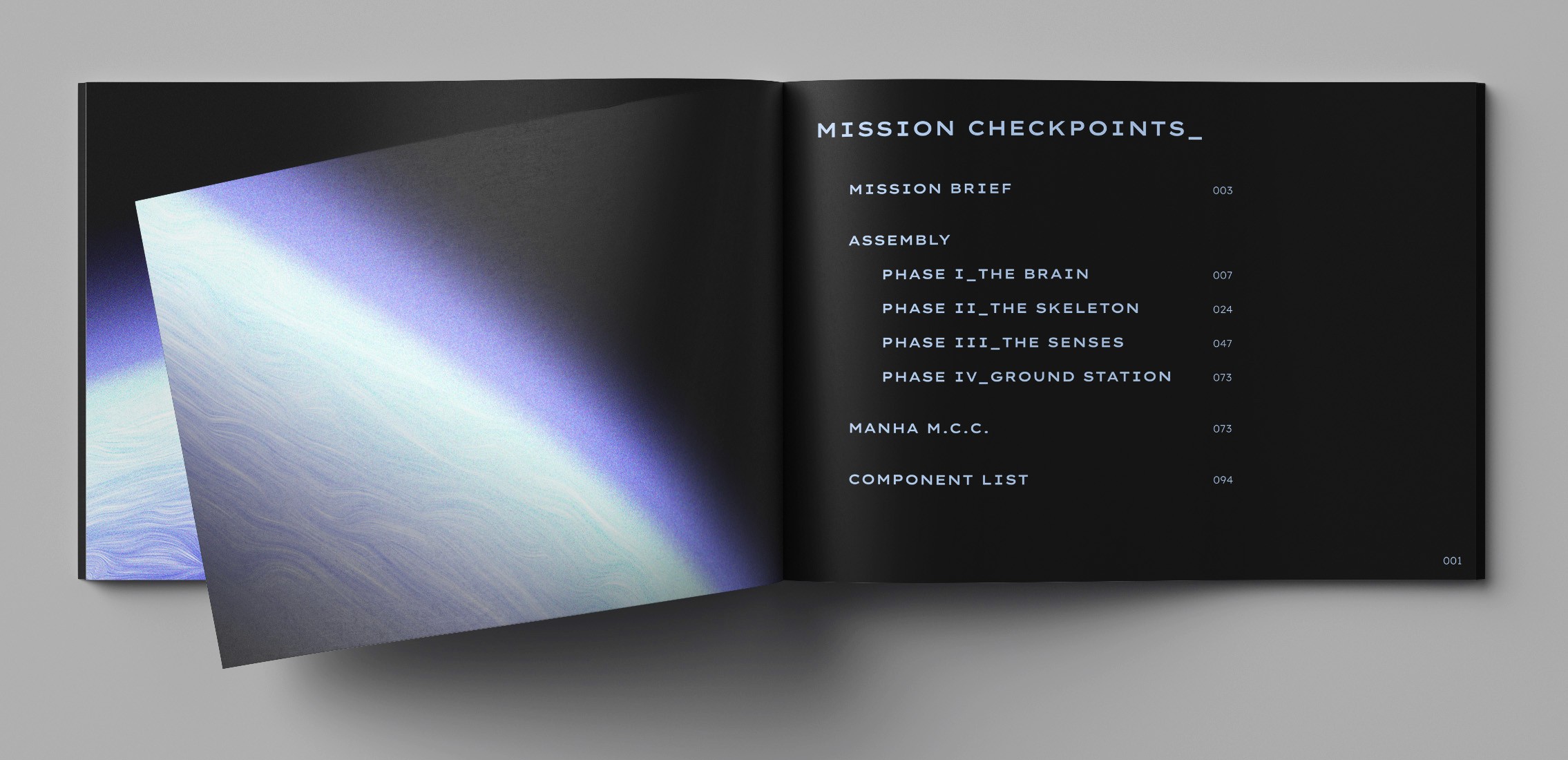
Theming
The manual draws inspiration from a command prompt interface & the launch sequence of a rocket to guide the user through the unboxing.
03
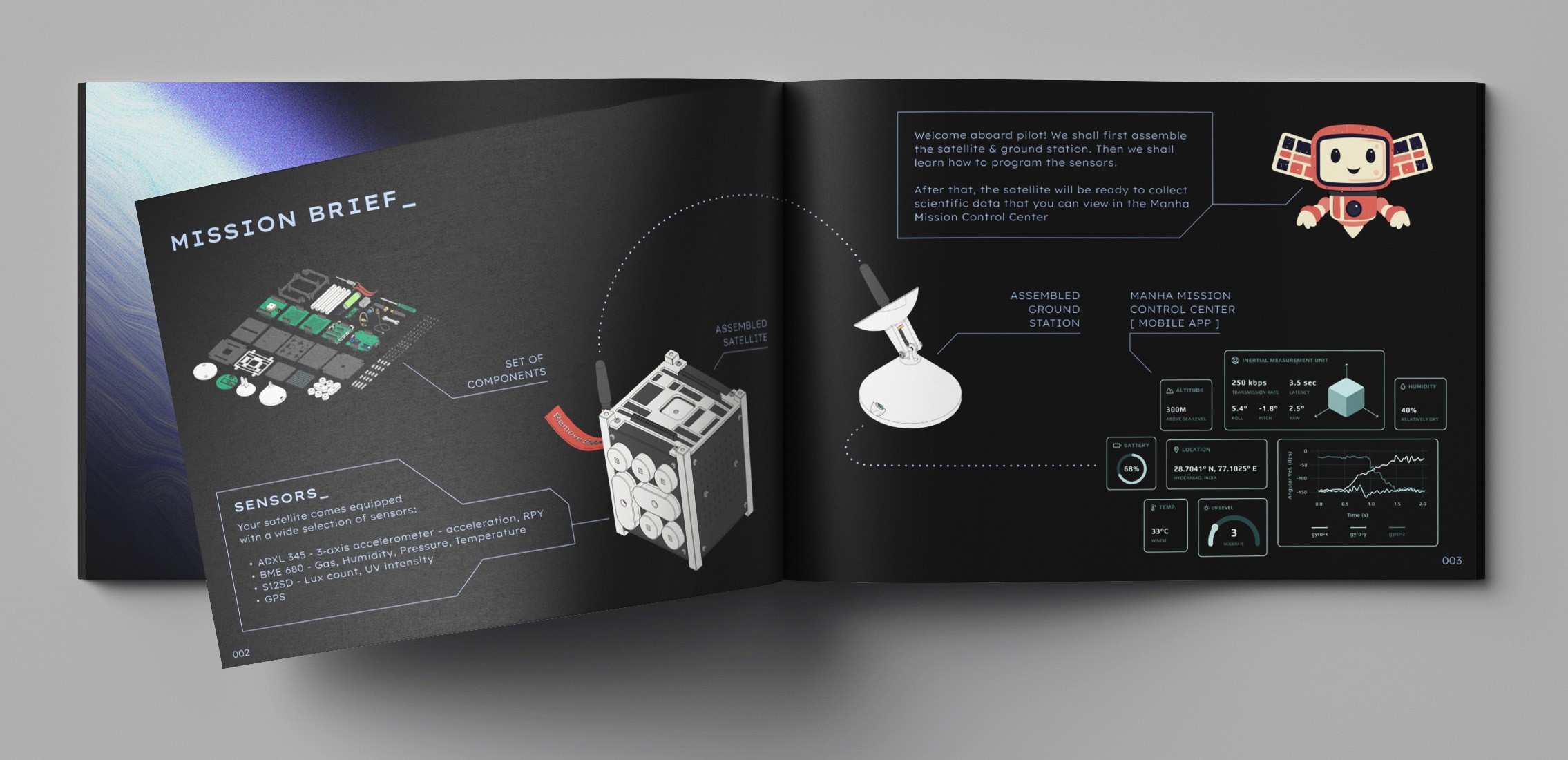
Continuity
The Manha Bot features in the manual to ease the students into the assembly process.
04
Assembly synchrony
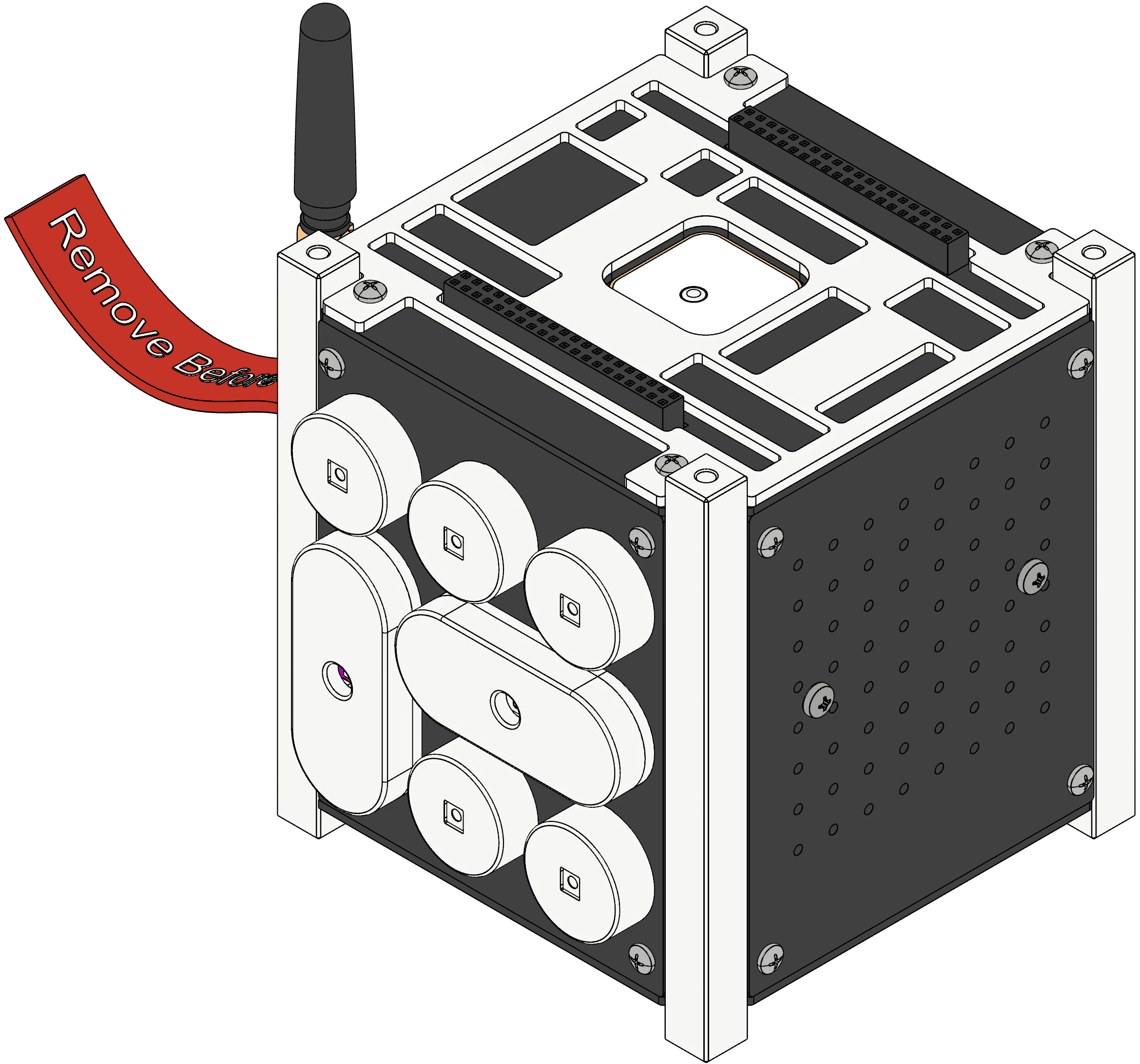
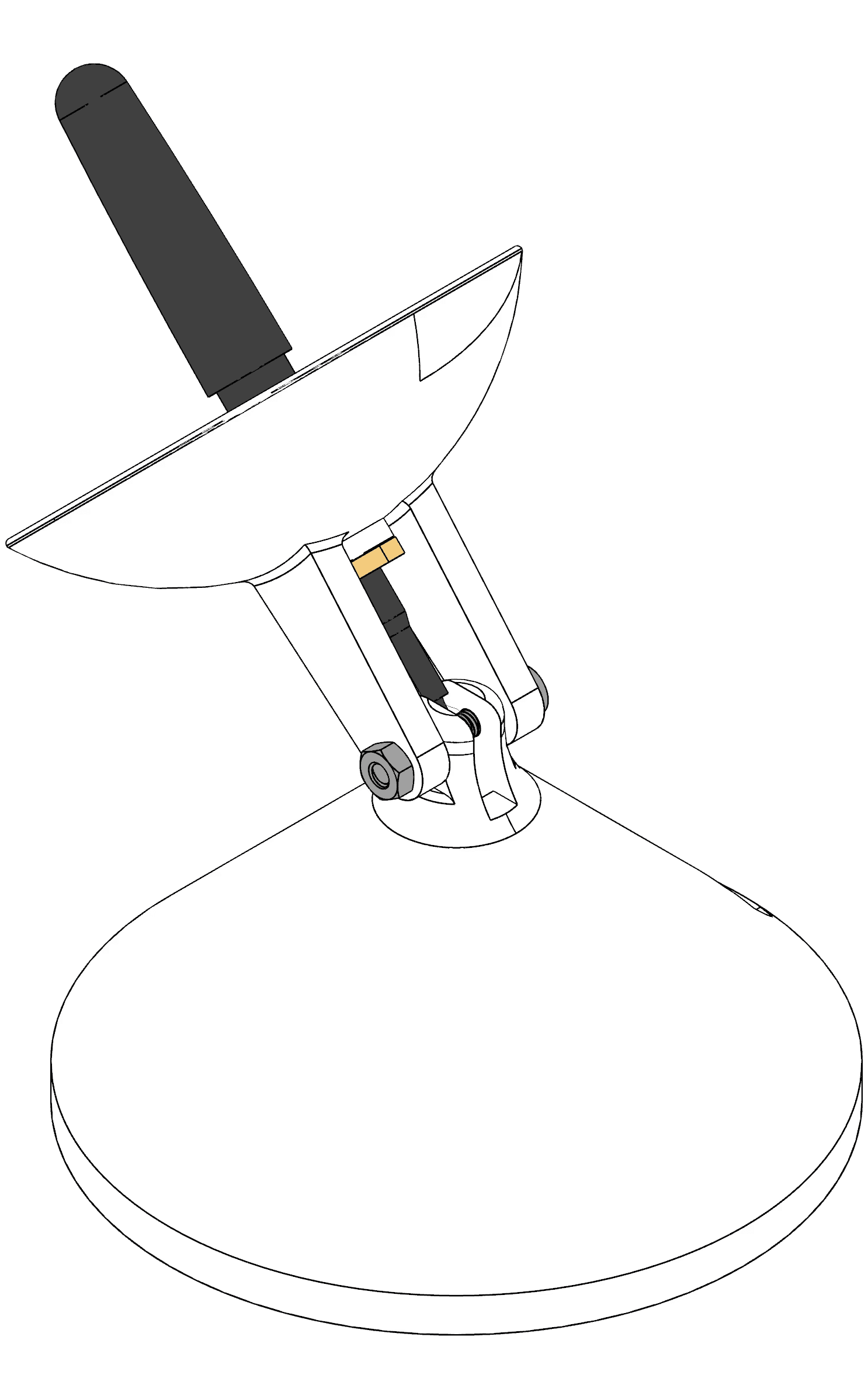
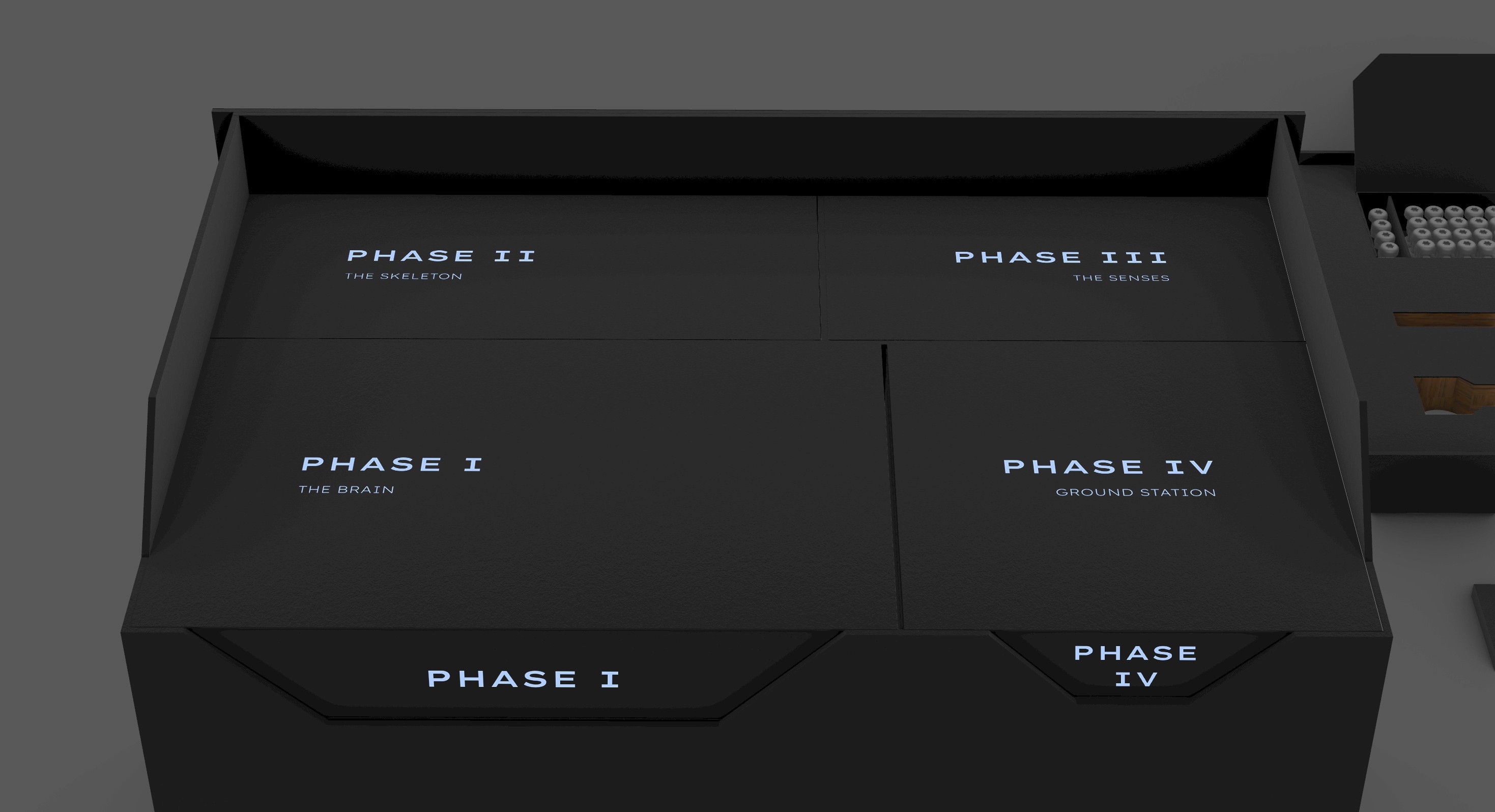
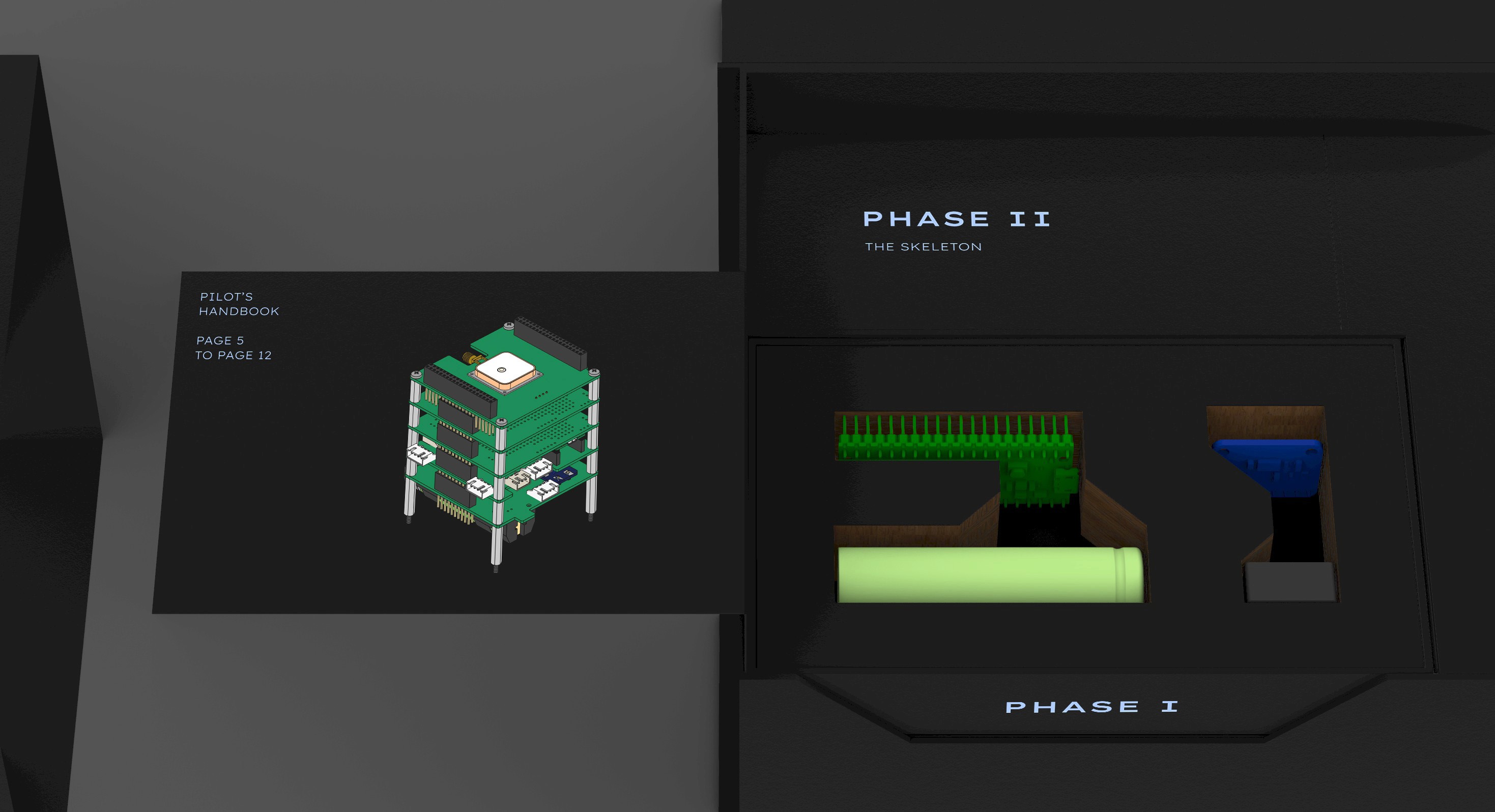
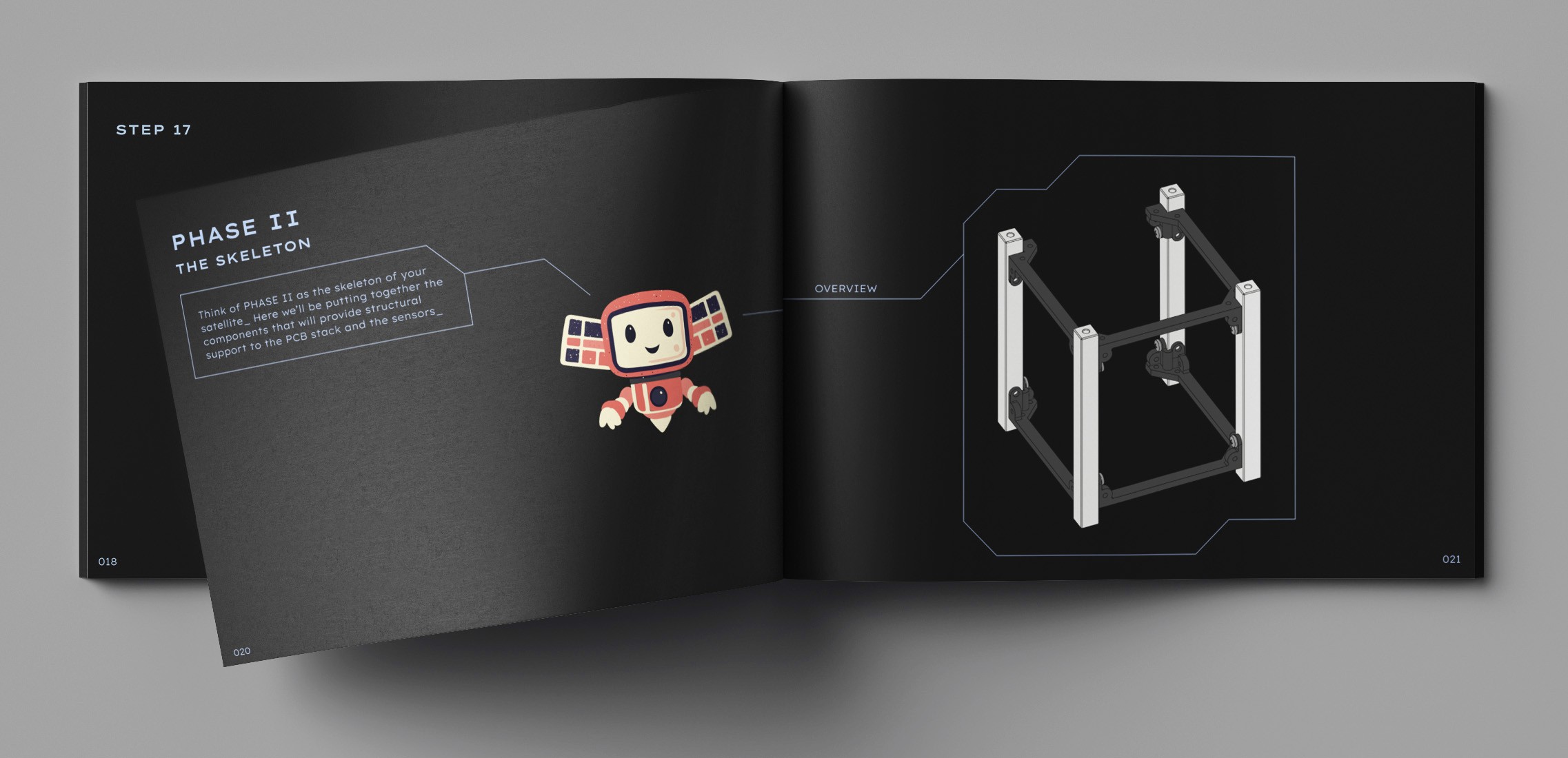
We split the assembly into 4 consecutive stages to reduce cognitive load.
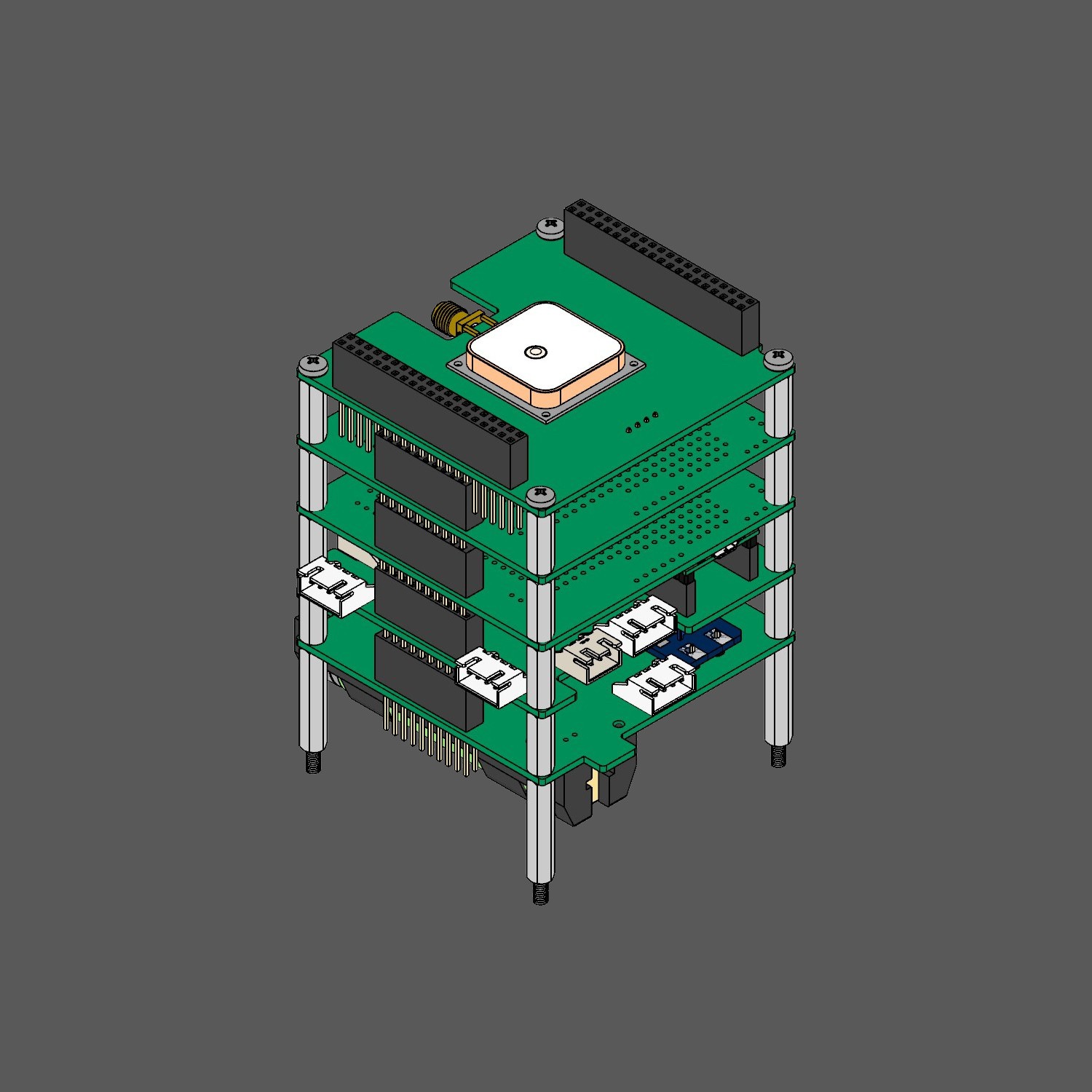
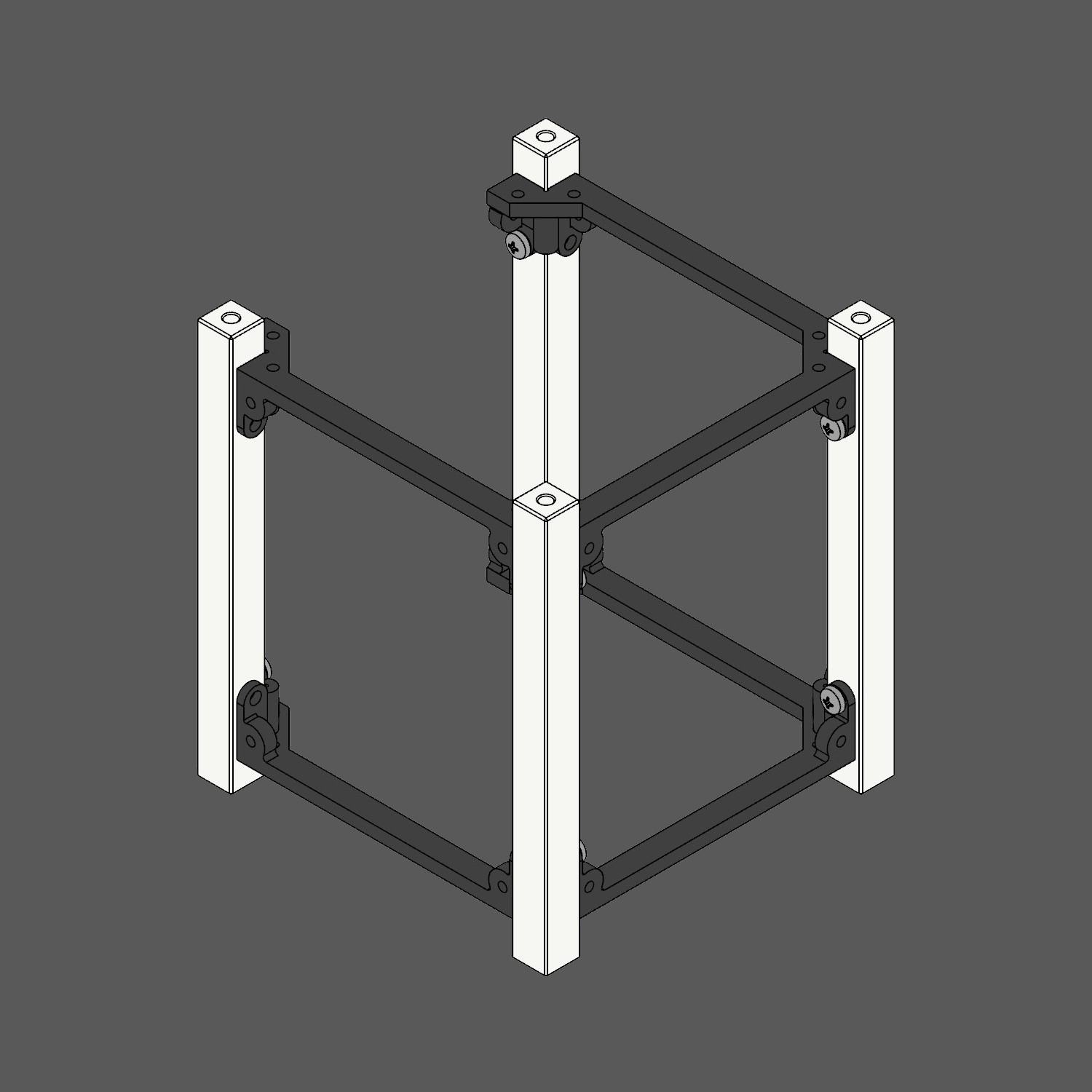
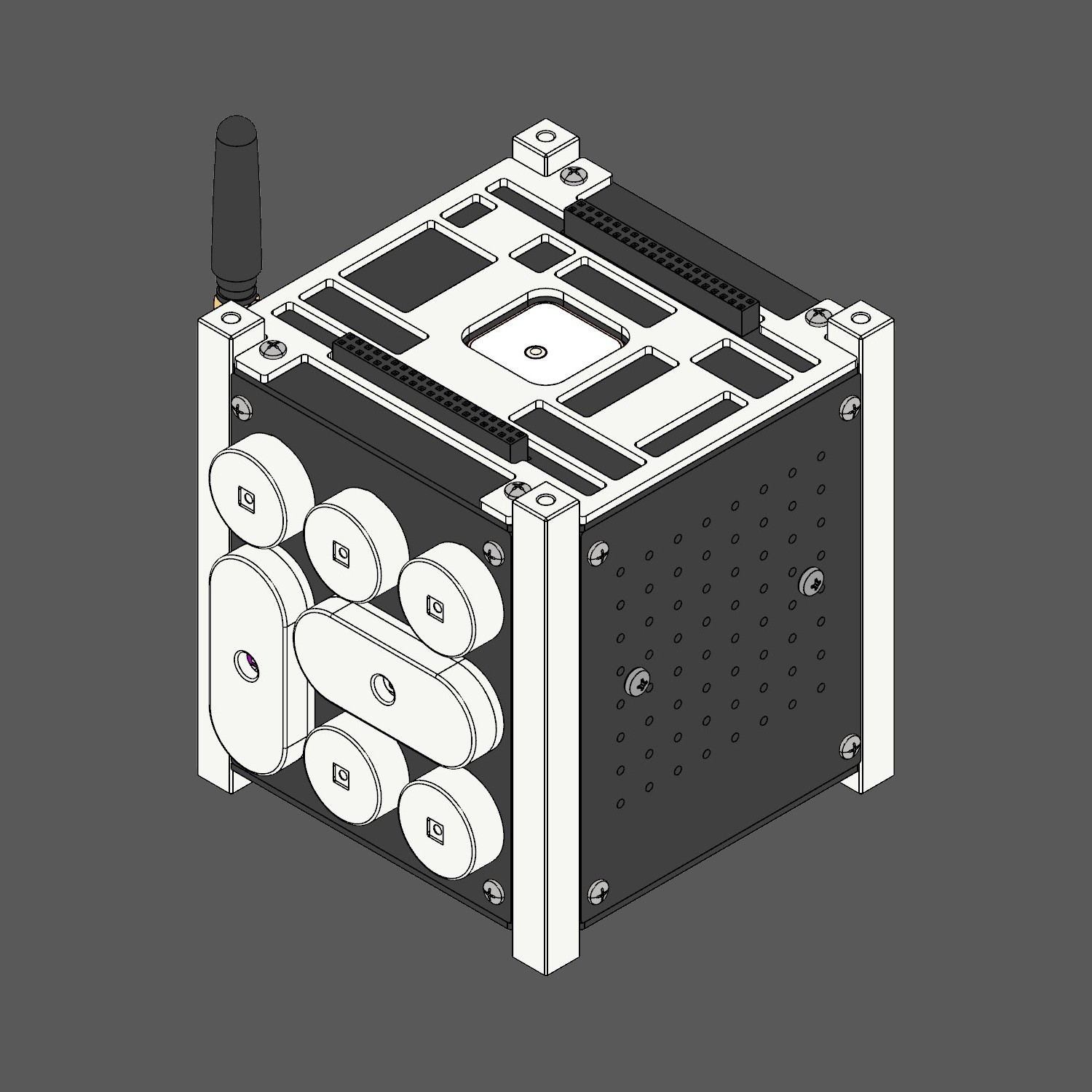
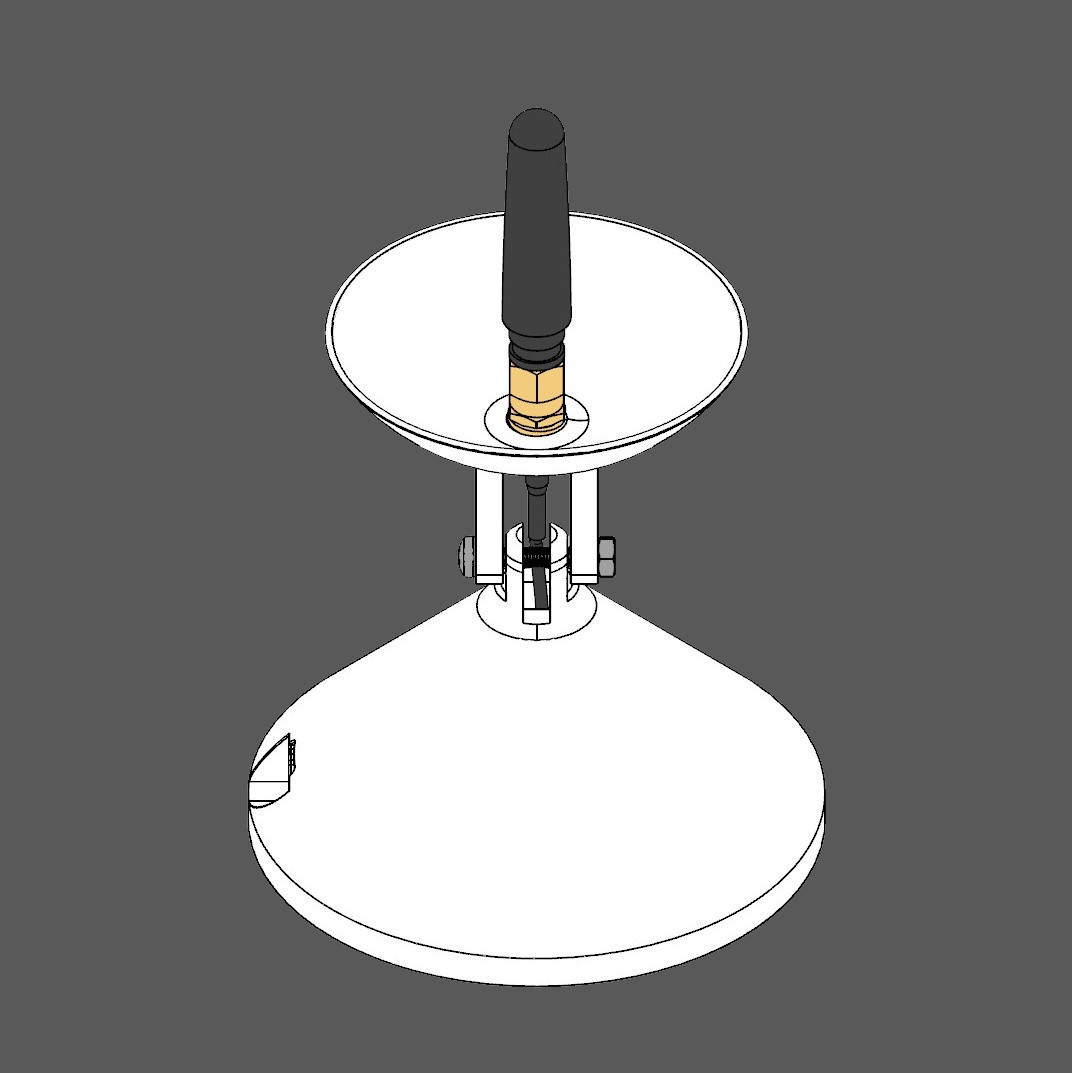
These were then synchronized with both the packaging & the manual.
05
Inclusivity
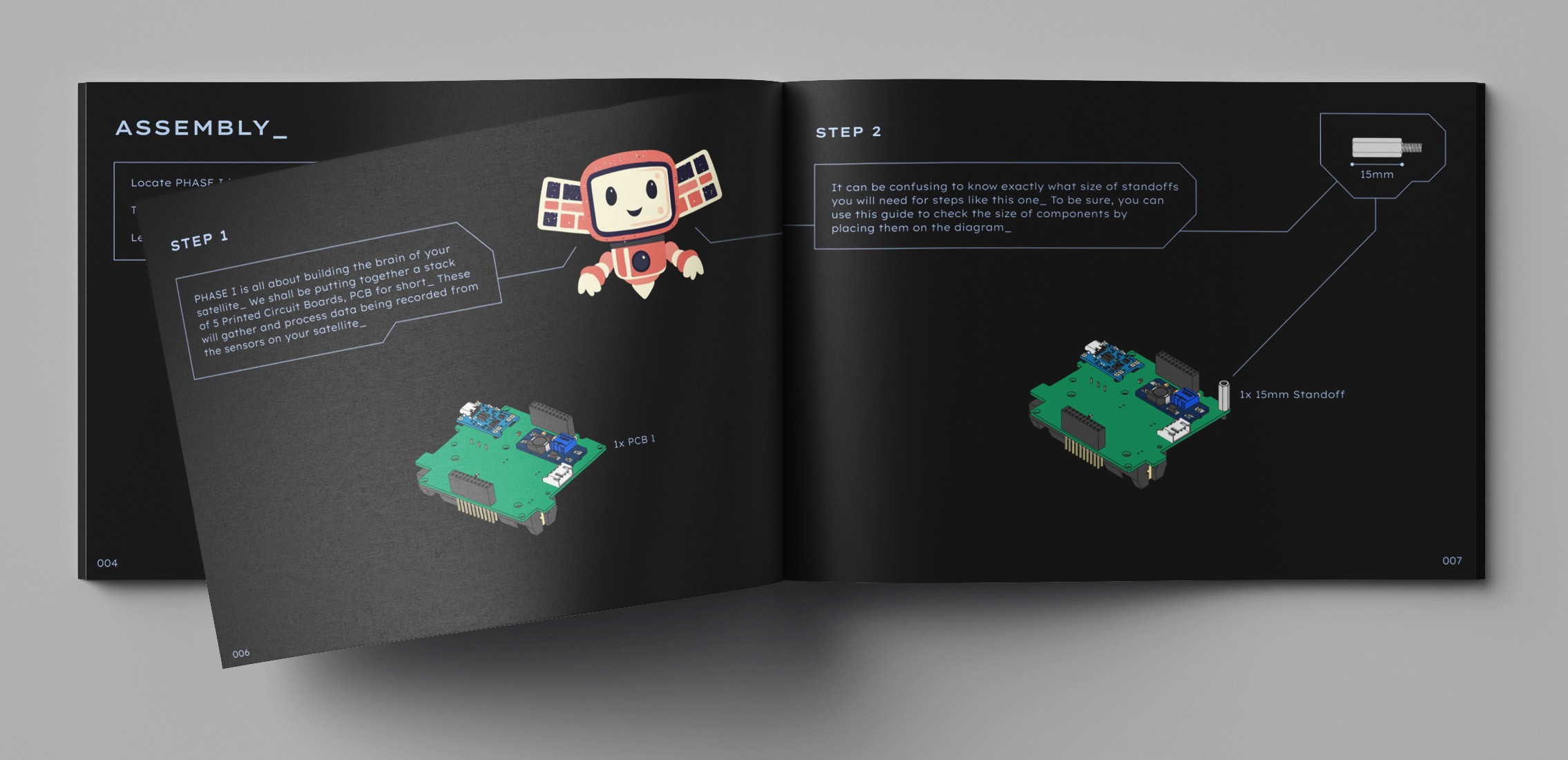
Analogies were used to simplify & explain the technicalities for the tech-shy while celebrating complexity with technical names, functions & diagrams for the tech-enthusiasts.
06
Cognitive ergonomics
The instruction layout borrowed from the industry's best practices.
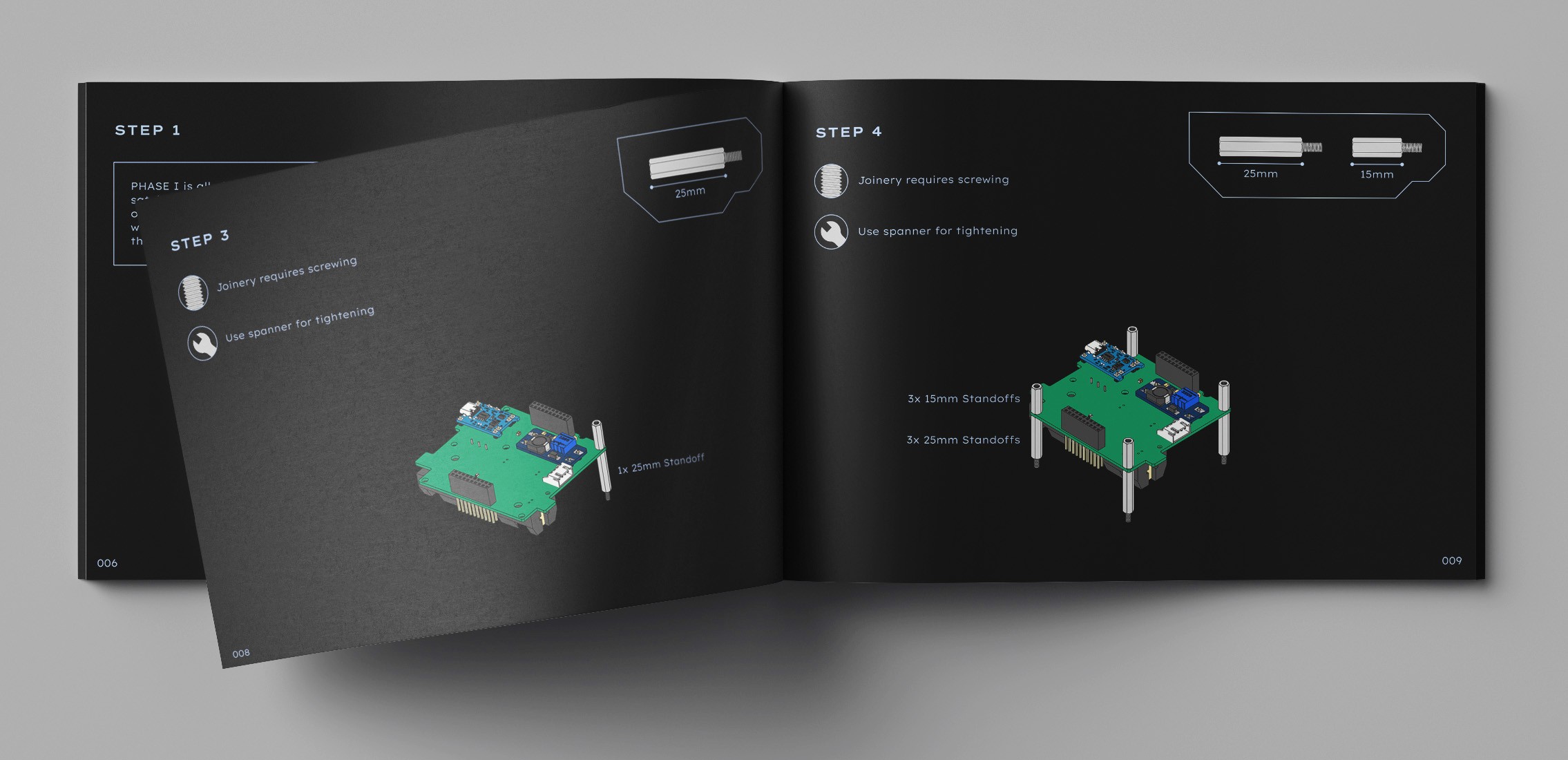
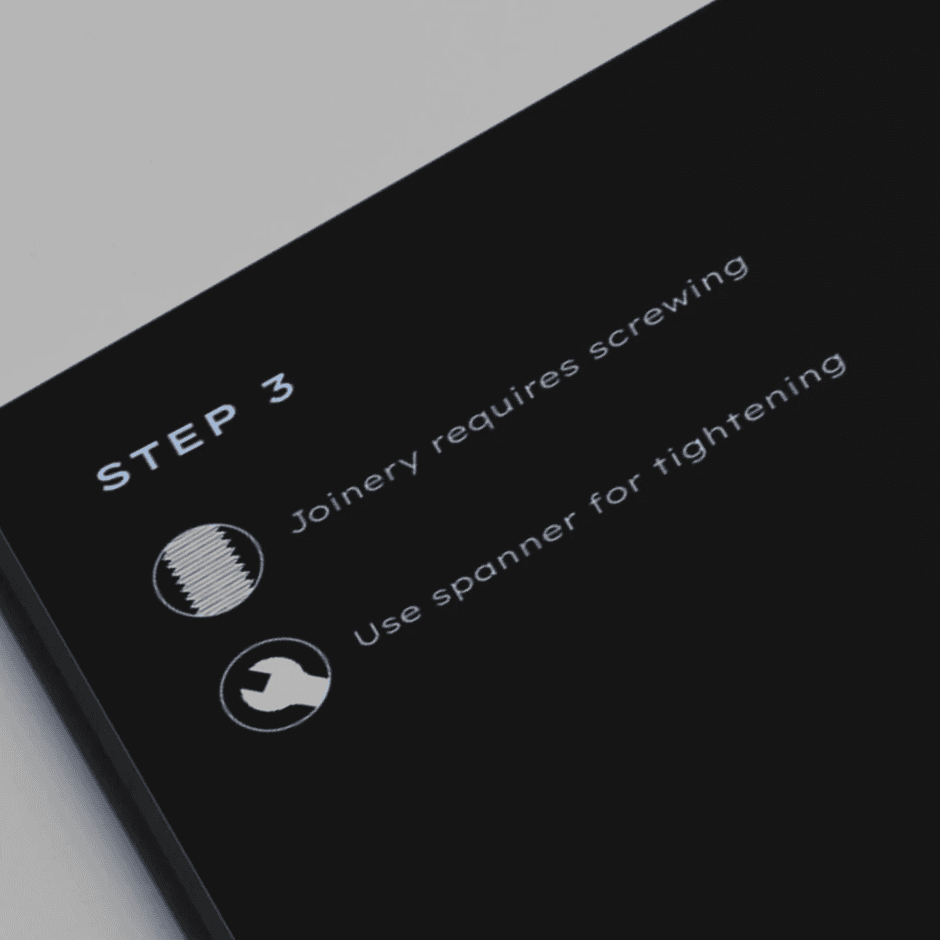
Helpful tips for beginners.
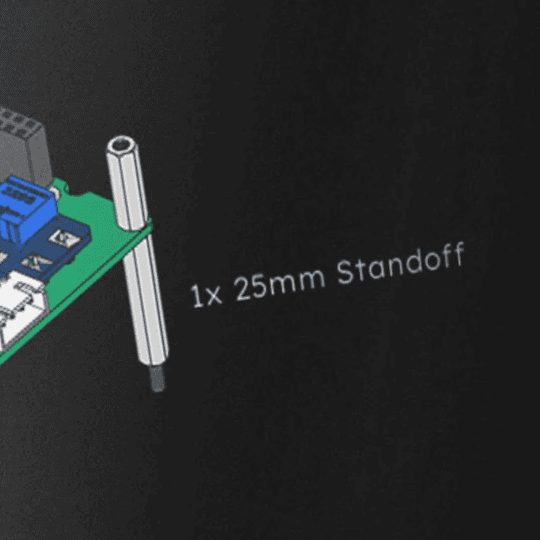
Part labels for every step.
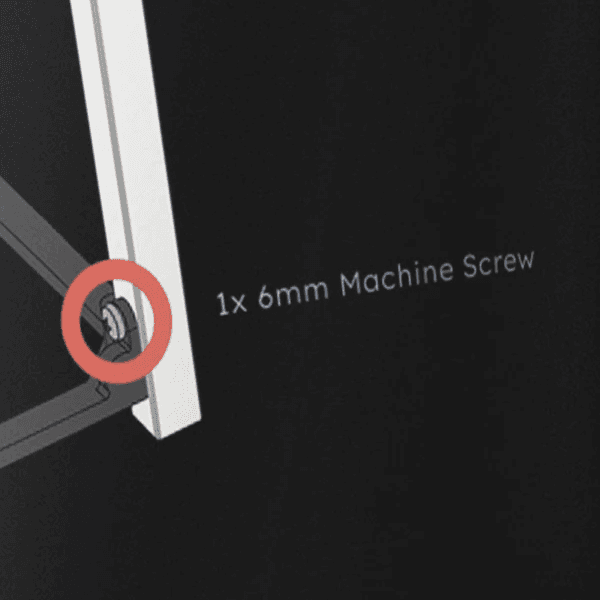
Red circular highlights for hard to see parts.
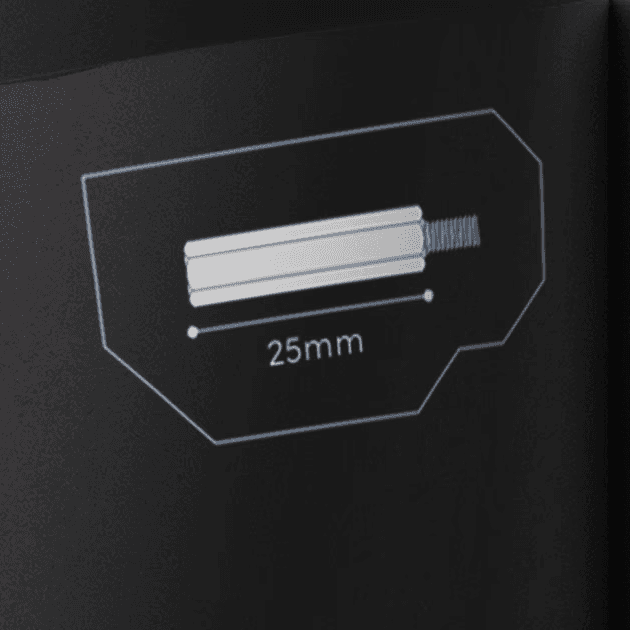
1:1 scale guides to ensure correct part sizes.
07
User tested error reduction
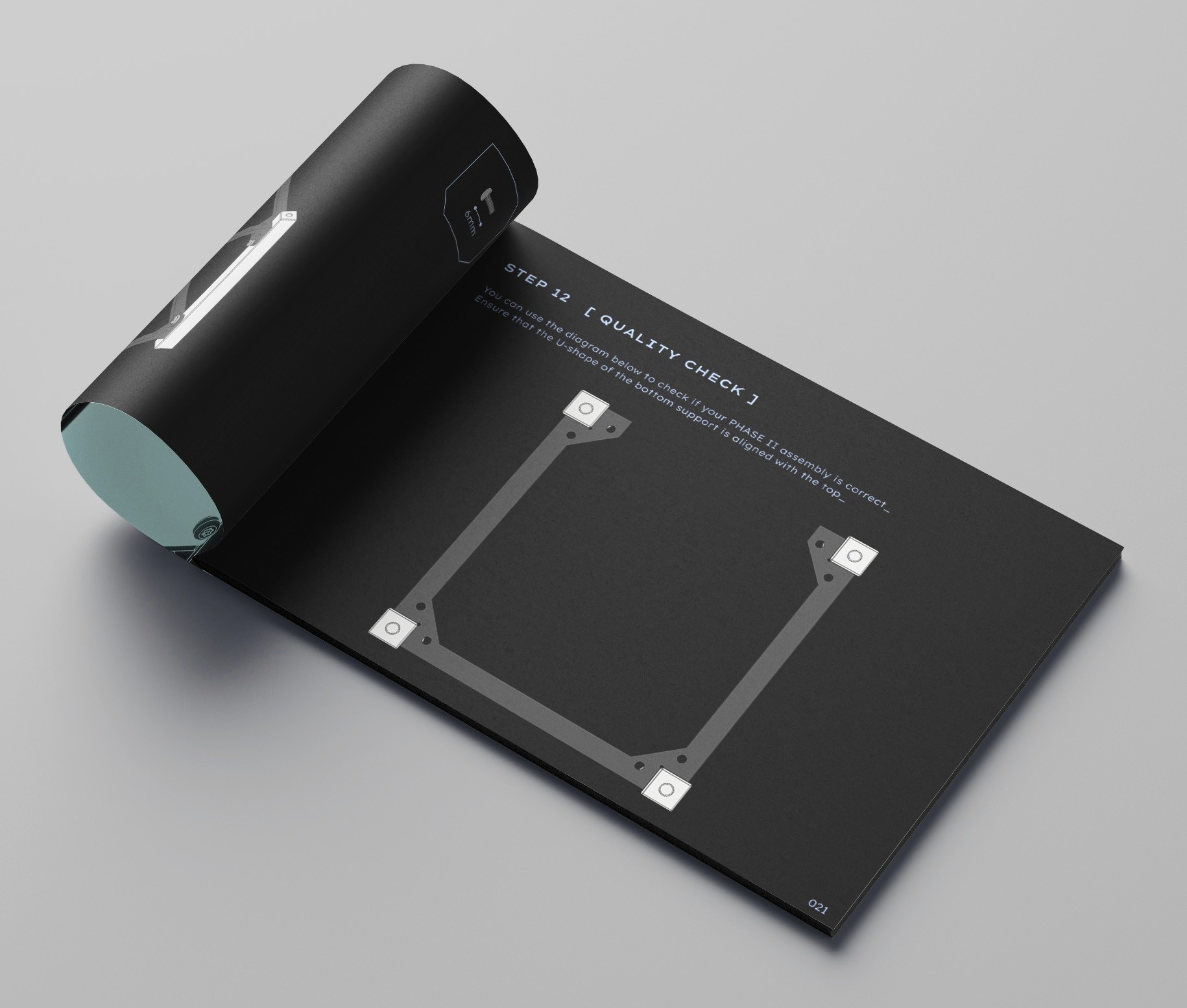
We identified pain points in the assembly during user trials & included 1:1 scale quality check steps to course correct after complex assemblies.
08
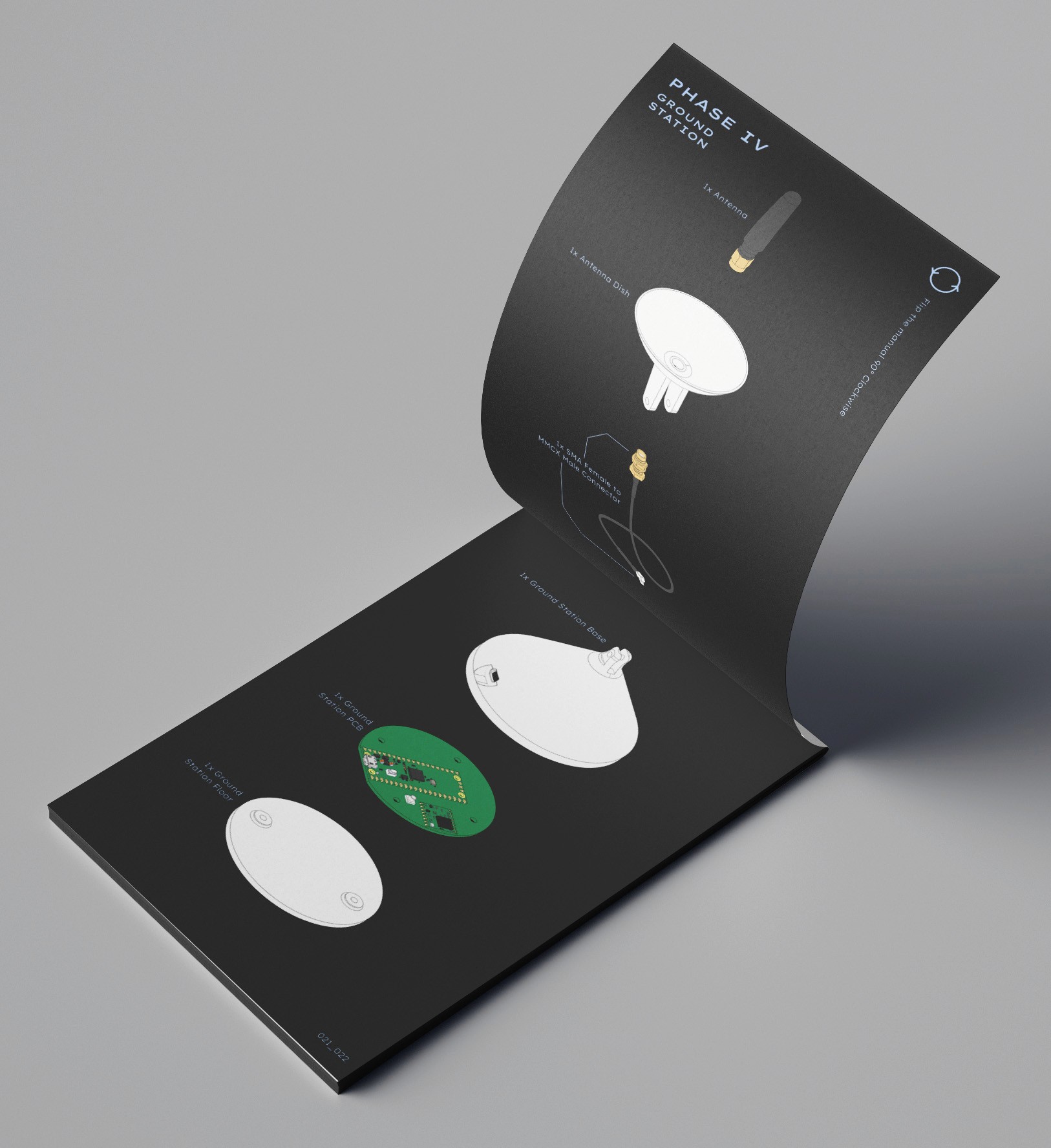
Contextual visuals replaced lists & tables
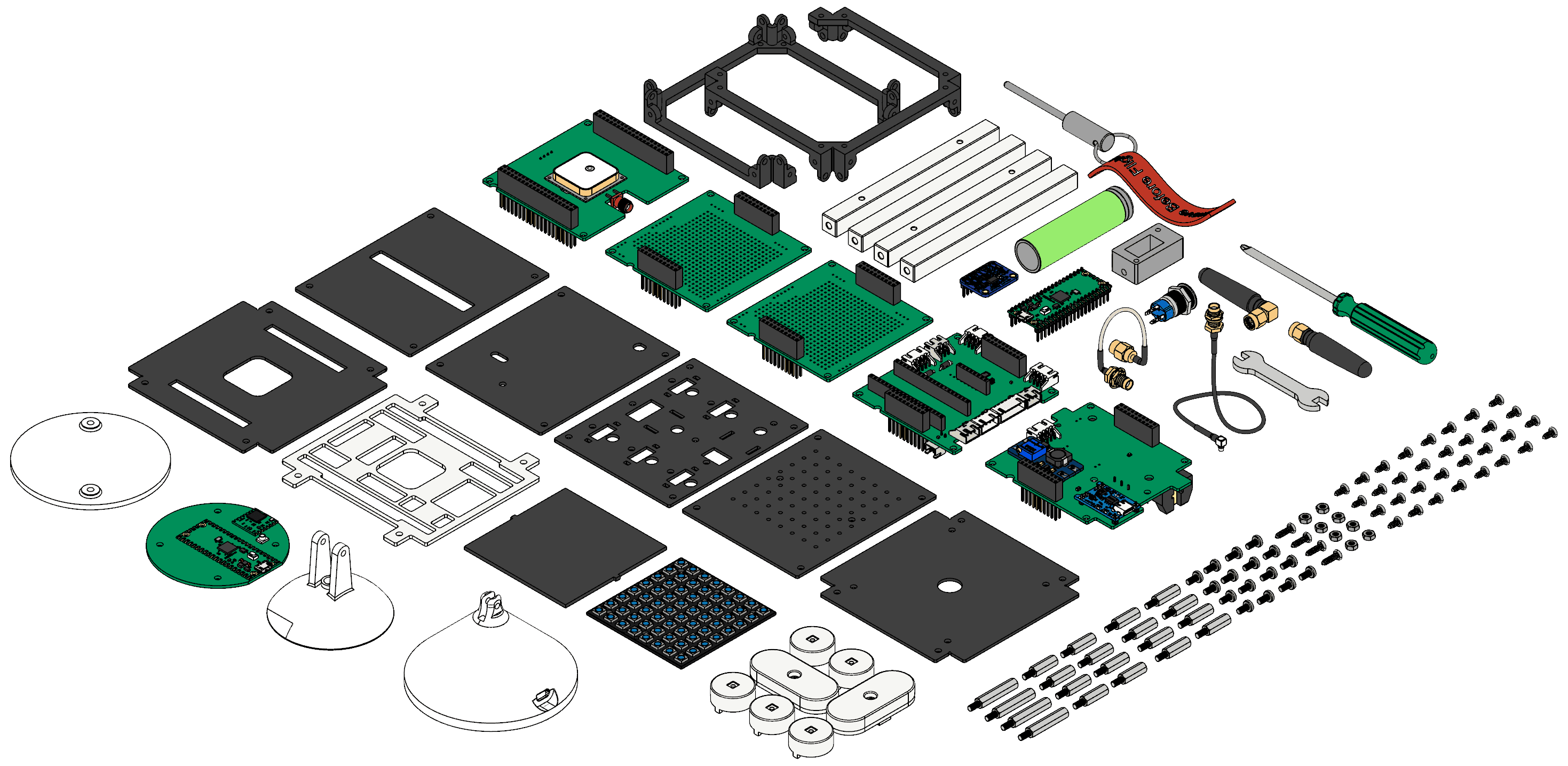
The component checklist at the rear used exploded views along with technical names of parts to excite both tech-shy & tech-enthusiasts.
Over & Out!