01
Competitor analysis
We played with Lego & here’s what we found:
Layout
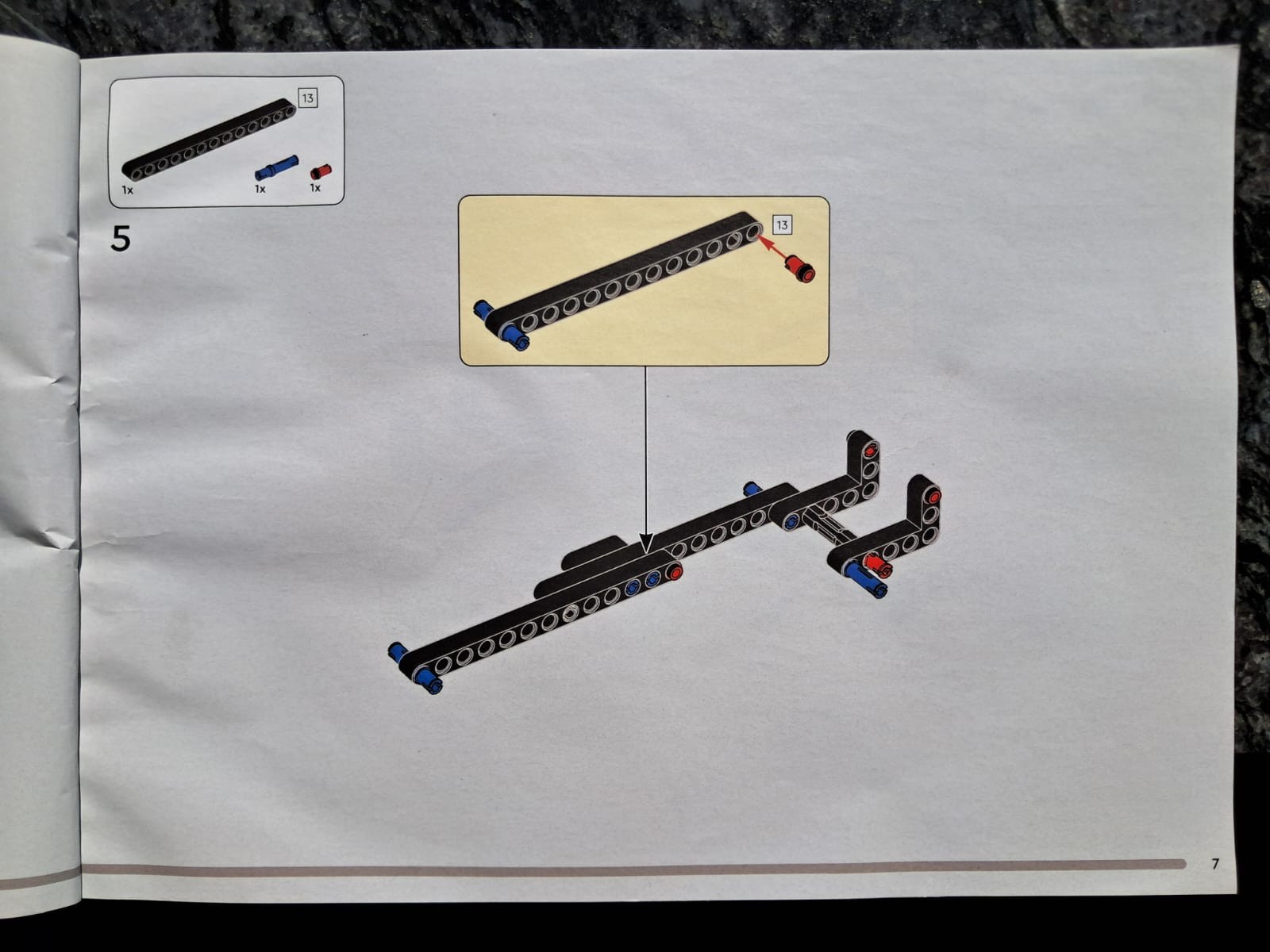
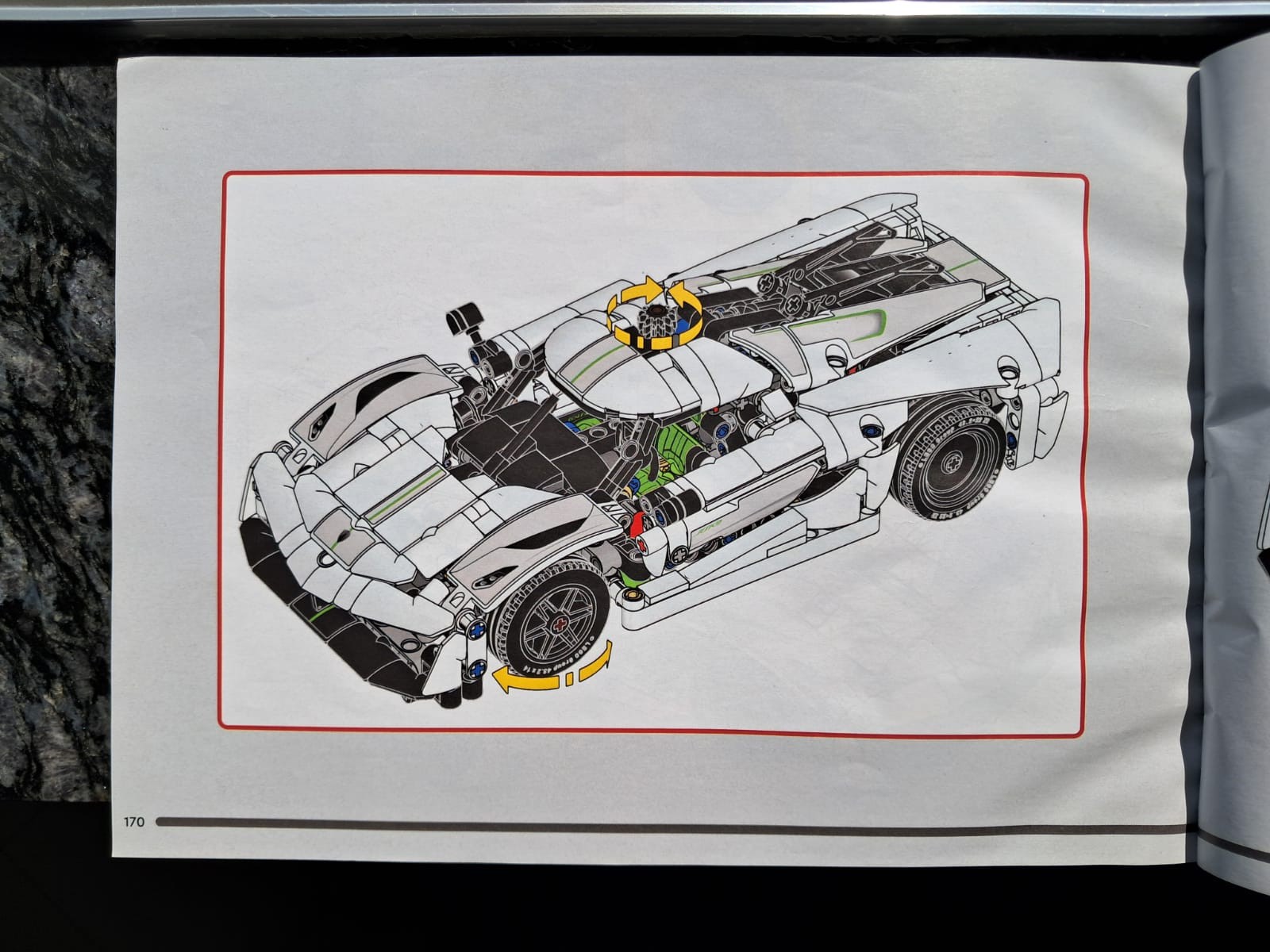
The main assembly takes center stage with plenty of breathing room. The parts required for the step were were shown in a fixed window on the top left. Step specific details were shown via callouts & arrow highlights.
Figure & ground
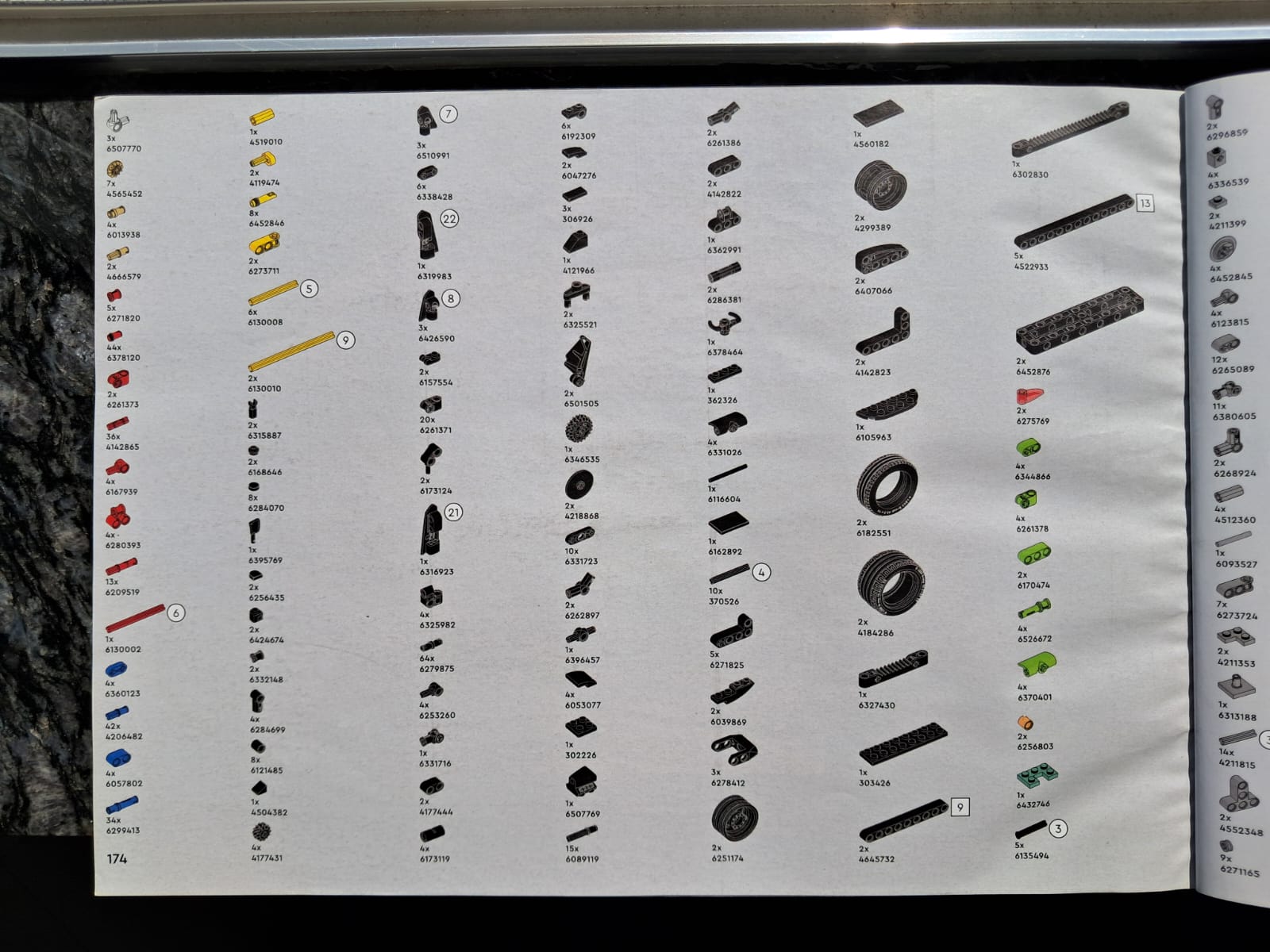
A light (but not white) background with black outlines makes each component clear & distinct.
Cognitive ergonomics
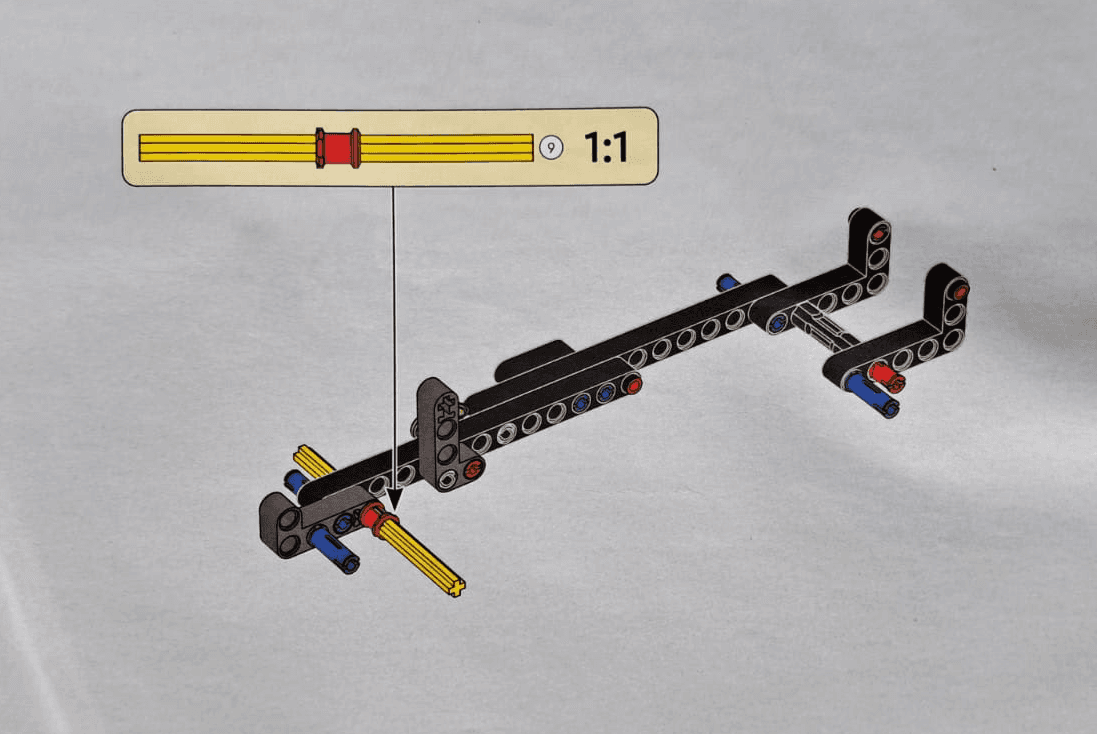
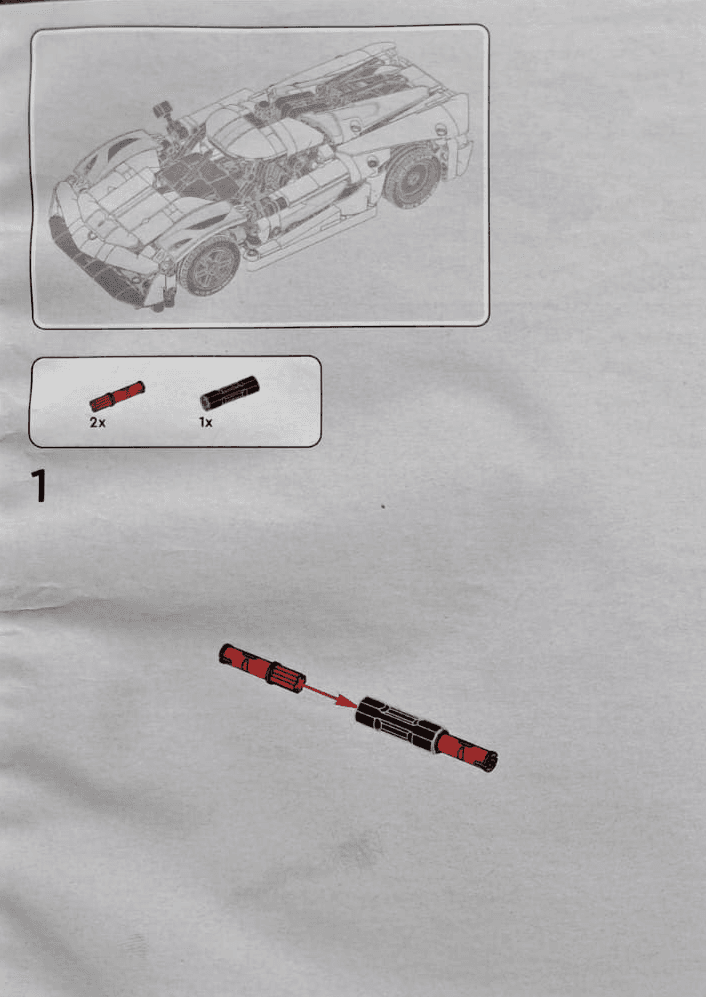
A 1:1 scale reference helped users compare & confirm similar parts easily. Sections also started with a preview of what the users would be building at the top left of the page.
Phased assembly
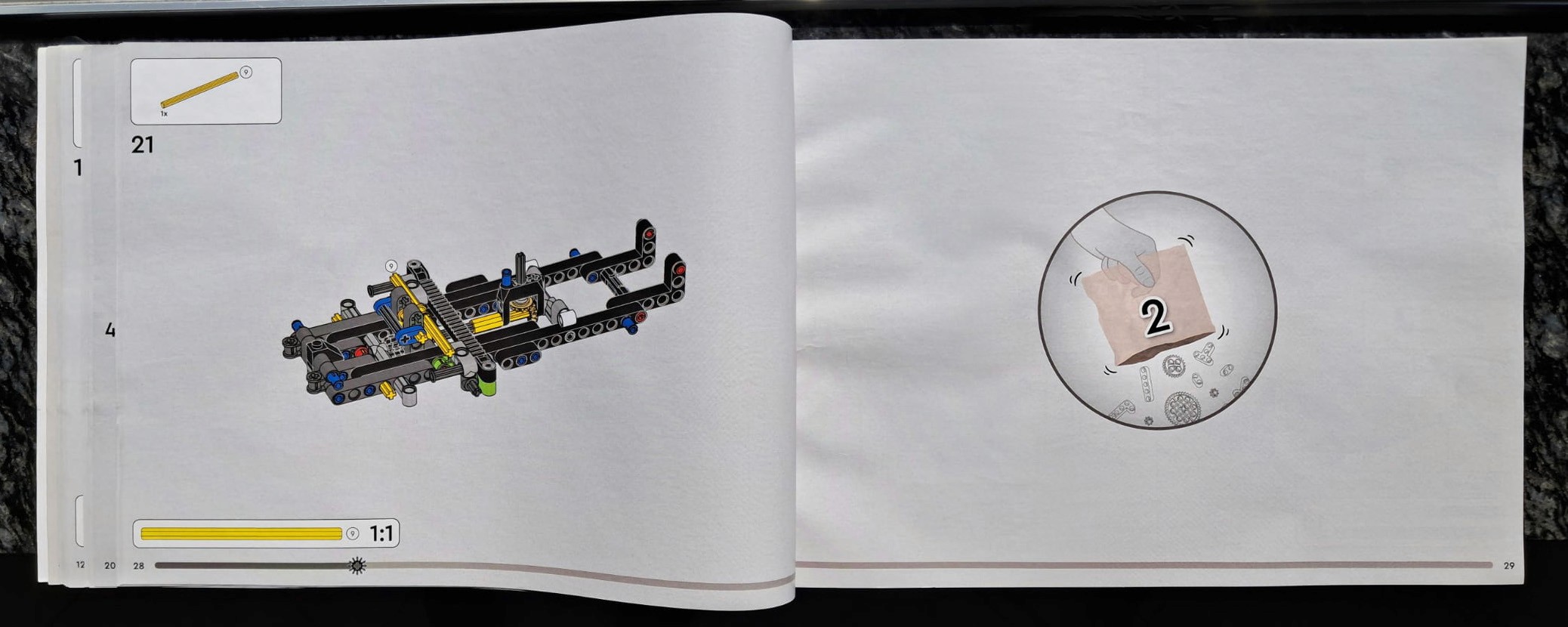
The assembly was divided into multiple sections which also corelated to the division of parts in the packaging.
Demo & Checklist
Each manual ends with a quick demo of the finished build & a full parts list.
02
Understanding product assembly
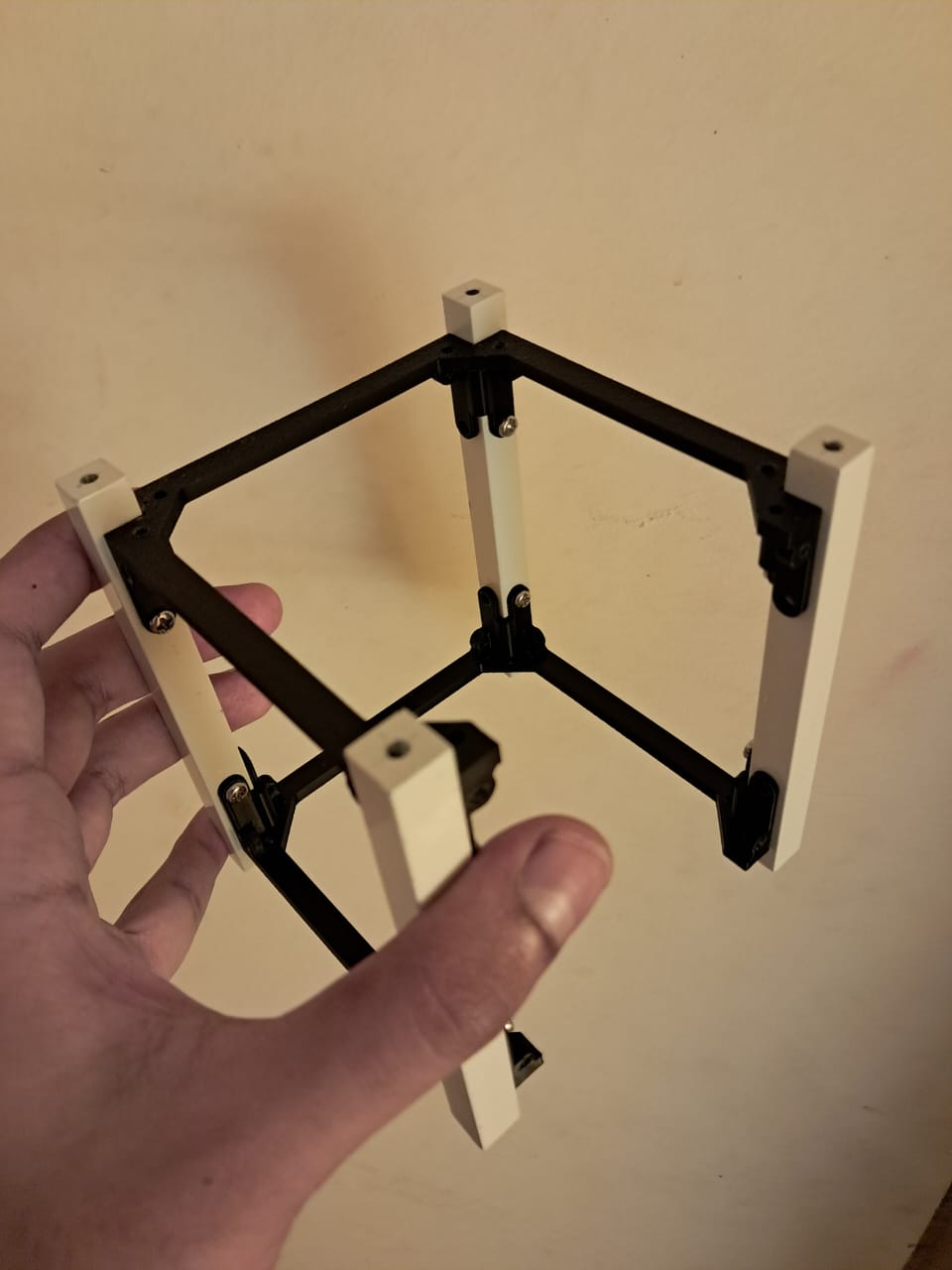
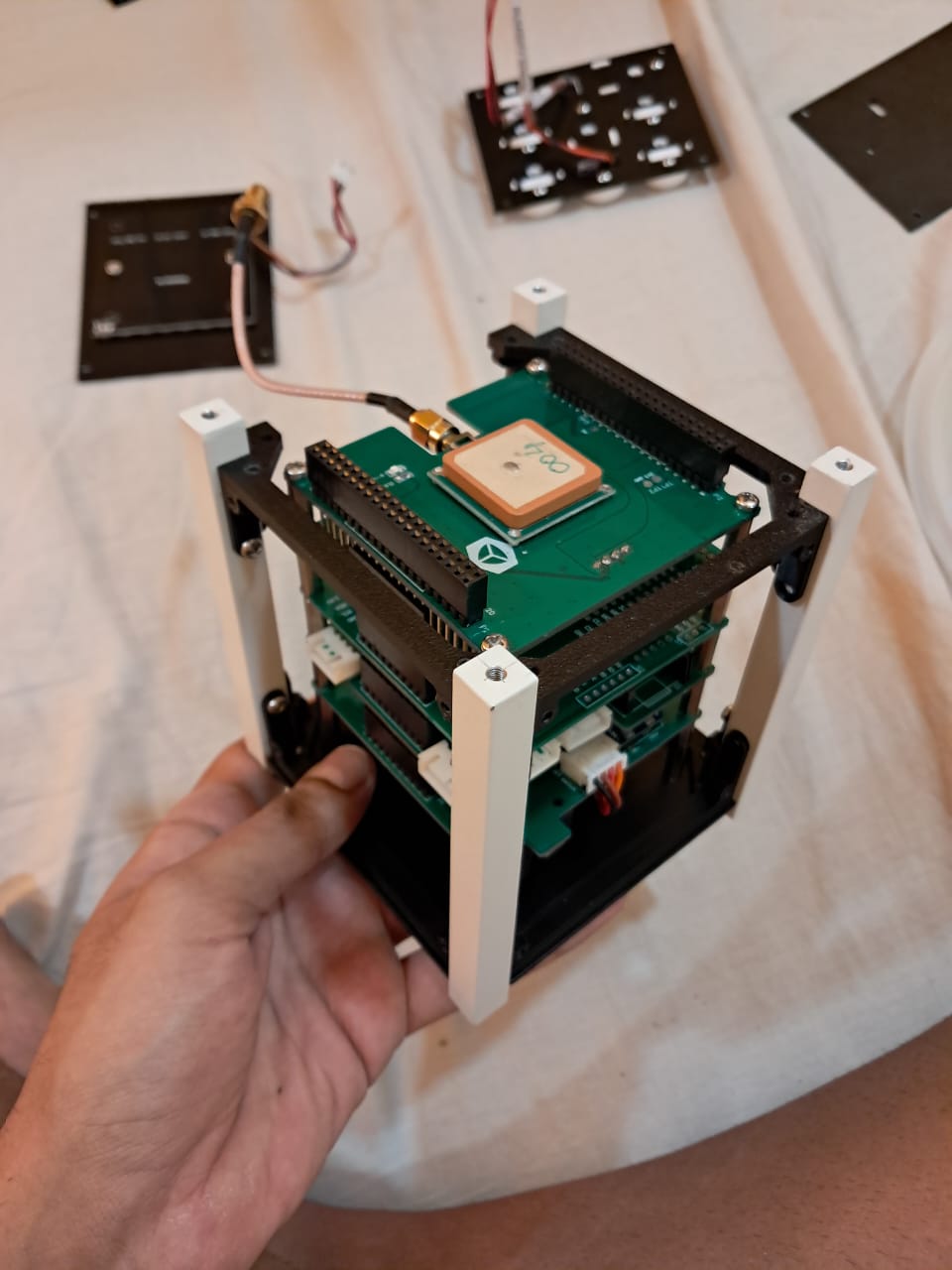
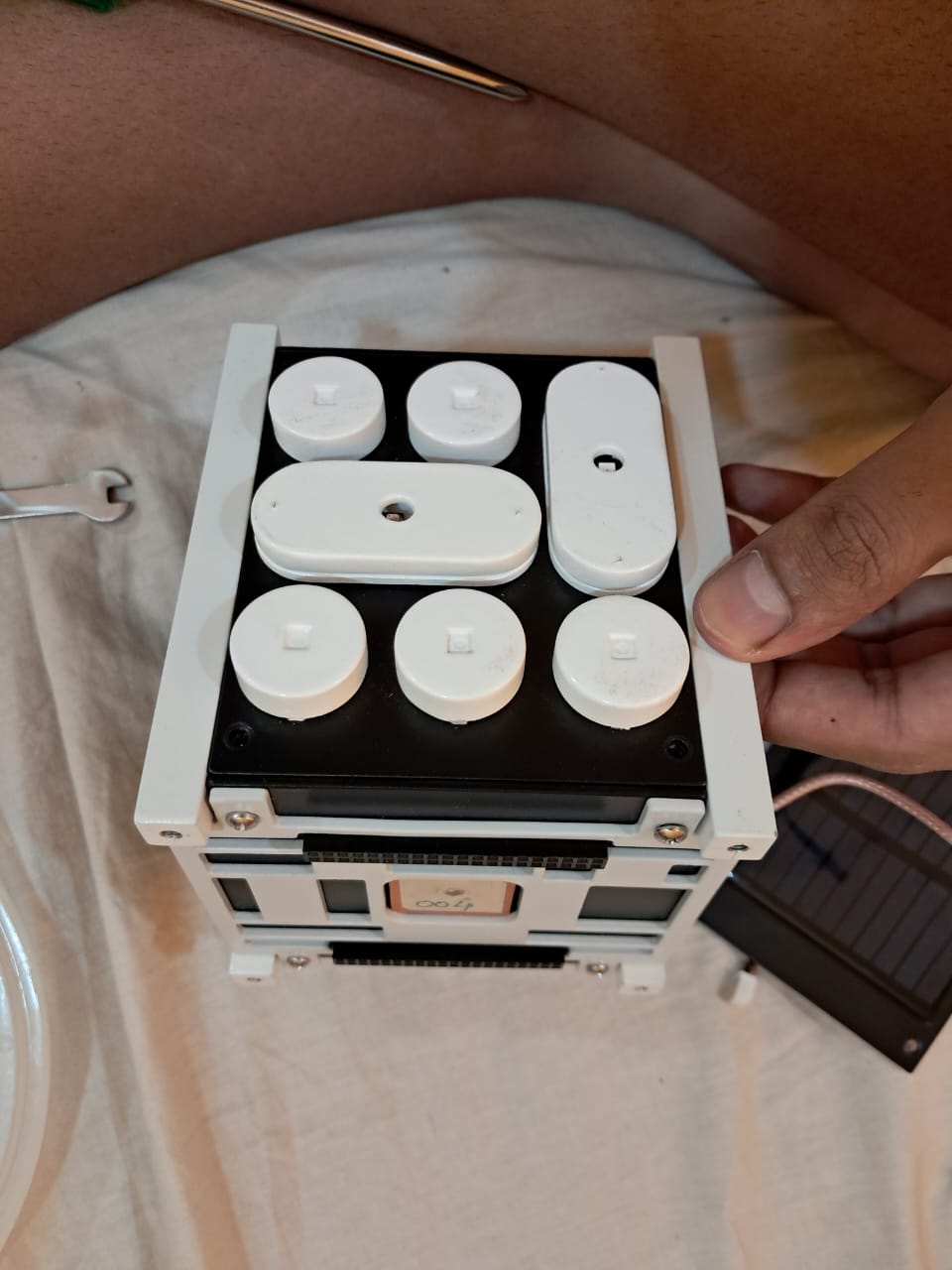
Assembling the satellite ourselves to get familiar with the components & complexity.
03
Creating assembly in CAD
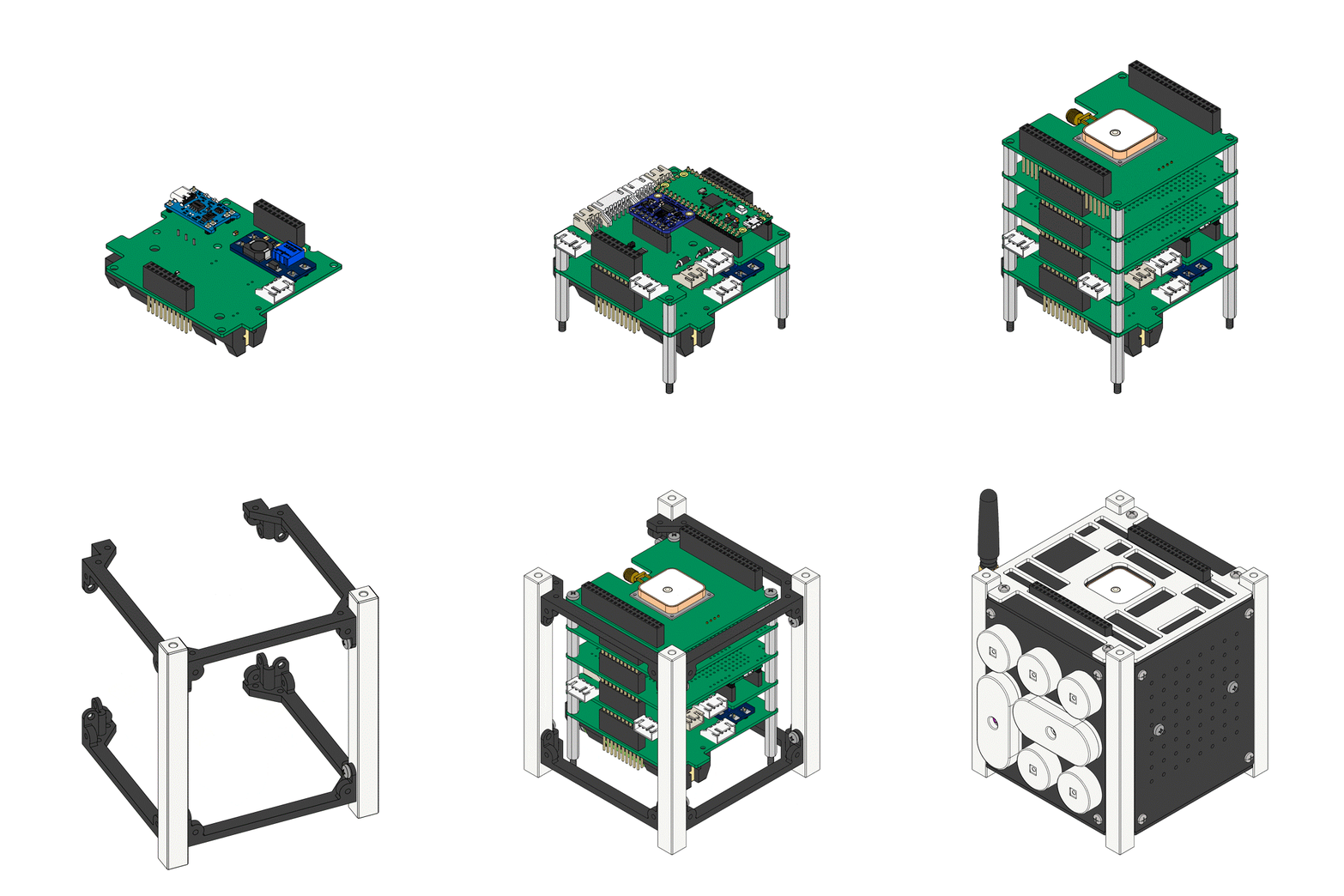
The client provided a 3D model of the kit. We segregated the components, created new layers for each step, & drafted a virtual assembly sequence.
04
Selecting steps & factoring cognitive ergonomics
Physical assembly process
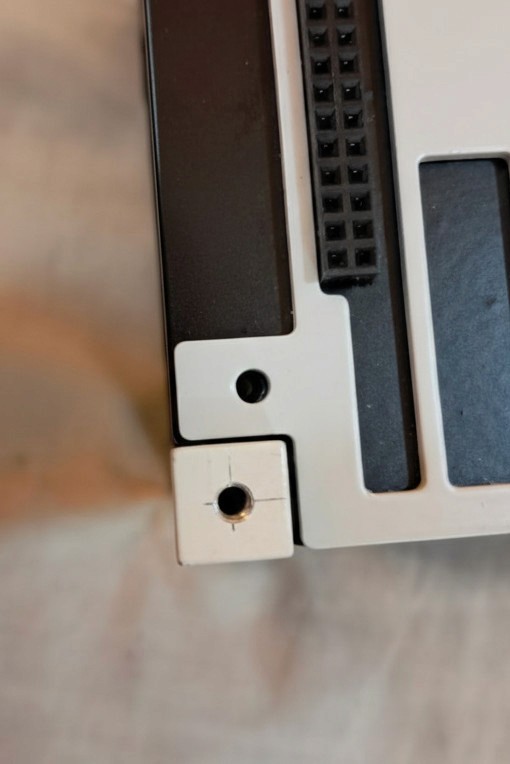
Identifying the location of insertion.
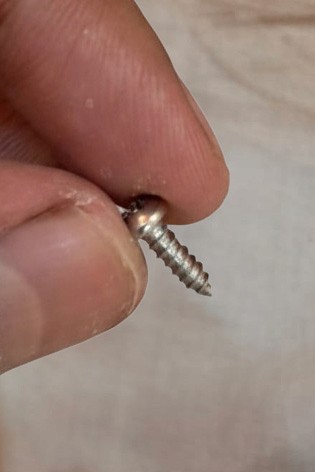
Identifying the screw.
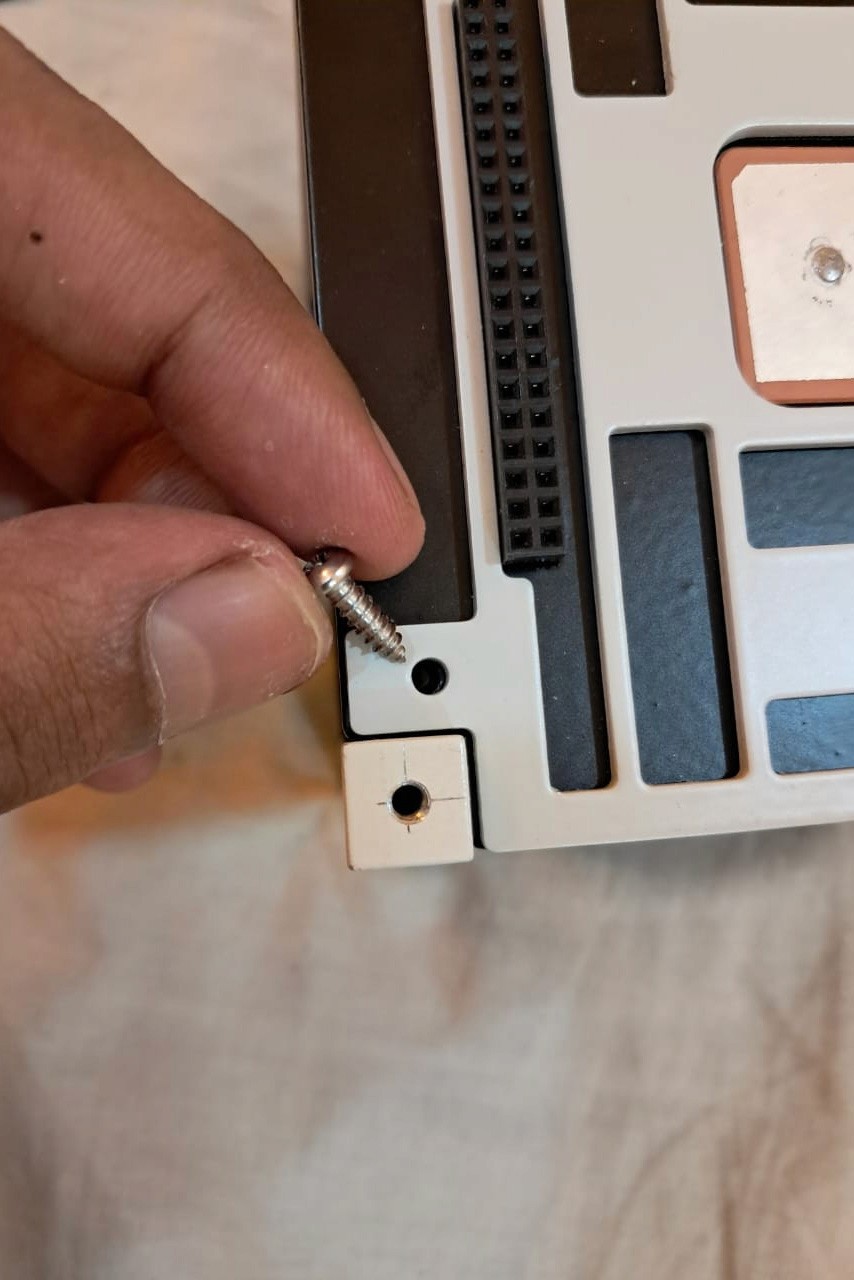
Fixing the screw at the location.
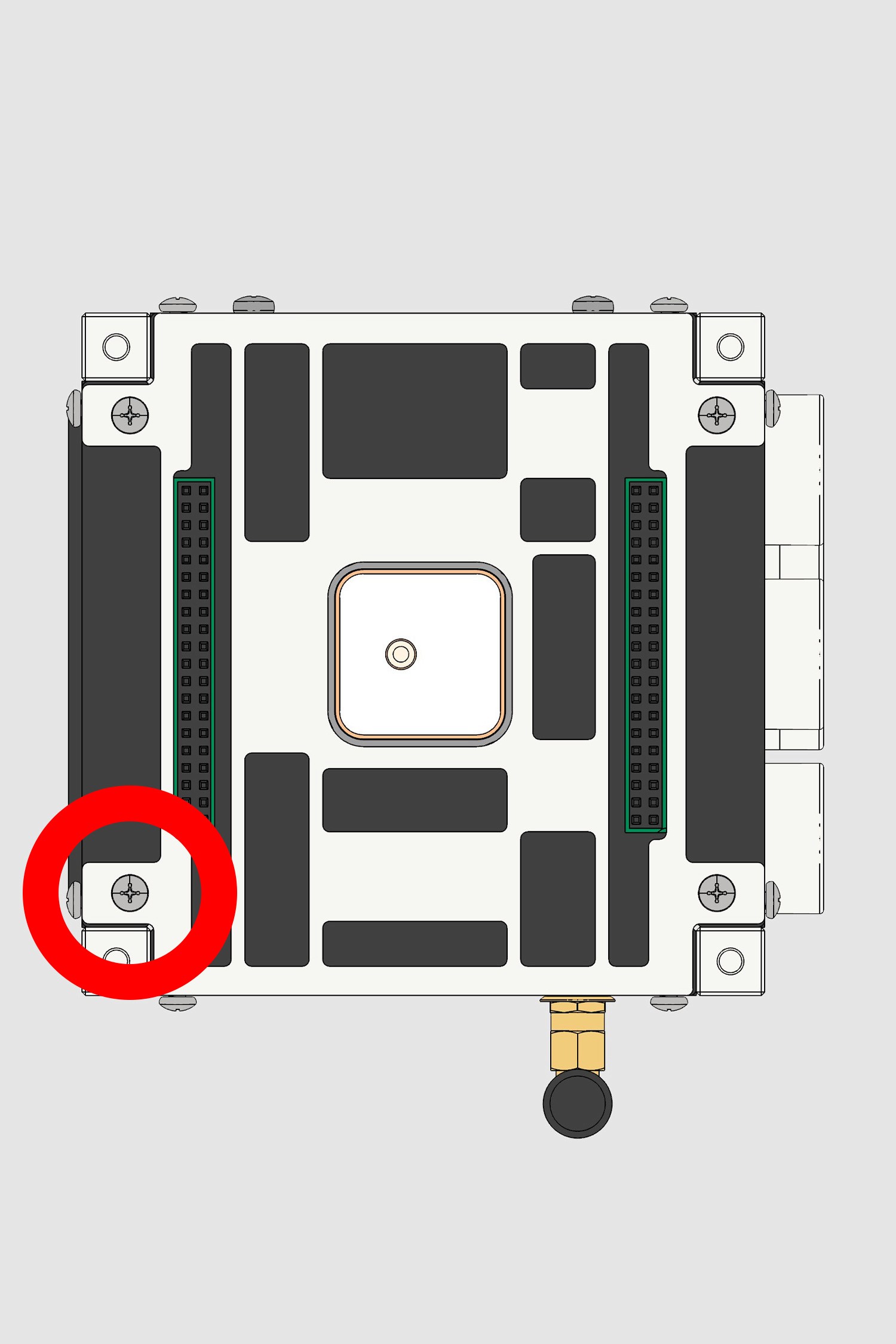
Confirming if the assembly is correct.
Converting to digital assembly
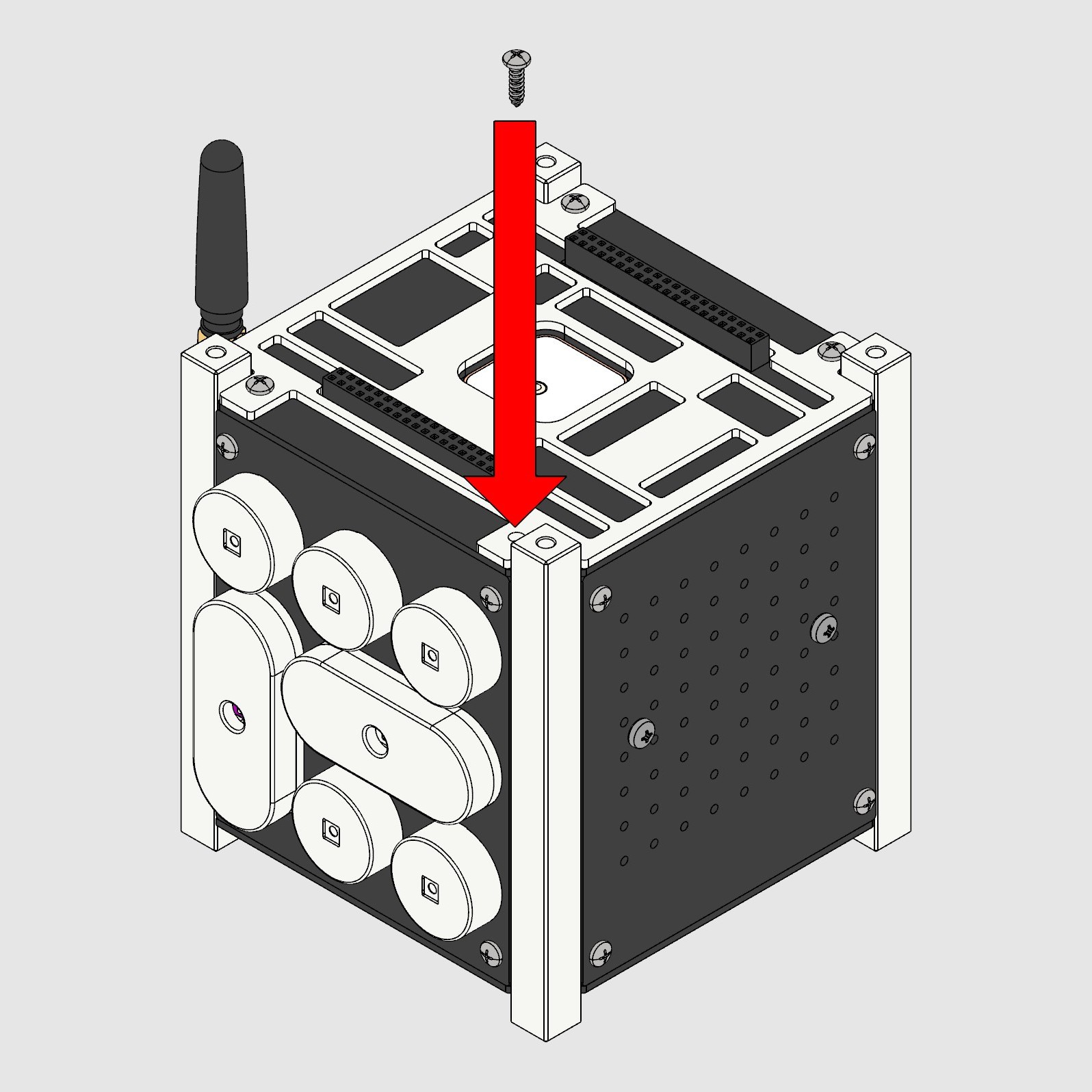
Screw → arrow → model.
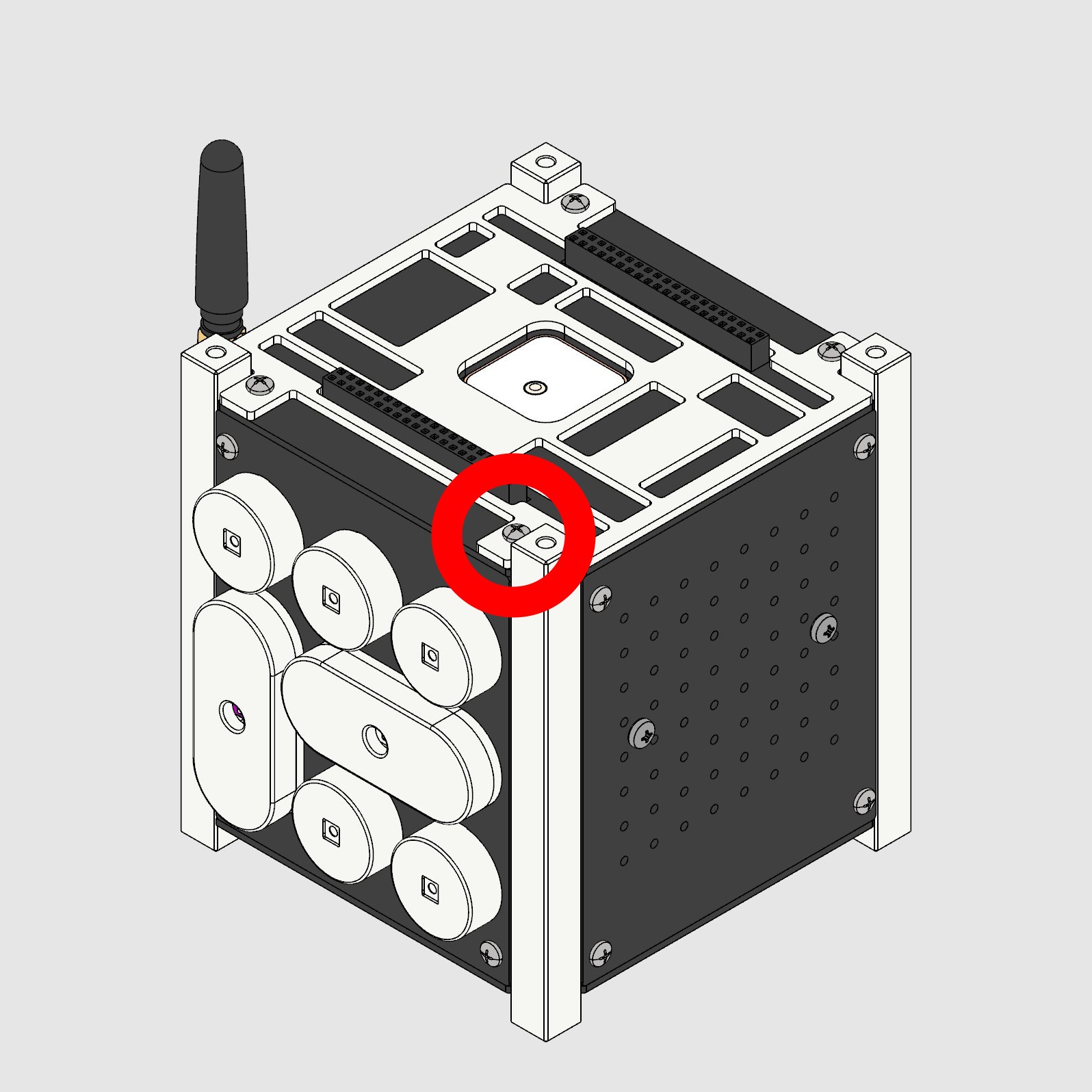
Part inserted.
Optimizing digital assembly
Reducing number of steps & eliminating arrows for simpler assemblies.
→
05
Selecting viewing angles
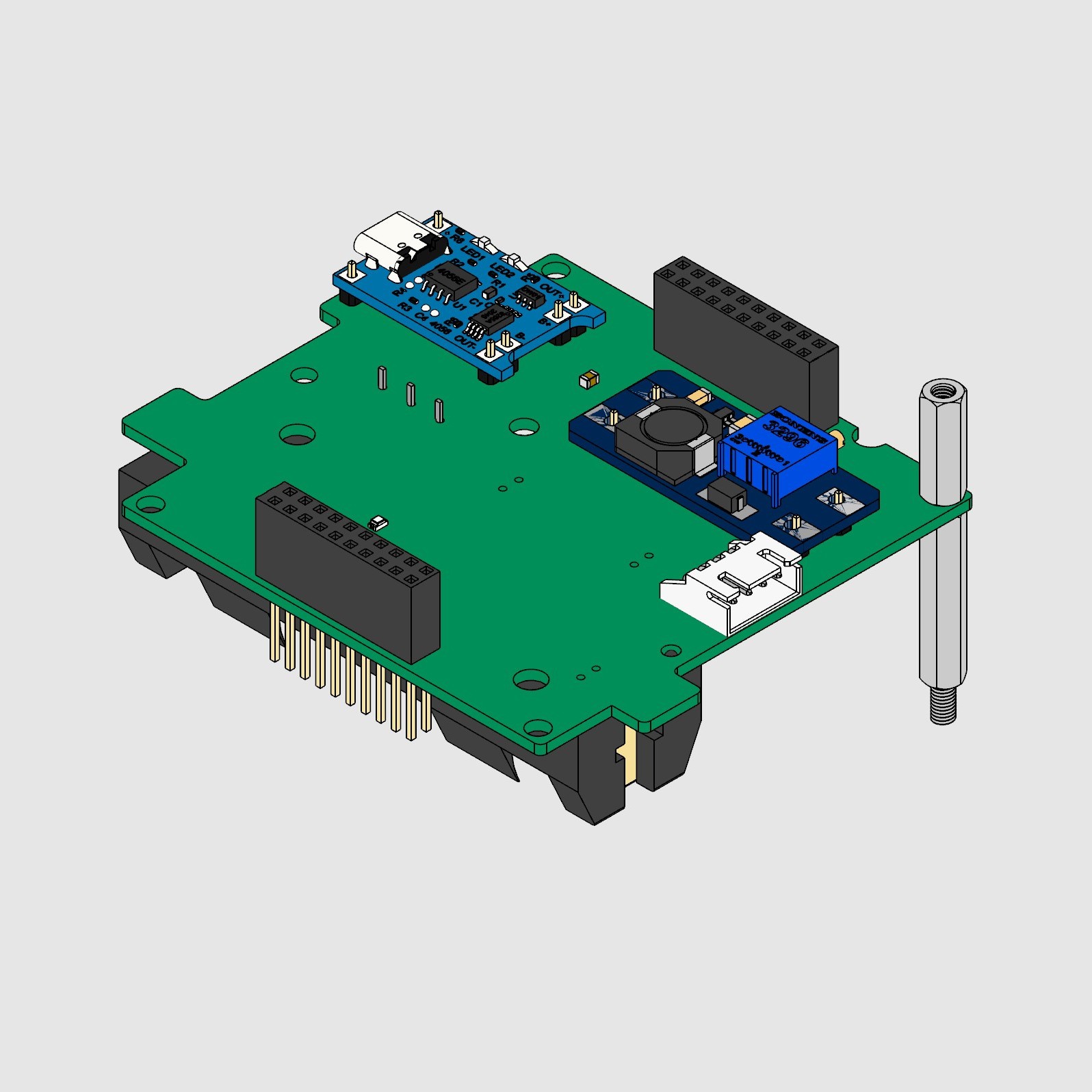
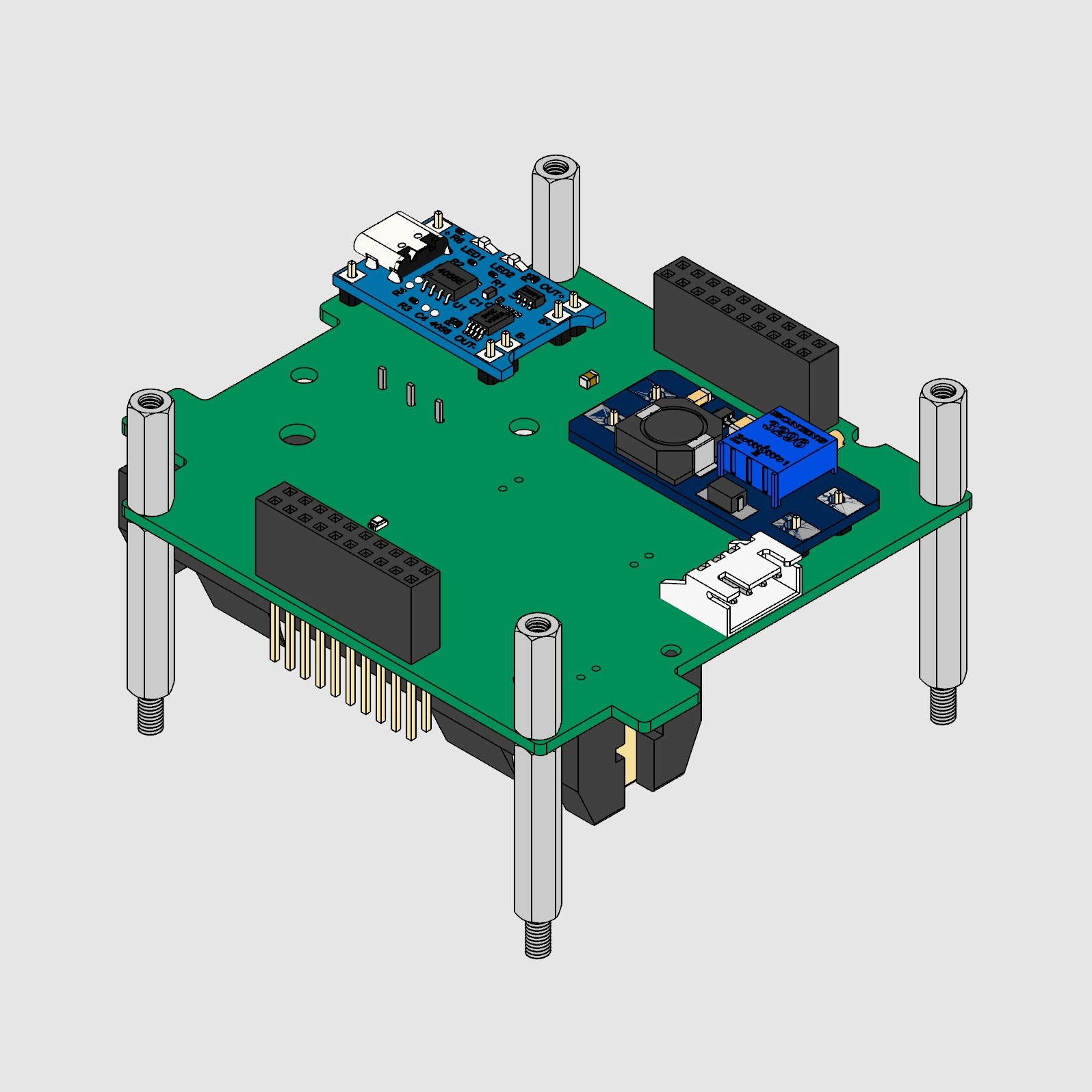
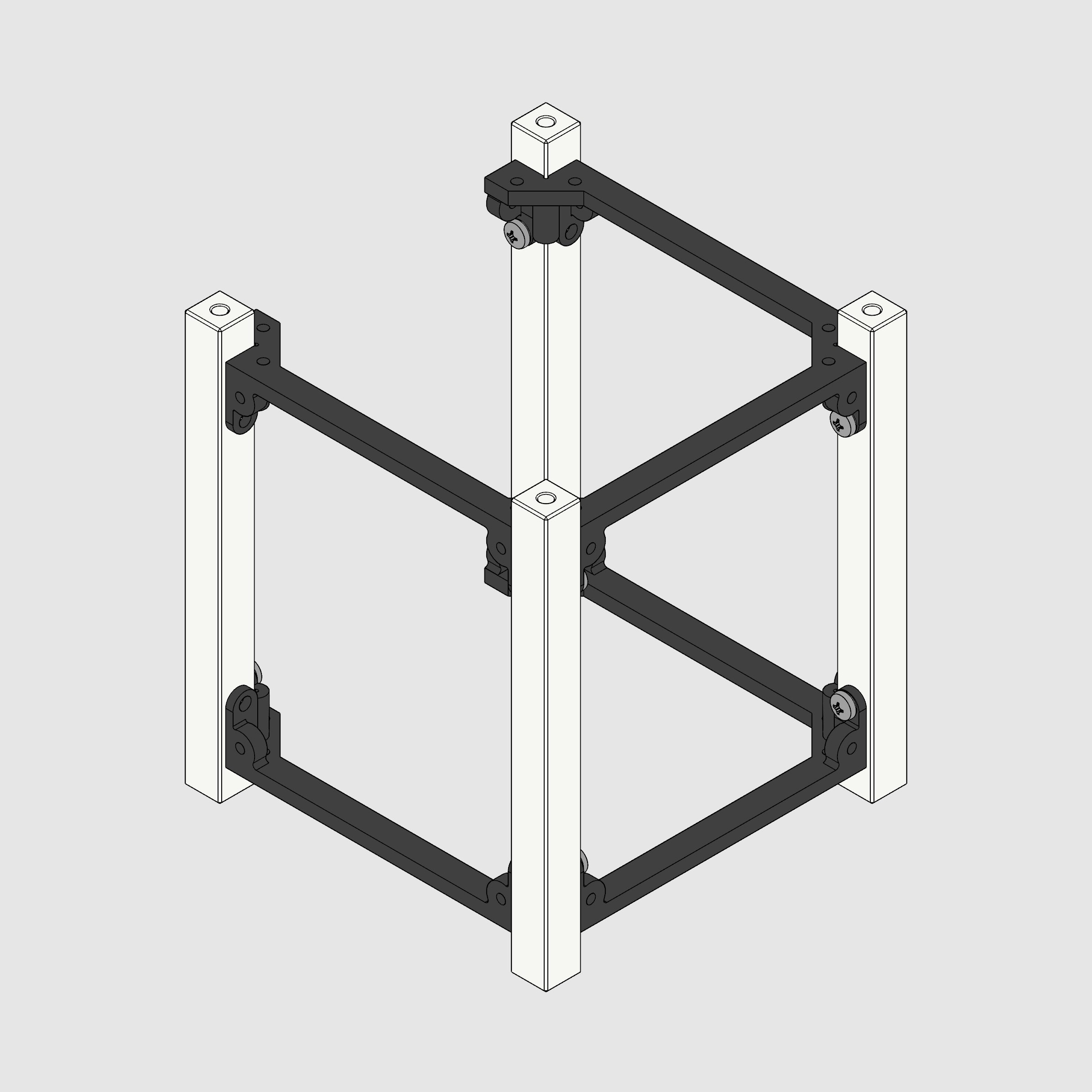
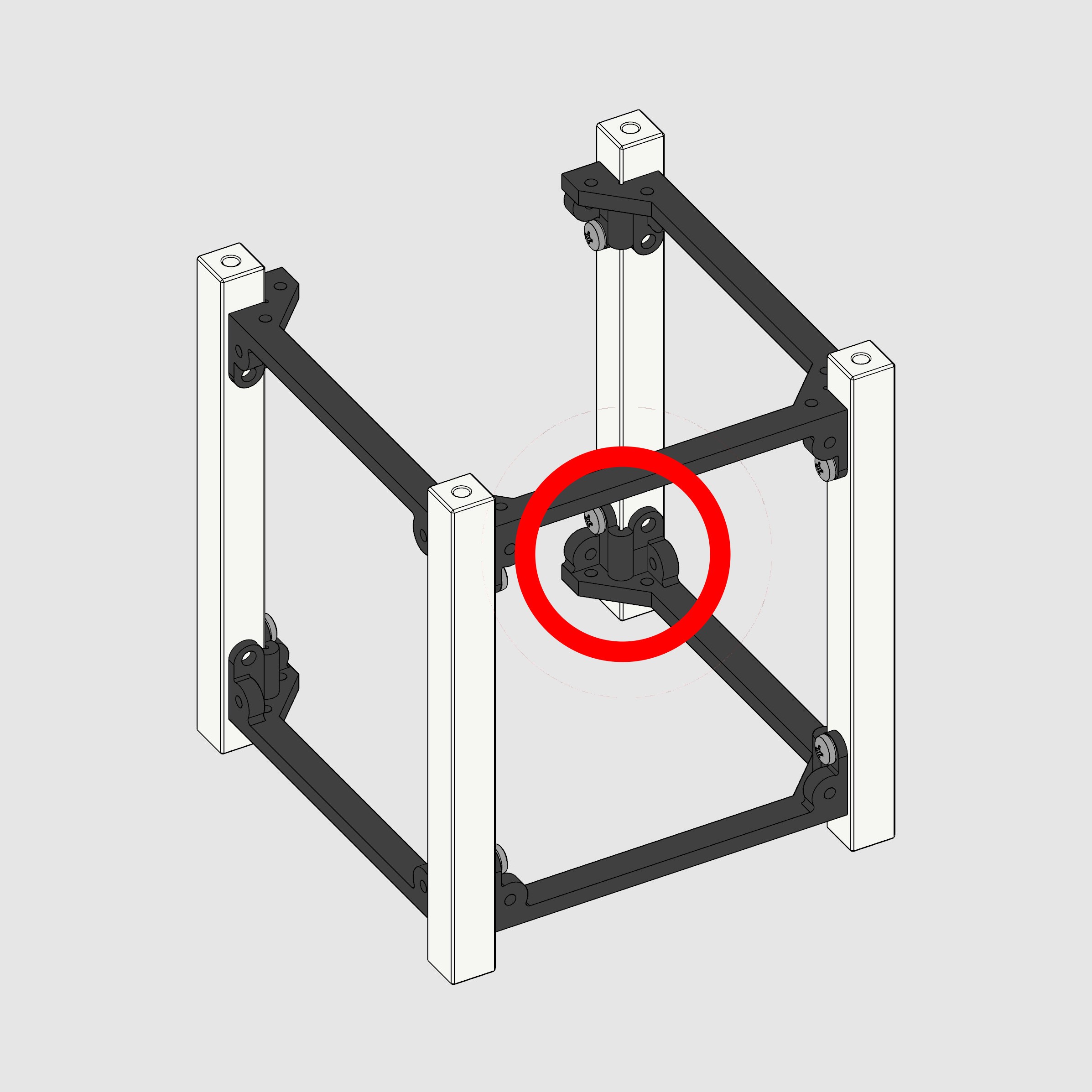
We chose an isometric NW view for clarity & consistency. For hidden assemblies, subtle rotations revealed rear faces without breaking flow.
→
06
Grouping steps into phases
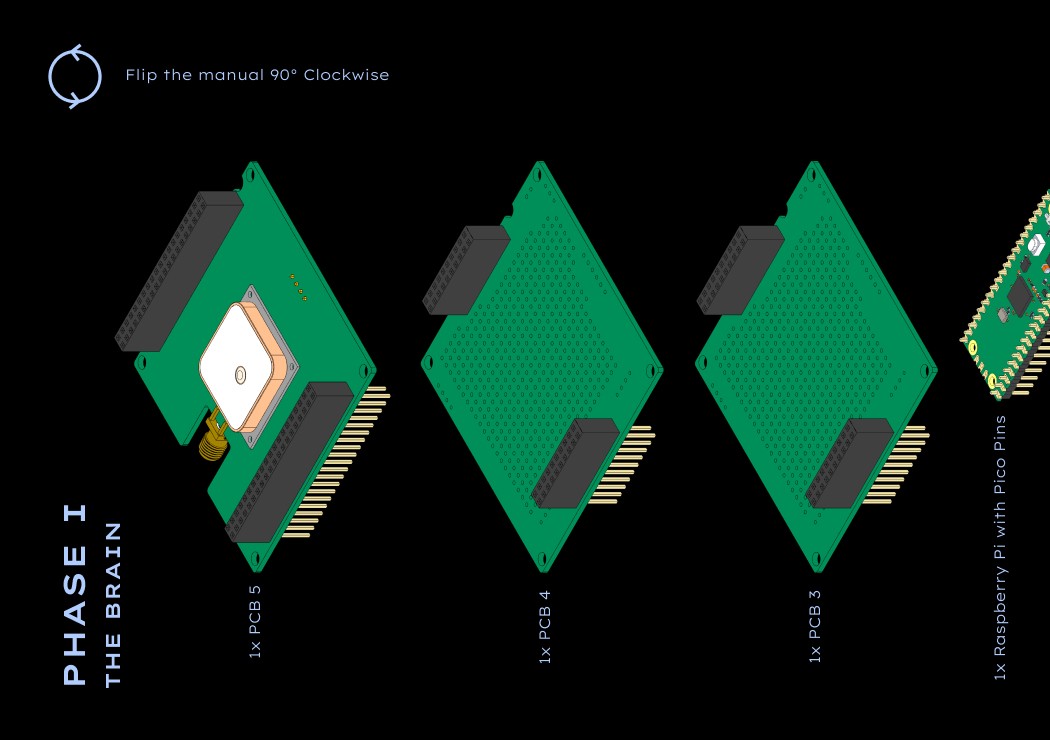
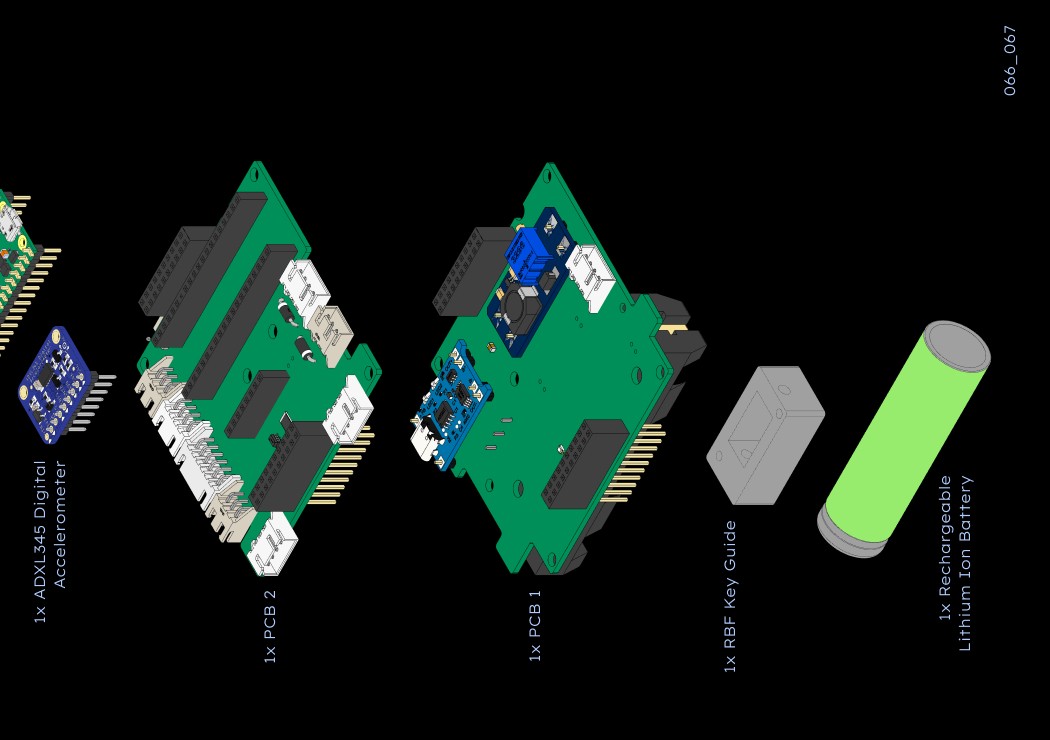
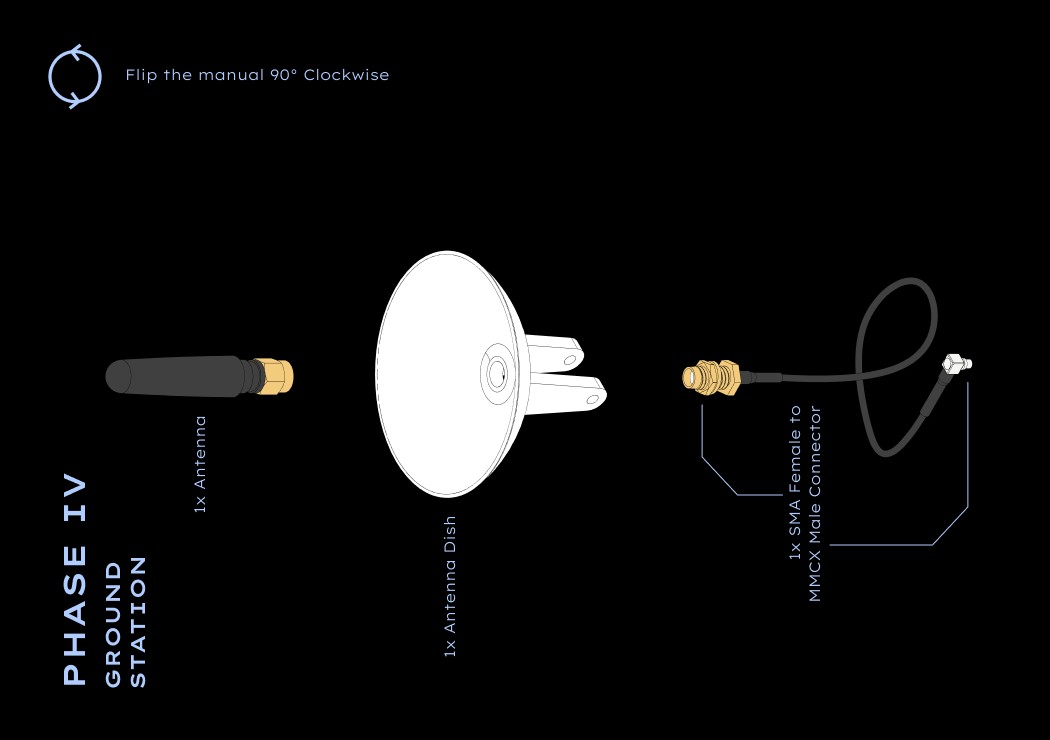
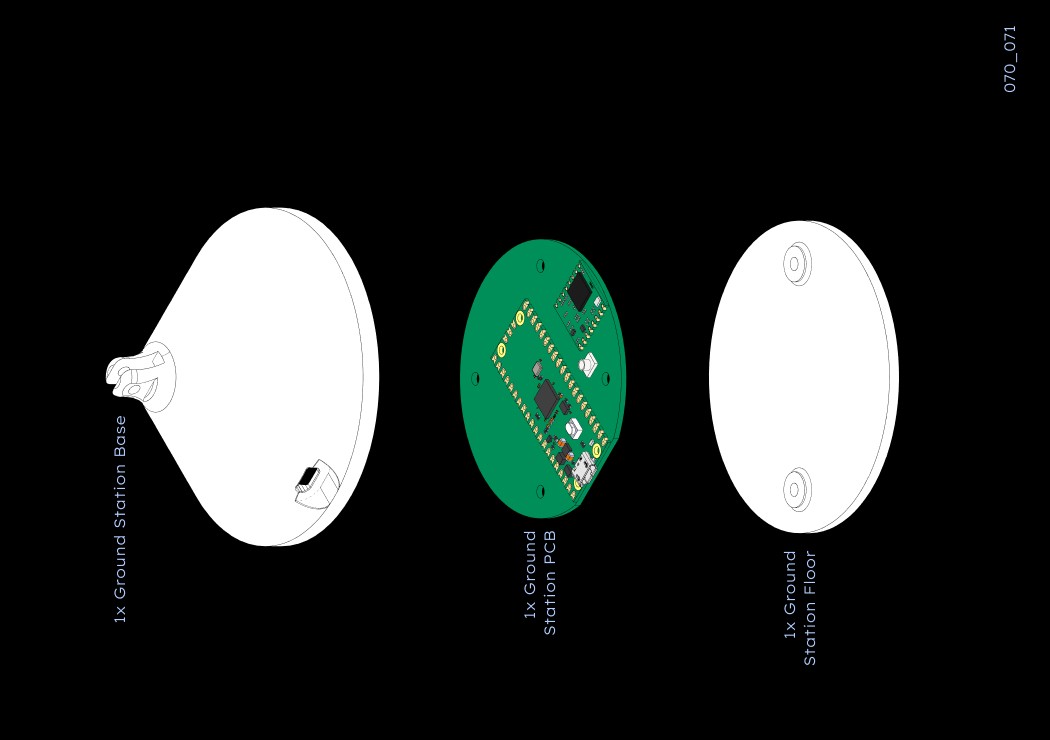
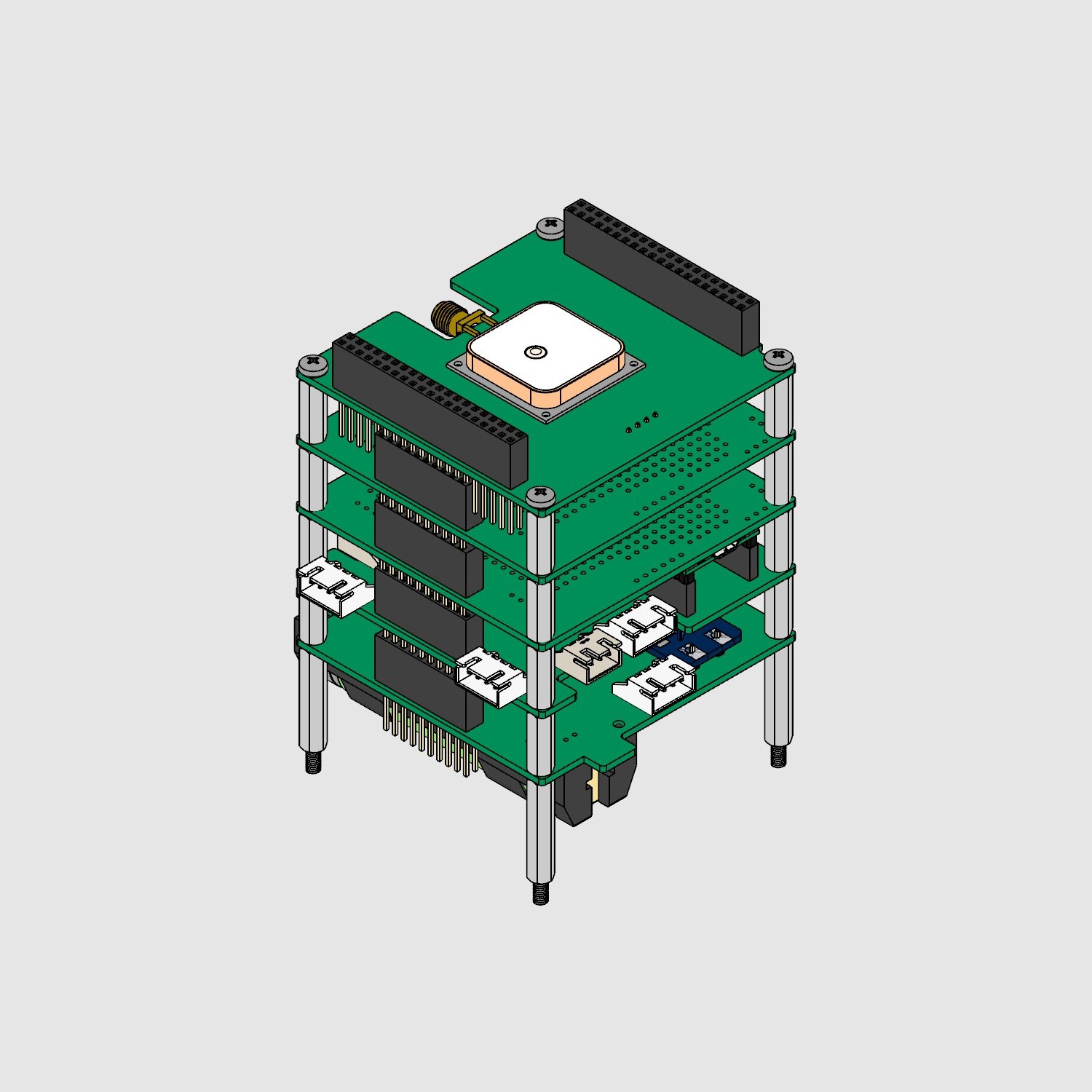
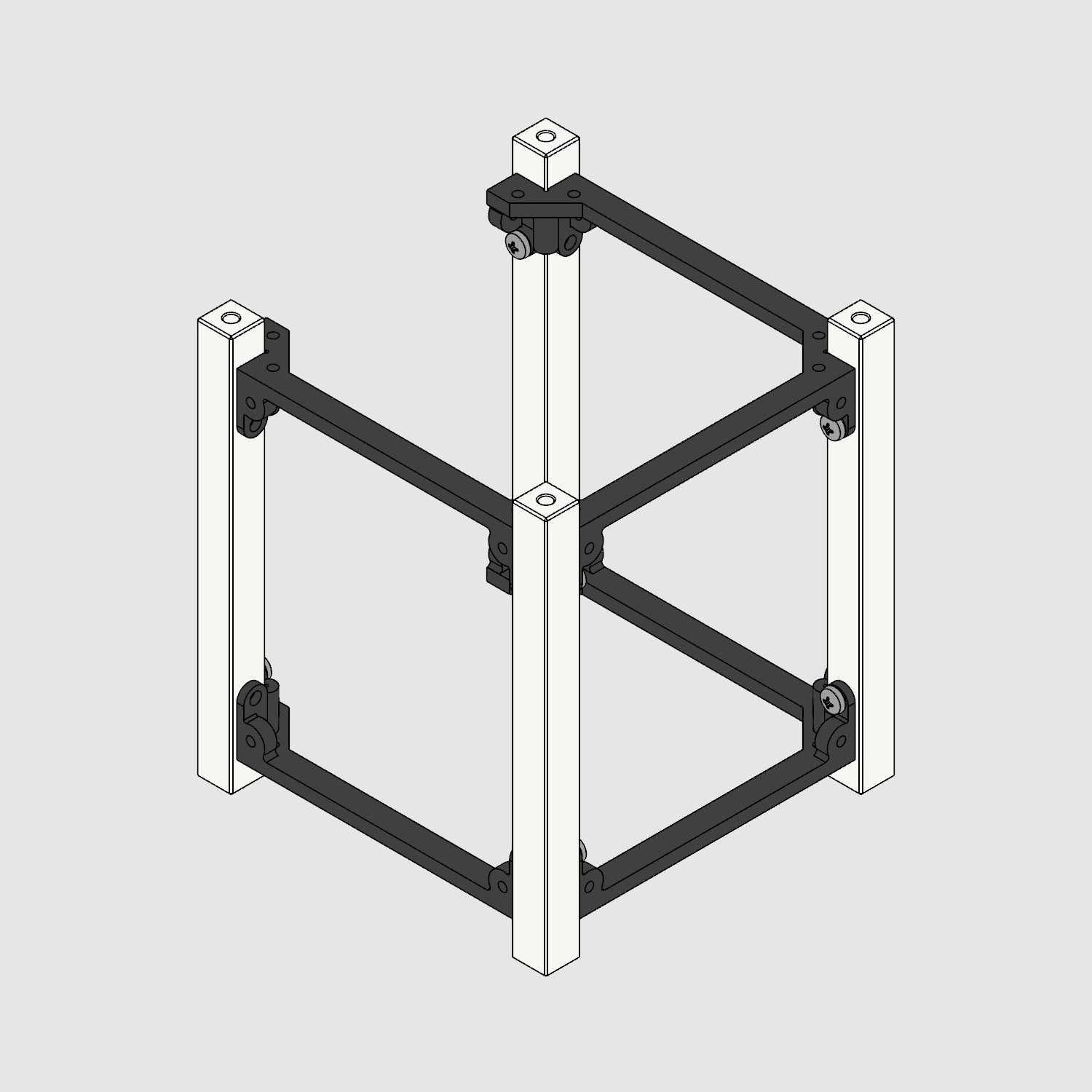
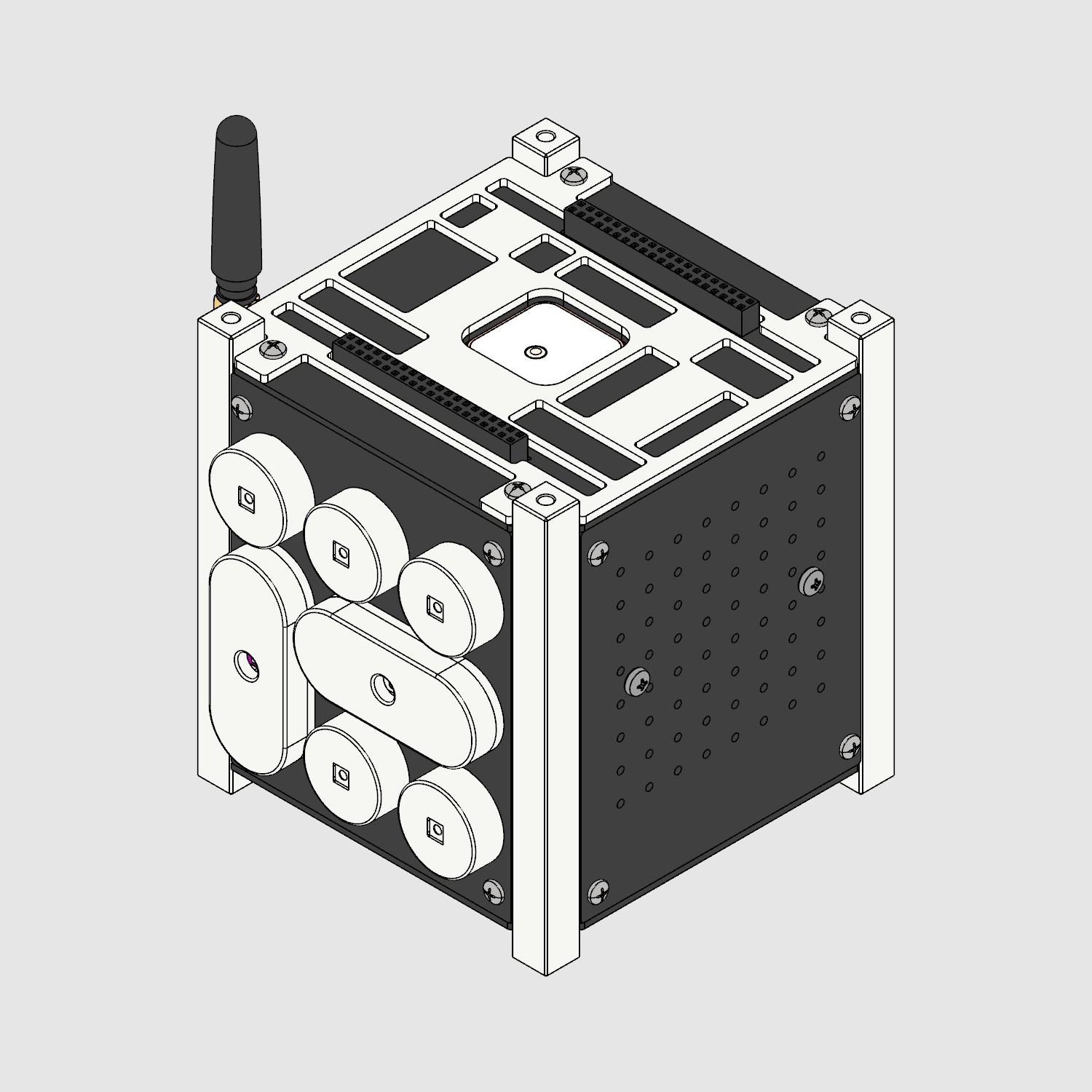
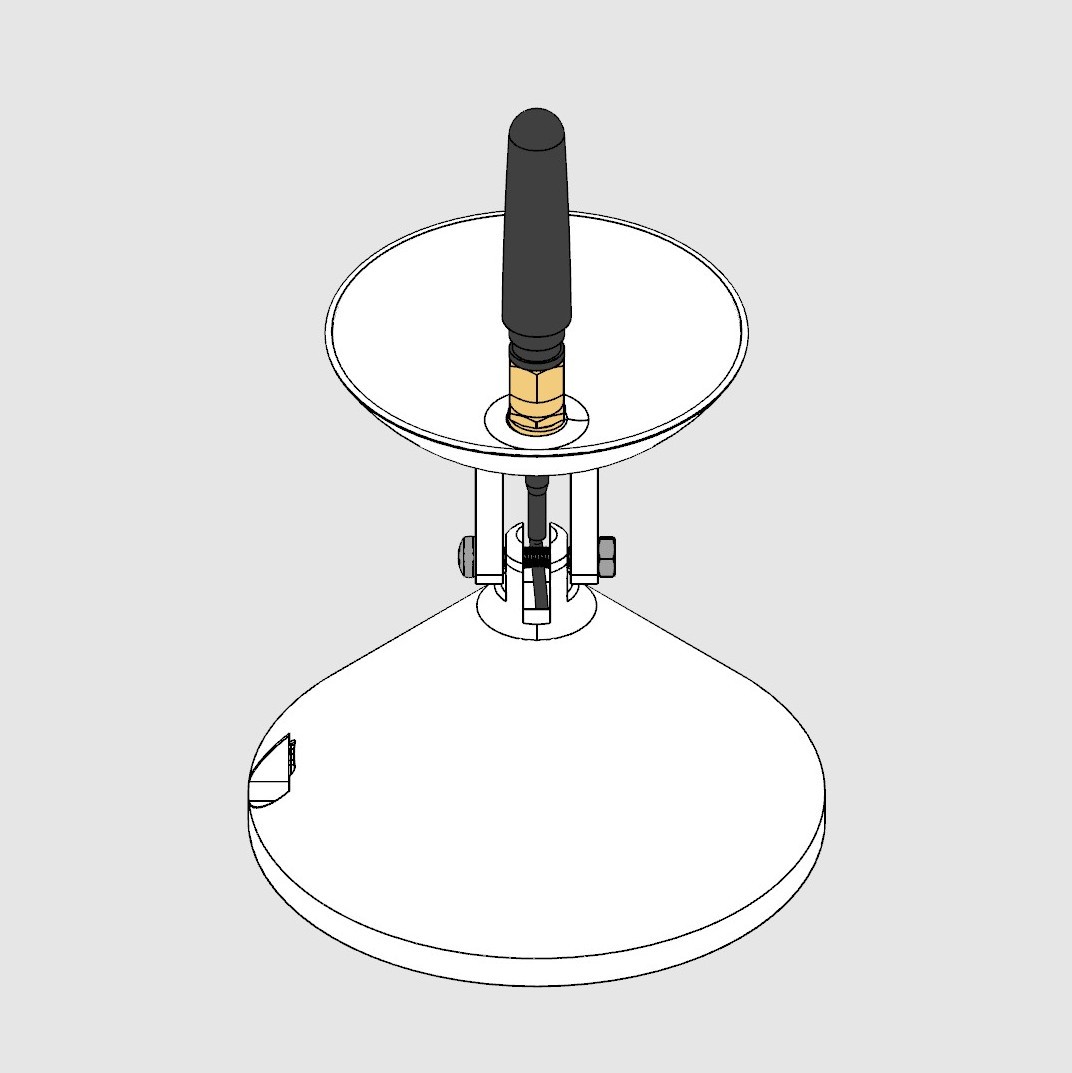
The build was divided into 4 phases based on component types & milestones.
07
Visual design
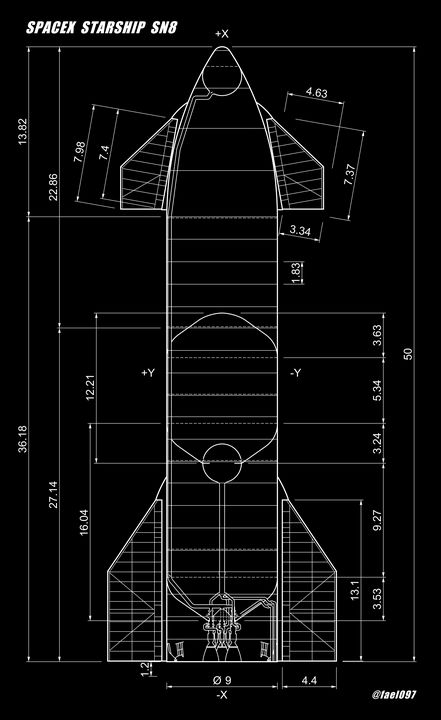
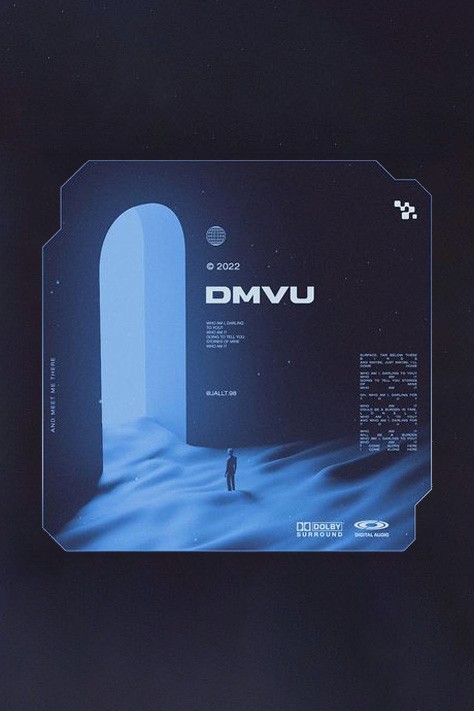
Cosmic, futuristic & tech-centric. The idea was to excite while keeping any fear of complexity or technology at bay.

LEXEND ZETTA
SEMIBOLD 6MM
LEXEND ZETTA
SEMIBOLD 4MM
LEXEND EXA
LIGHT 3MM
08
User testing & subsequent feature additions
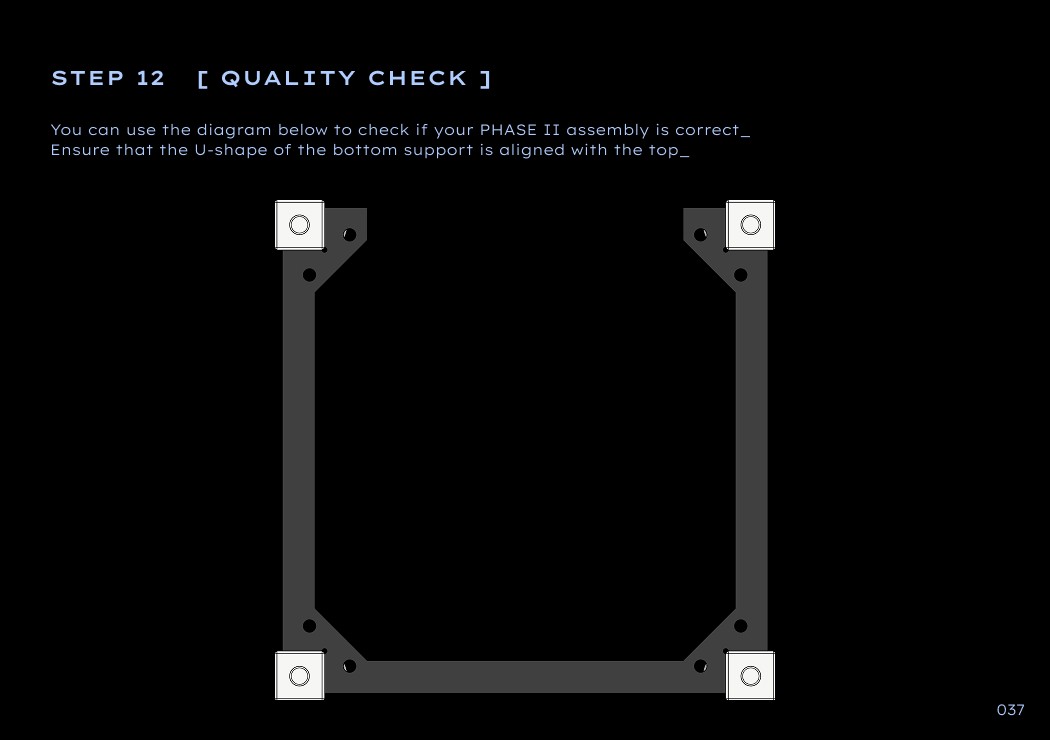
Error reduction
Added quality check steps to cross-check & correct assemblies.
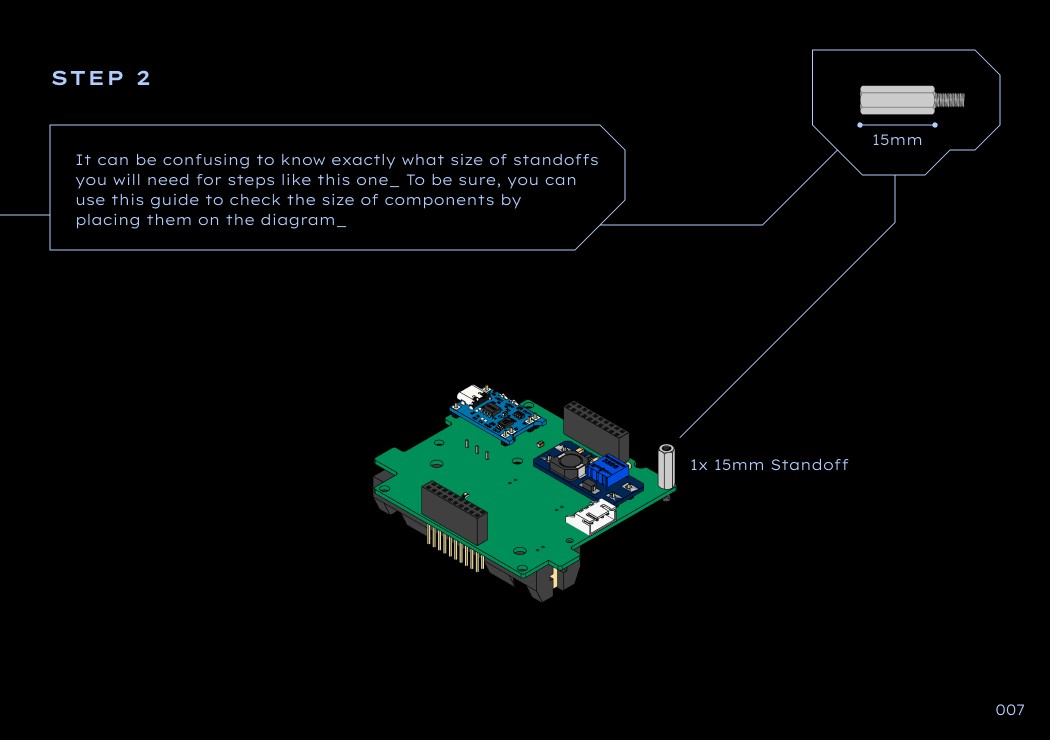
Clearer communication
Introduced labels next to the component placement for better clarity.
Helpful tips
Added cues like “flip 180°,” “use screwdriver,” or “insert gently”






Appealing to techies
Including technical names & functions to educate the curious & using exploded views where possible.