Scroll to know more
CLIENT
Self initiated
CLIENT TYPE
Digital entertainment platform
PROJECT TYPE
UI/UX, mobile, desktop & TV app, design audit
YEAR
2025
PROJECT ROLE
Product & visual designer
PROJECT CONTRIBUTION
Stakeholder analysis
Wireframing
Information architecture
App/website layout
Rapid prototyping
Branding & visual design
TOOLS
Figma
Adobe Illustrator
Adobe Photoshop
COLLABORATORS
Sanya Gupta,
Product & visual designer
Context
In 2026, Netflix rolled out Clips, a feature with massive potential designed to deepen engagement.
But a disconnect between intent & implementation limited its impact.
We synchronized Netflix Clips with how fans actually use the platform
To boost engagement & reduce platform leakage
01
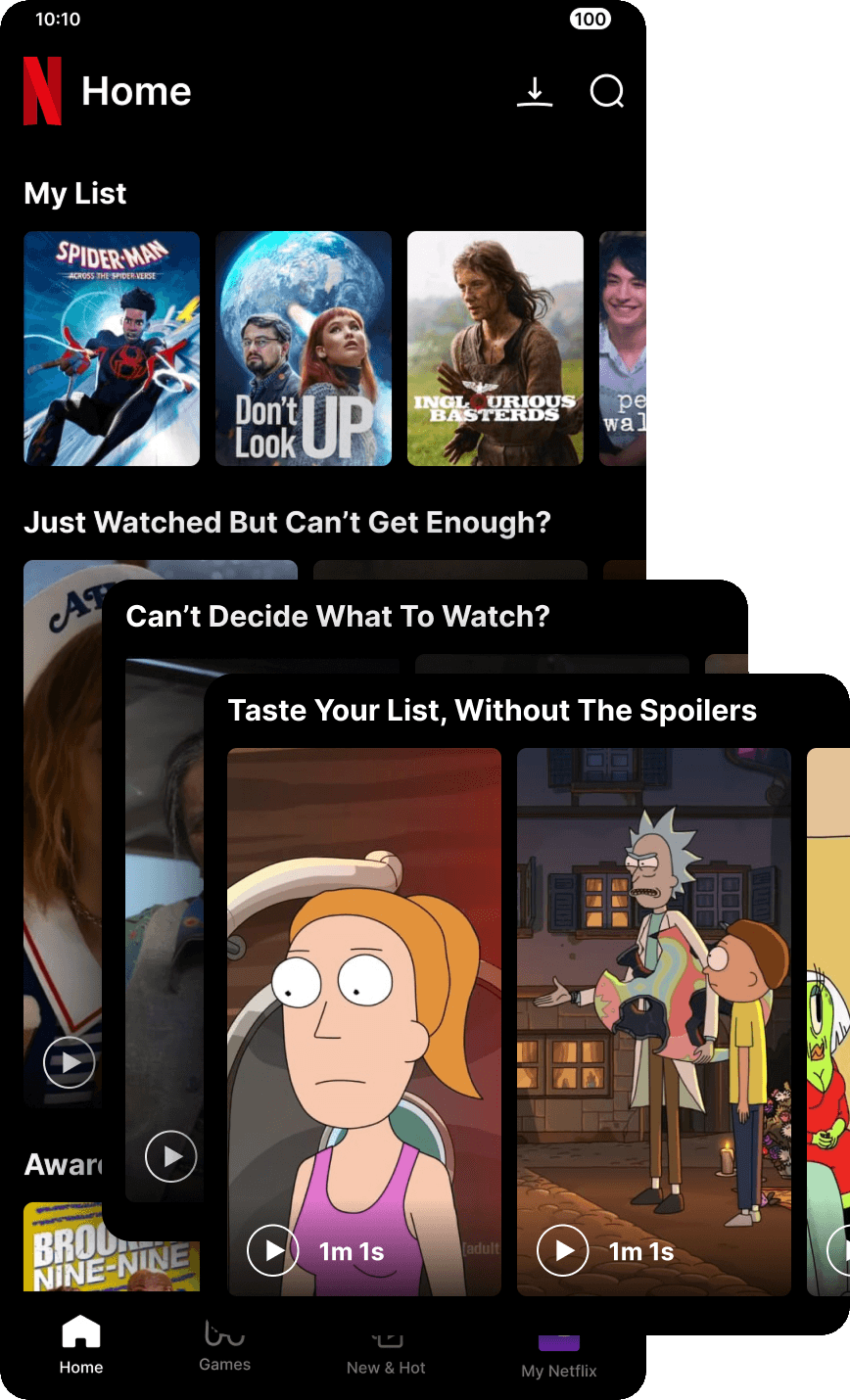
Introduce spoiler-free & personalized Netflix Clips to incentivize content discovery
02
Use AI/ML to give show creators a low-effort, high-impact tool to enhance fan engagement
03
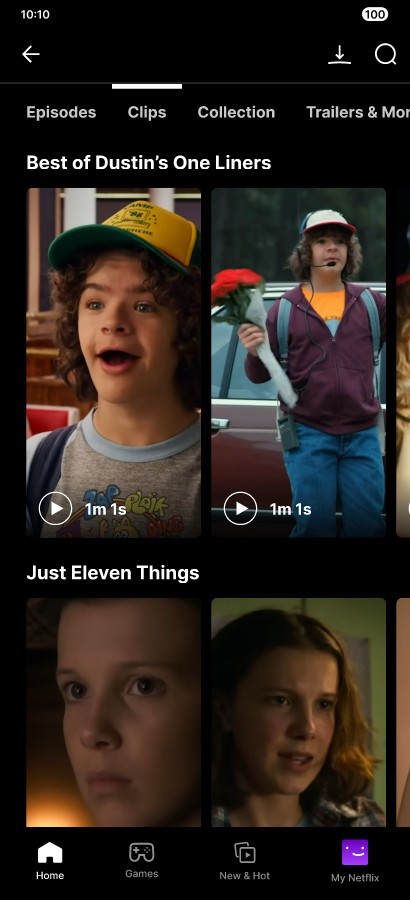
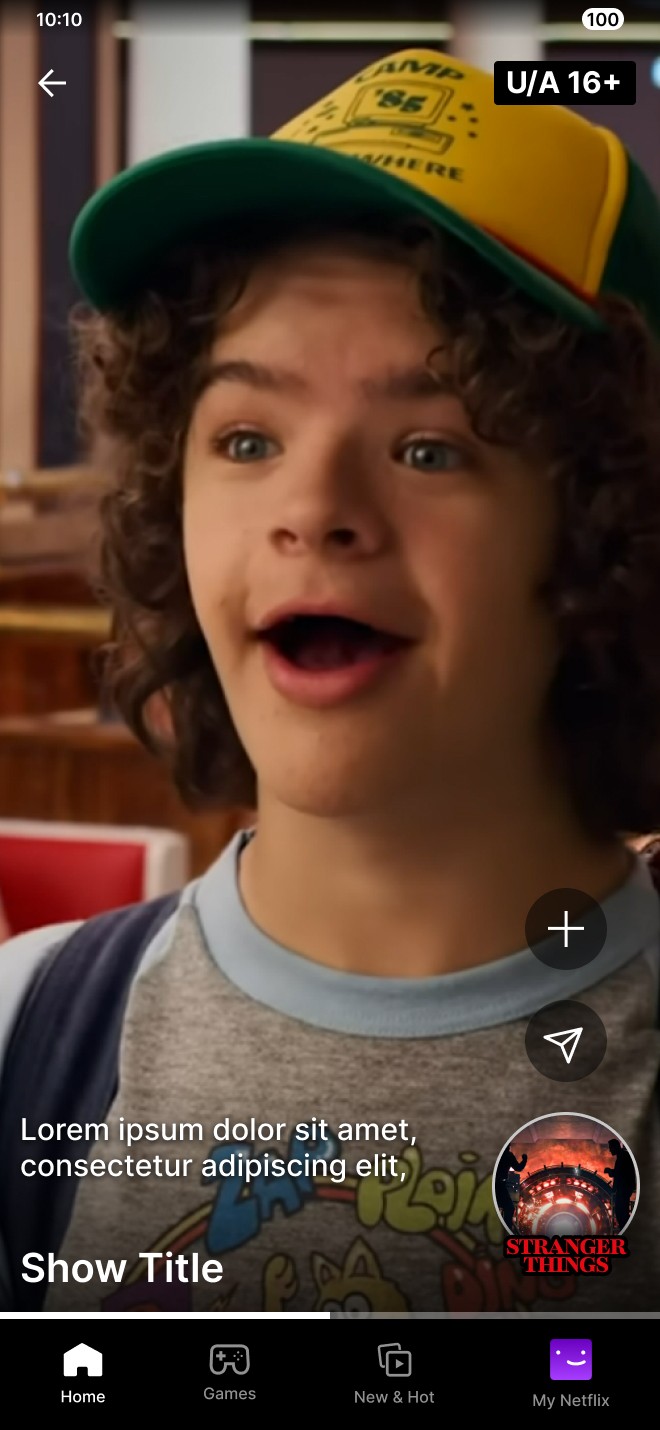
Enhance the in-clip experience, to reduce noise & align controls with user intuition
04
& then we adapted it for desktop & TV, to increase user breadth
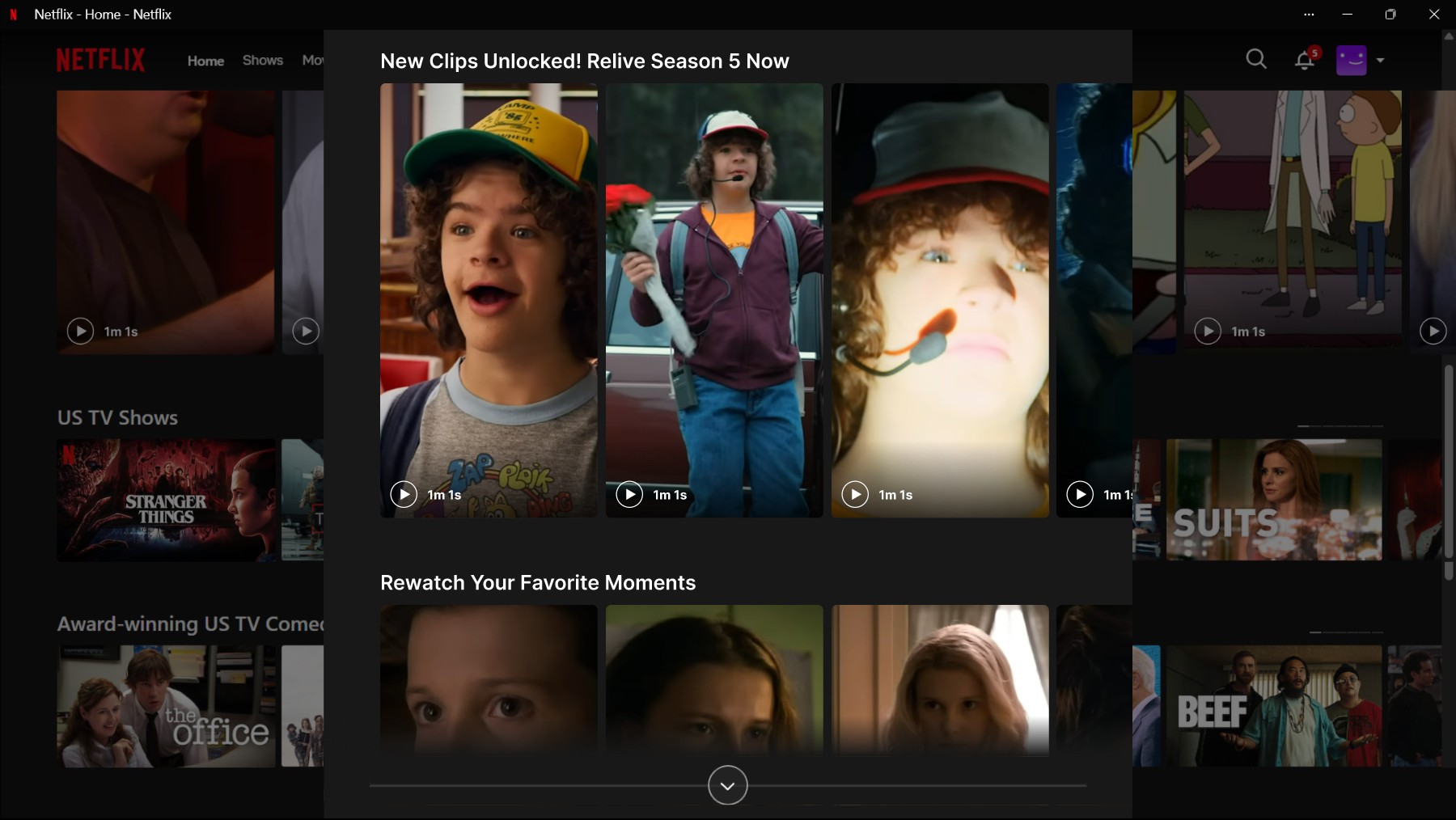
Here's the backstory in 06 points
01
From watching shows to living with franchises
Netflix isn’t competing with other streaming platforms;
it’s competing with the rest of the fandom ecosystem.
Fans don’t experience a show in one place:
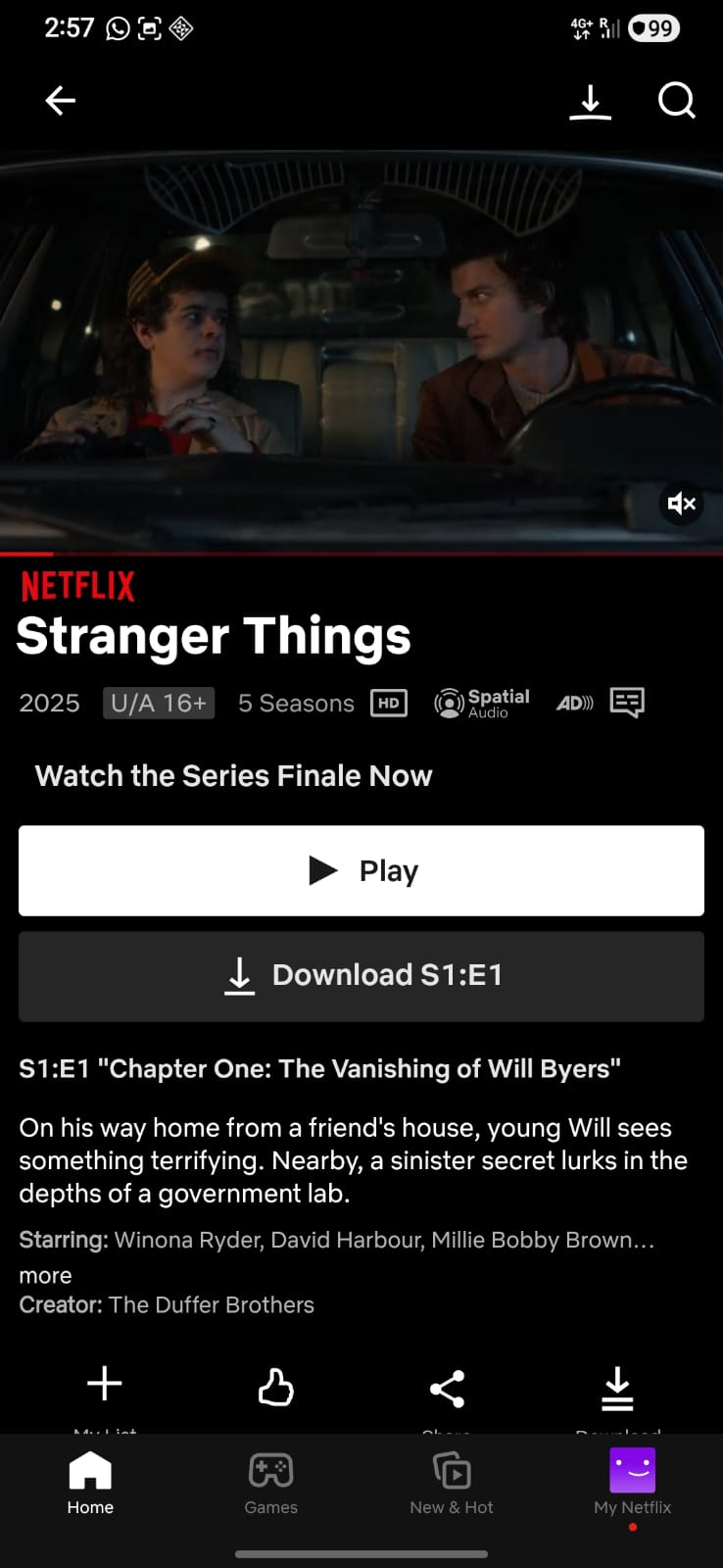
Netflix
Full episodes
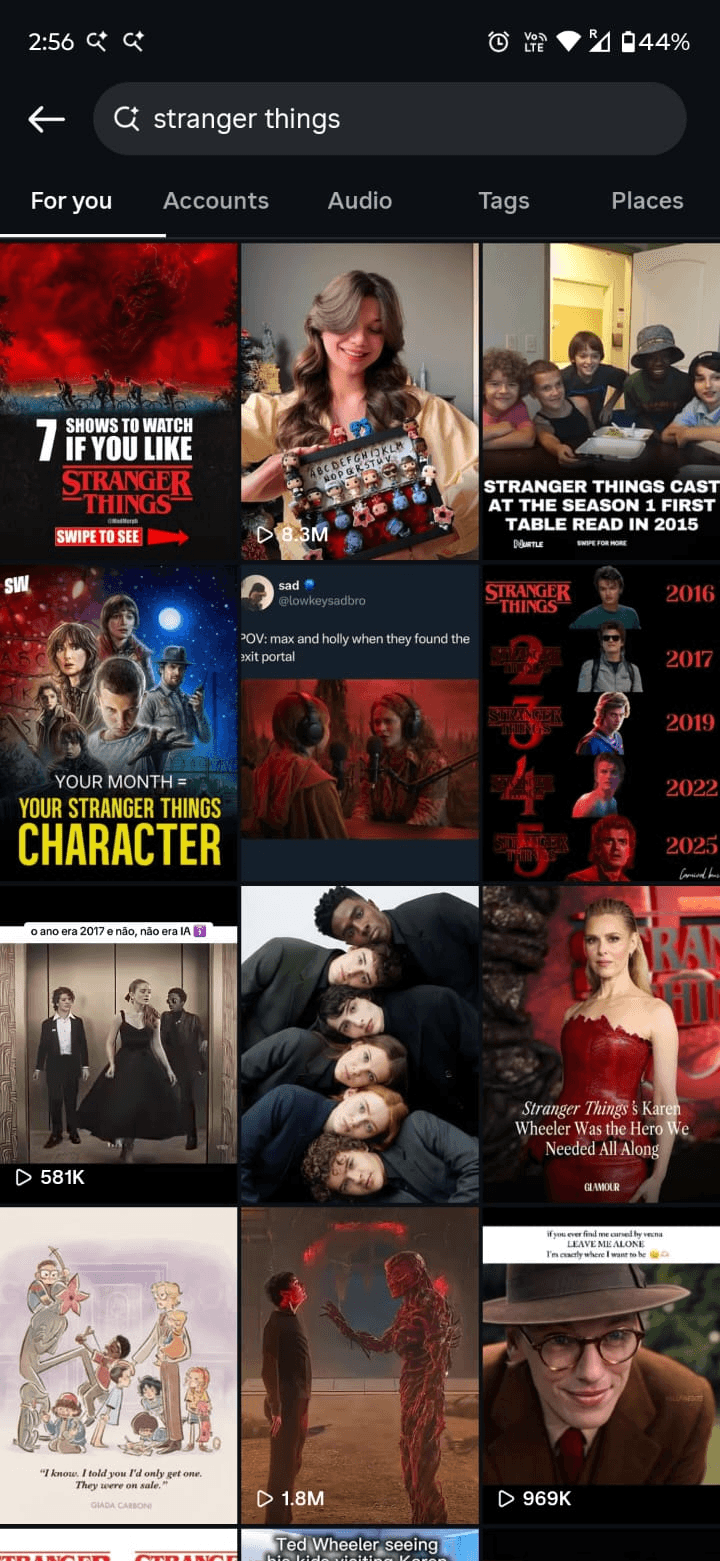
Reels & snippets
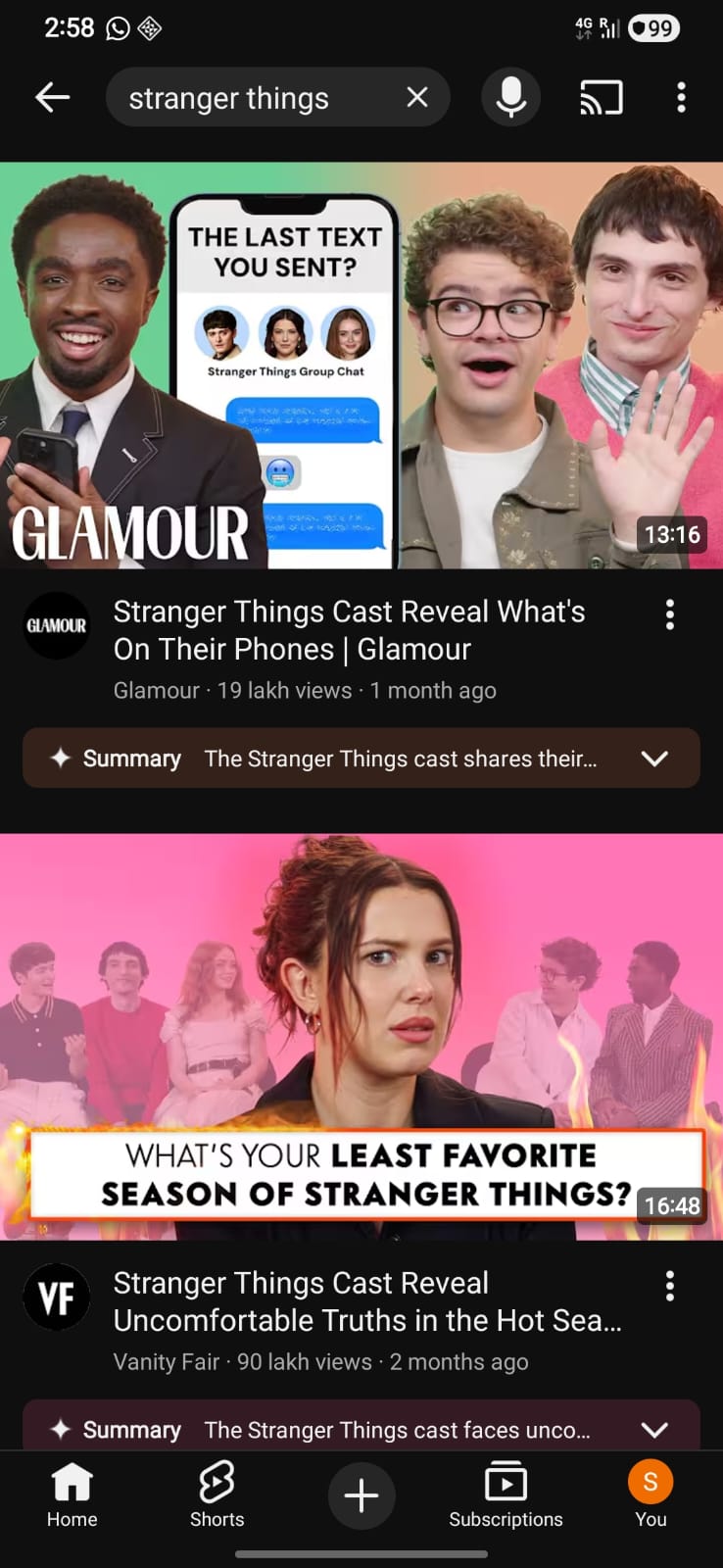
YouTube
Reactions & explainers
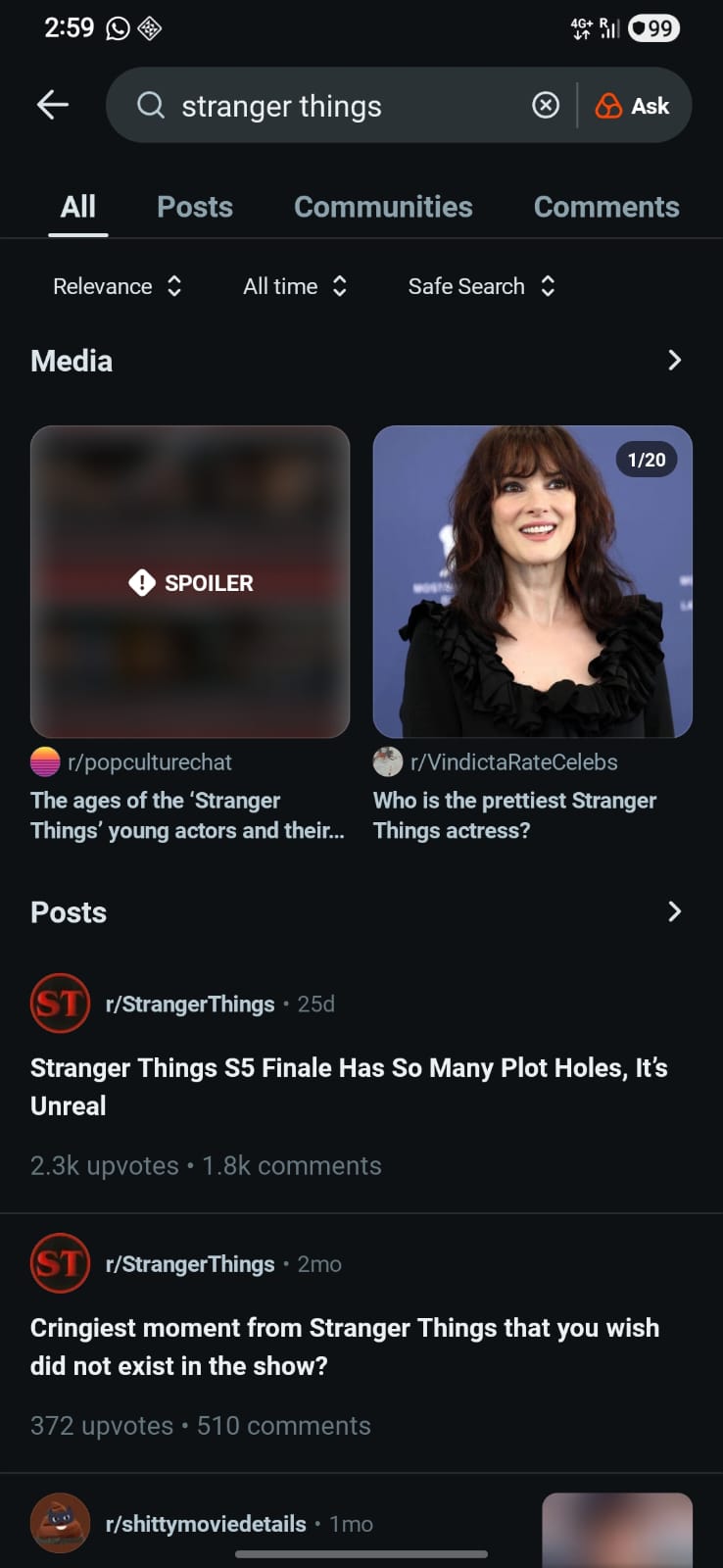
Discussion & community
Netflix owns the content, but not the in-between moments where hype, emotion, & attachment are built.
These moments happen...
Before starting a show
Between episodes or seasons
Immediately after finishing
During long lean periods between releases
02
New tool in the box:
Netflix Clips
What is it?
Netflix’s version of short-form video - a lightweight, reels/shorts-style format designed for quick, bite-sized engagement with content.
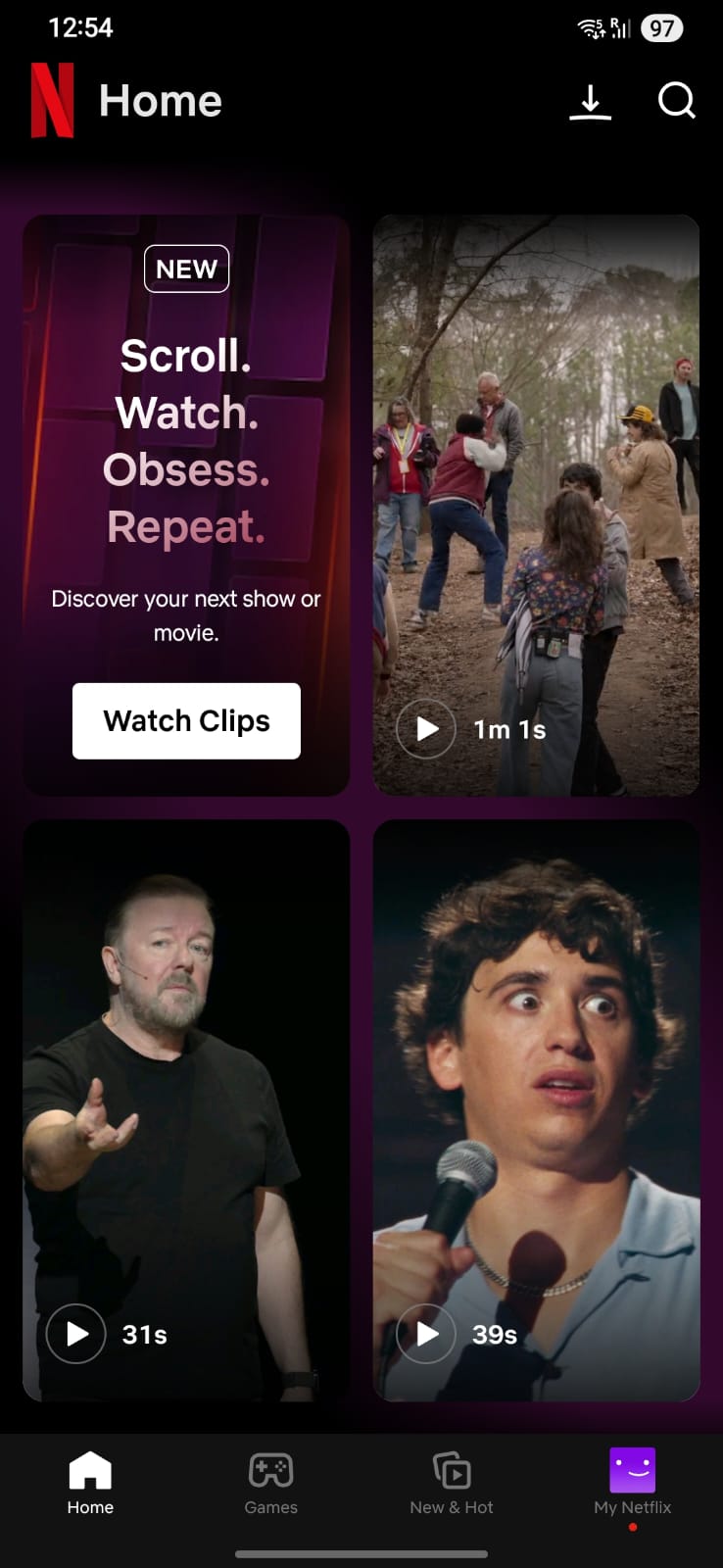
Where it exists today
- Available only on mobile
- Lives only on the home screen
- Clips refresh automatically (no user control)
- Cannot revisit previously seen clips
- Not available on desktop or TV
What it feels like now
- More like a feature experiment
- Less like a product system
- Passive exposure, not intentional engagement
Why it matters
Clips already sits at the intersection of:
- Discovery
- Emotion
- Short attention spans
- Habitual consumption patterns
This is the same behavioral territory dominated by Instagram Reels & YouTube Shorts
03
Who we are designing for
Persona one:
The emotionally charged fan
- Excited about a new season
- Wants to engage with hype
- Actively avoiding spoilers
What fans want
- Relive favorite moments
- Emotional connection
- Short, low-commitment engagement
- A sense of shared fandom
What fans fear
- Spoilers
- Losing control of their social media feed during trends
- Noise (AI slop, reactions, opinions)
Behavioural pattern
They leave Netflix to engage with fandom, but do it on platforms that host everything they fear.
What Clips can offer
A creator-curated stream of hype, free from spoilers to engage with their favorite movies & shows.
Persona two:
The casual, bored browser
- On Netflix with no clear goal
- Scrolling to pass time
- Adding titles without watching
Behavioural Pattern
- Doom-scrolling the catalogue
- Low emotional attachment
- High friction to commitment
What Clips can offer
- A tasting menu
- A low-risk entry point
- A bridge from curiosity to commitment
04
Two birds, one stone
Bird one:
Platform leakage
Bird two:
Doom-scrolling
Core opportunity:
Repurpose & better integrate Netflix Clips to:
01
Reduce off-platform engagement
02
Lower the barrier to commitment
05
Why Netflix is uniquely positioned to solve this
A trust advantage that no other platform has

Netflix
Social platforms
Knows what you’ve watched
Guesses intent
Knows what you haven’t
Blind to spoilers
First-party content
Fan-dominated
Creator-controlled
Crowd-sourced
Context-aware
Context-agnostic
Key leverage:
Netflix can guarantee spoiler safety by design, not by warnings.
This makes Netflix uniquely capable of owning hype without breaking trust.
06
The idea
Synchronizing spoiler-safe Clips with user behaviour
Clips adapt based on where the user is in their journey:
New fan
No episodes watched
- Curious but hesitant
- Doom-scrolls titles
- Needs a “taste test”
Clips help by
- Offering spoiler-free highlights
- Showcasing tone, vibe, emotion
- Reducing commitment anxiety
Mid-journey fan
Partially watched
- New season just dropped
- Wants to binge later
- Actively avoiding spoilers
Clips help by
- Showing only previously watched moments
- Offering “Safe till last watched season”
- Keeping hype alive without pressure
Completed fan
Fully caught up
- Emotionally charged
- Wants to relive & reflect
- Likely to leave Netflix for Instagram/YouTube
Clips help by
- Unlocking post-watch moments
- Highlighting fan-favorite scenes
- Keeping engagement on-platform
Here's how we did it in 05 points
Designing with AI
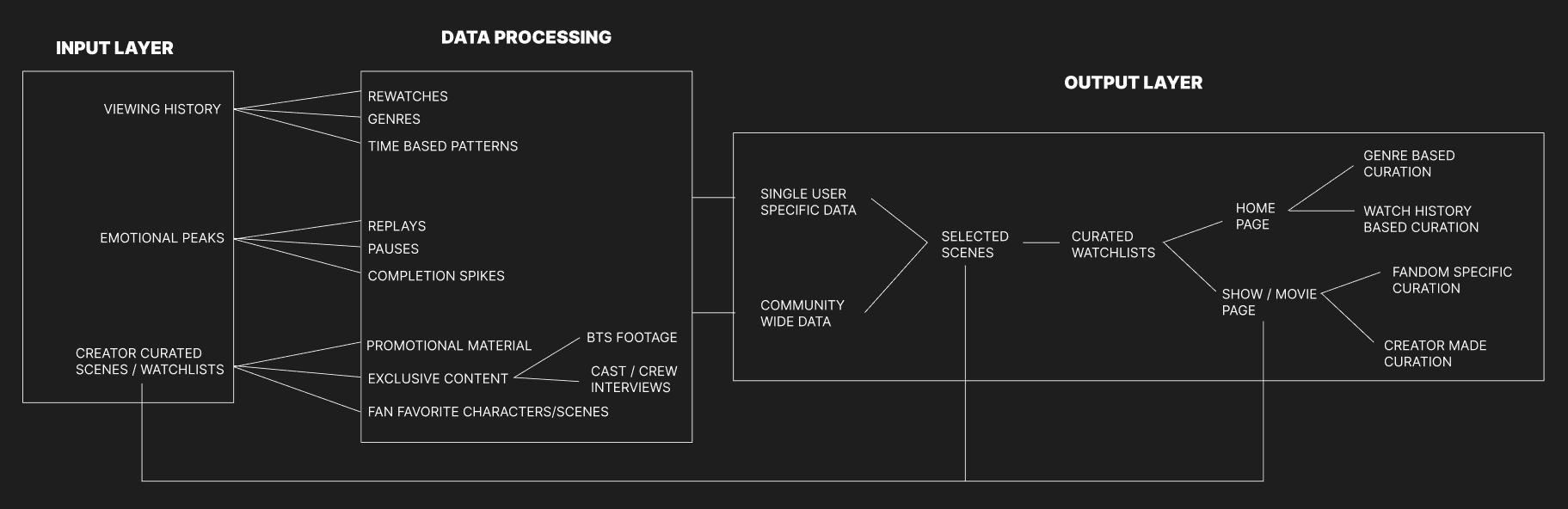
It’s a fandom companion layer, built on:
- Viewing history
- Emotional peaks
- Creator-approved moments
What AI/ML does
- Identifies emotional hotspots like replays, pauses, completion spikes.
- Creates Clips by snipping relevant portions of movies & shows.
- Categorizes Clips on the basis of genre & watch history for the home page.
- Presents movie or show specific suggested Clips & watchlists to movie & show creators for displaying on the movie or show page.
What creators control
- Approve, tweak, or dismiss suggested Clips.
- Create & upload custom Clips for the show page.
- Curate themed playlists
The outcome
Low effort for creators,
high impact for fans.
Creators stay focused on storytelling, AI handles the heavy lifting.
02
Behind the screens
Lo-Fi prototypes
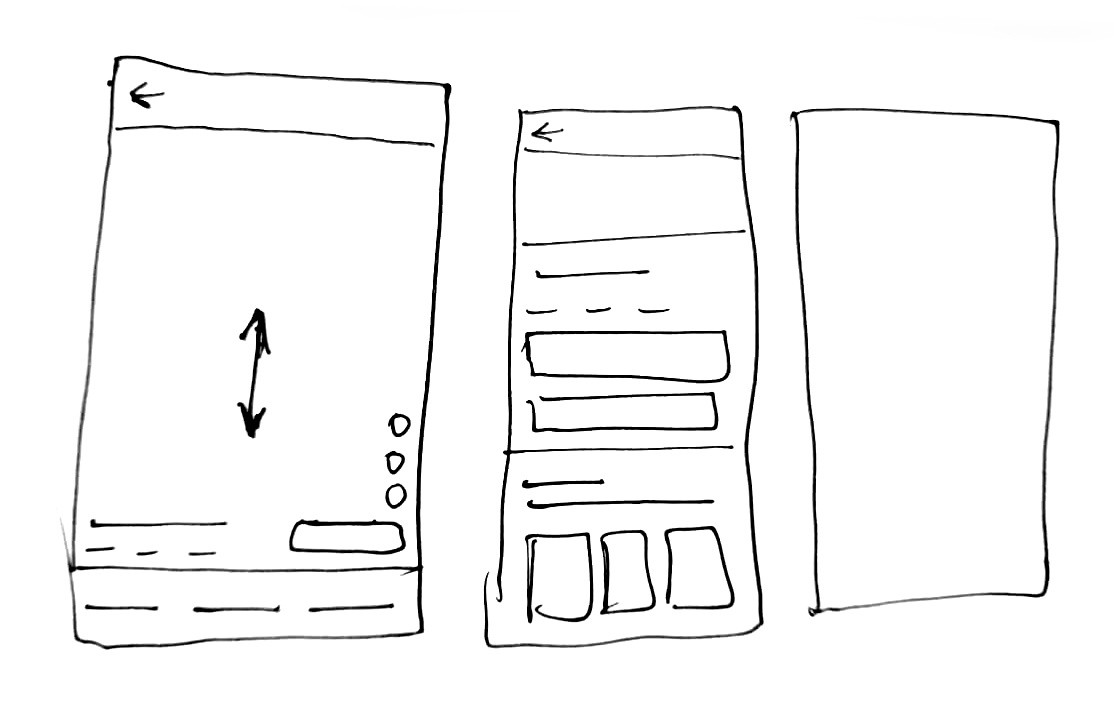
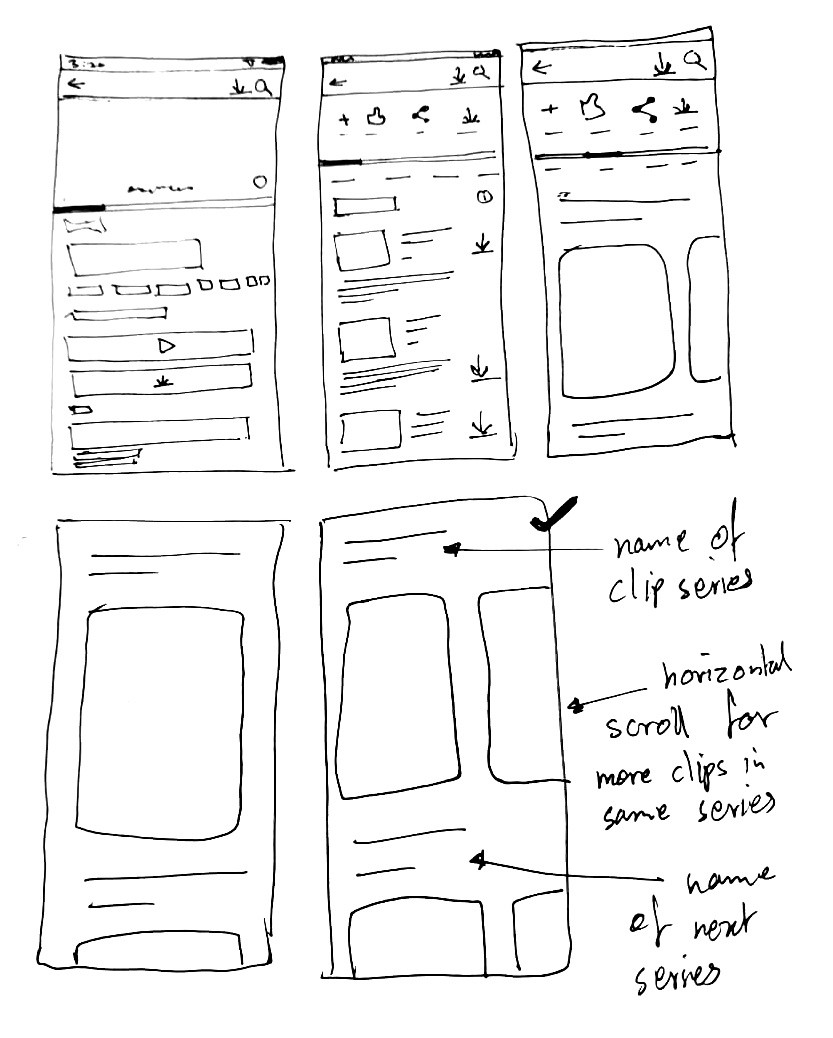
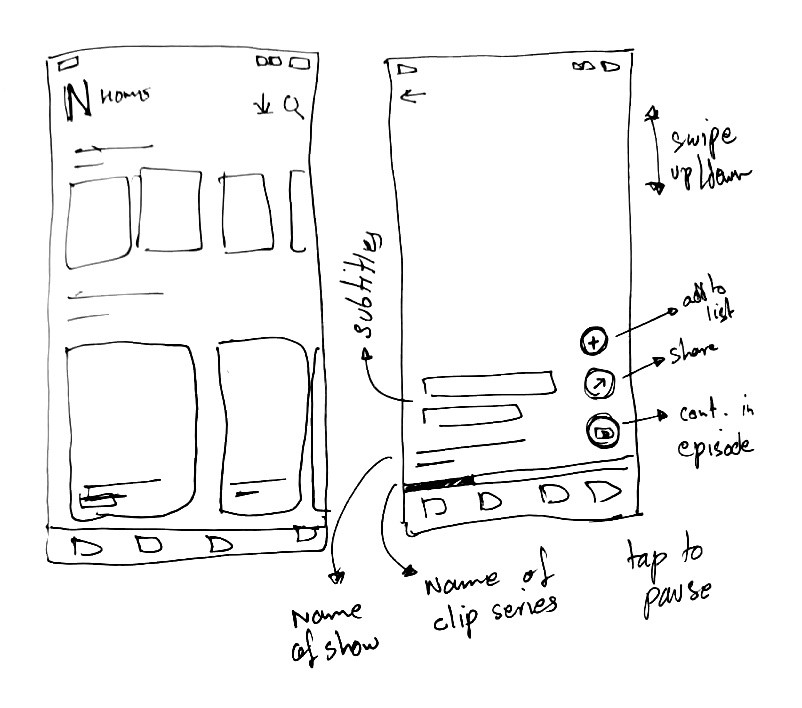
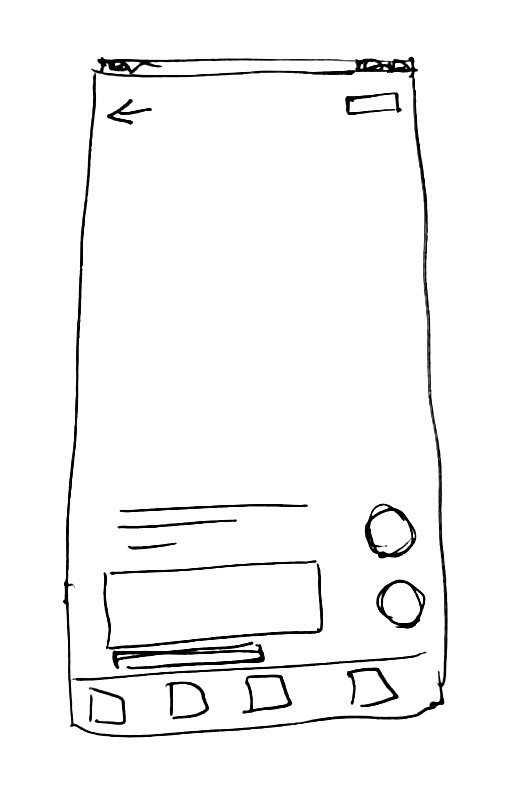
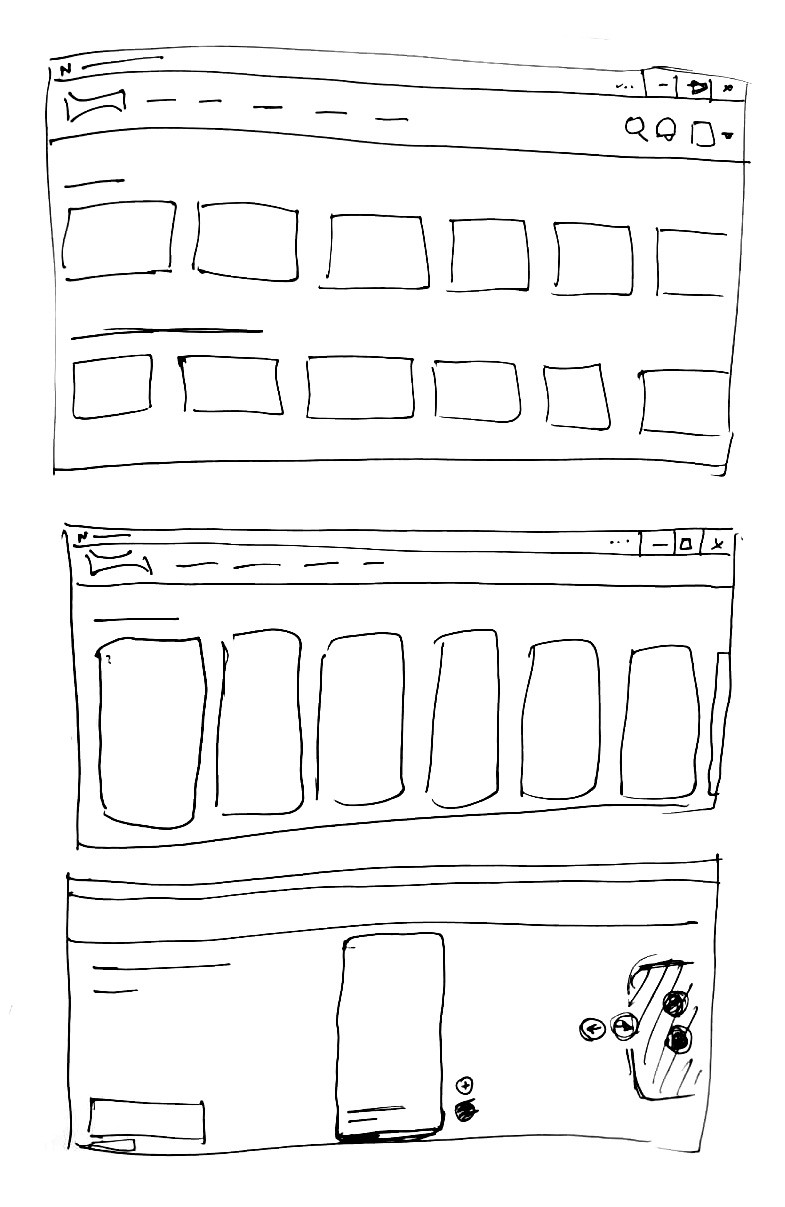
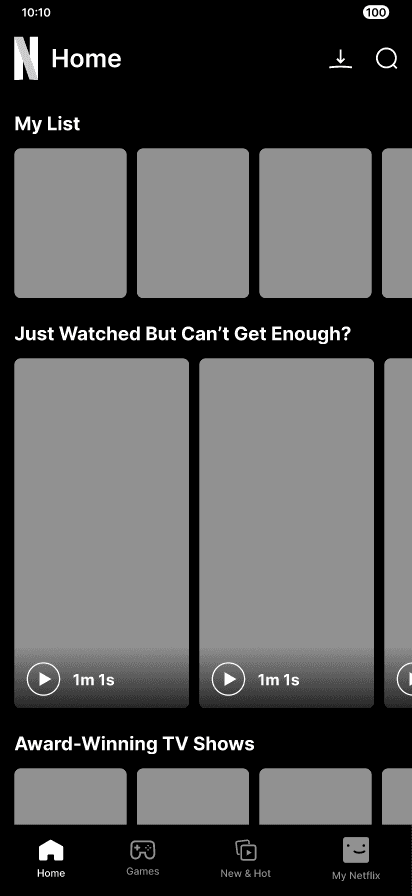
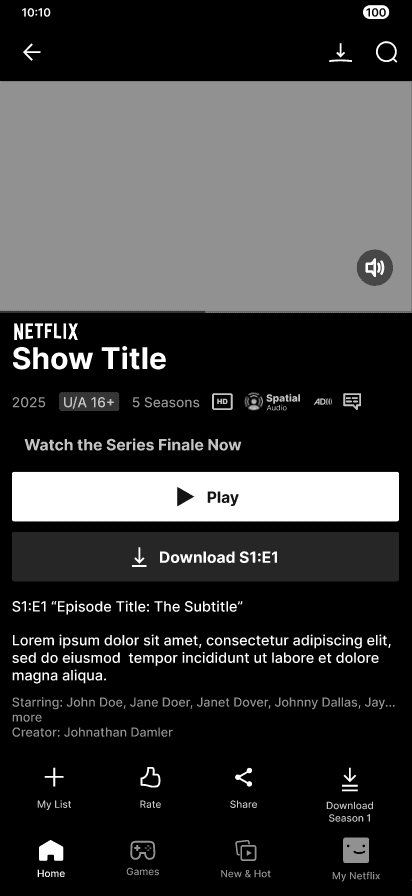
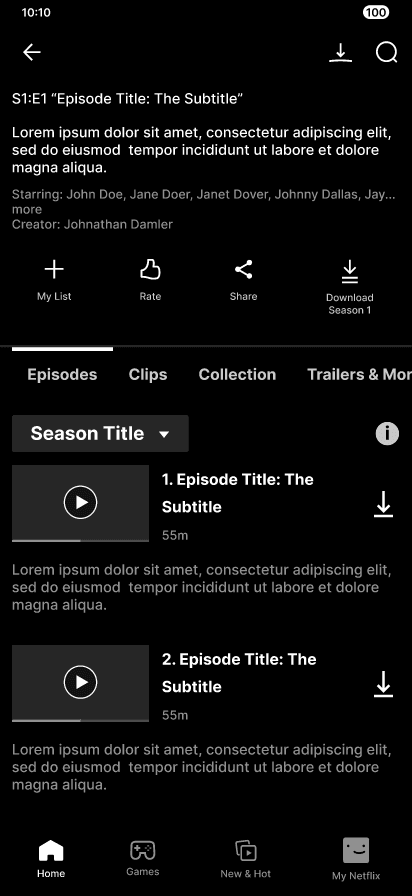
Mid-Fi prototypes
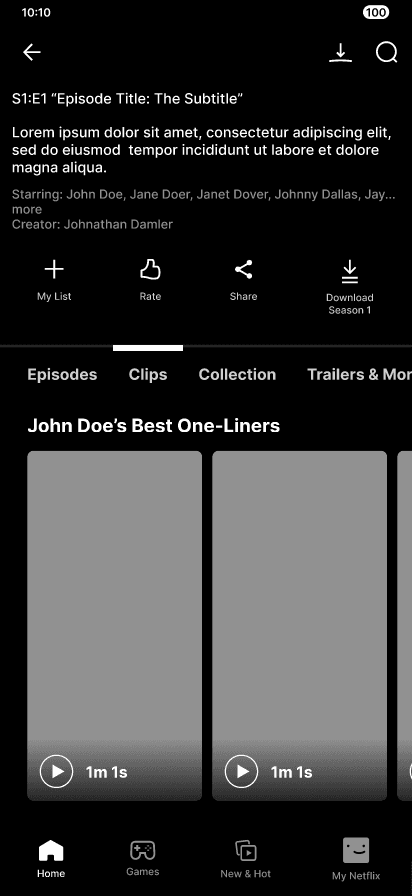
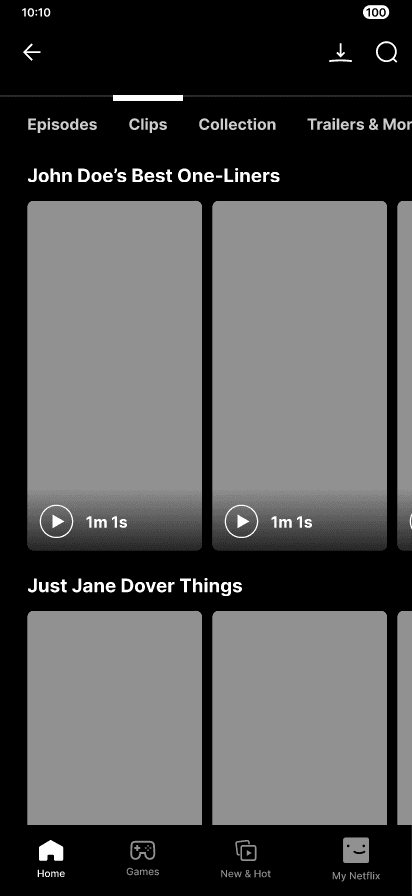
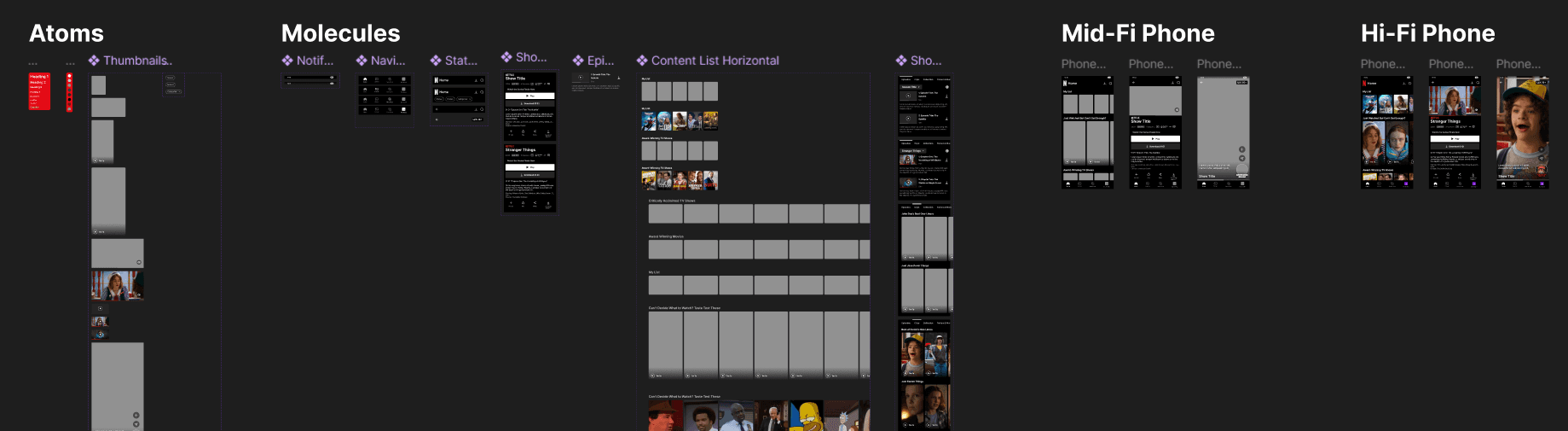
The process
Building responsive screens using atoms & molecules for a smooth developer handoff.
03
Where Clips live
Embedding Clips into real usage patterns.
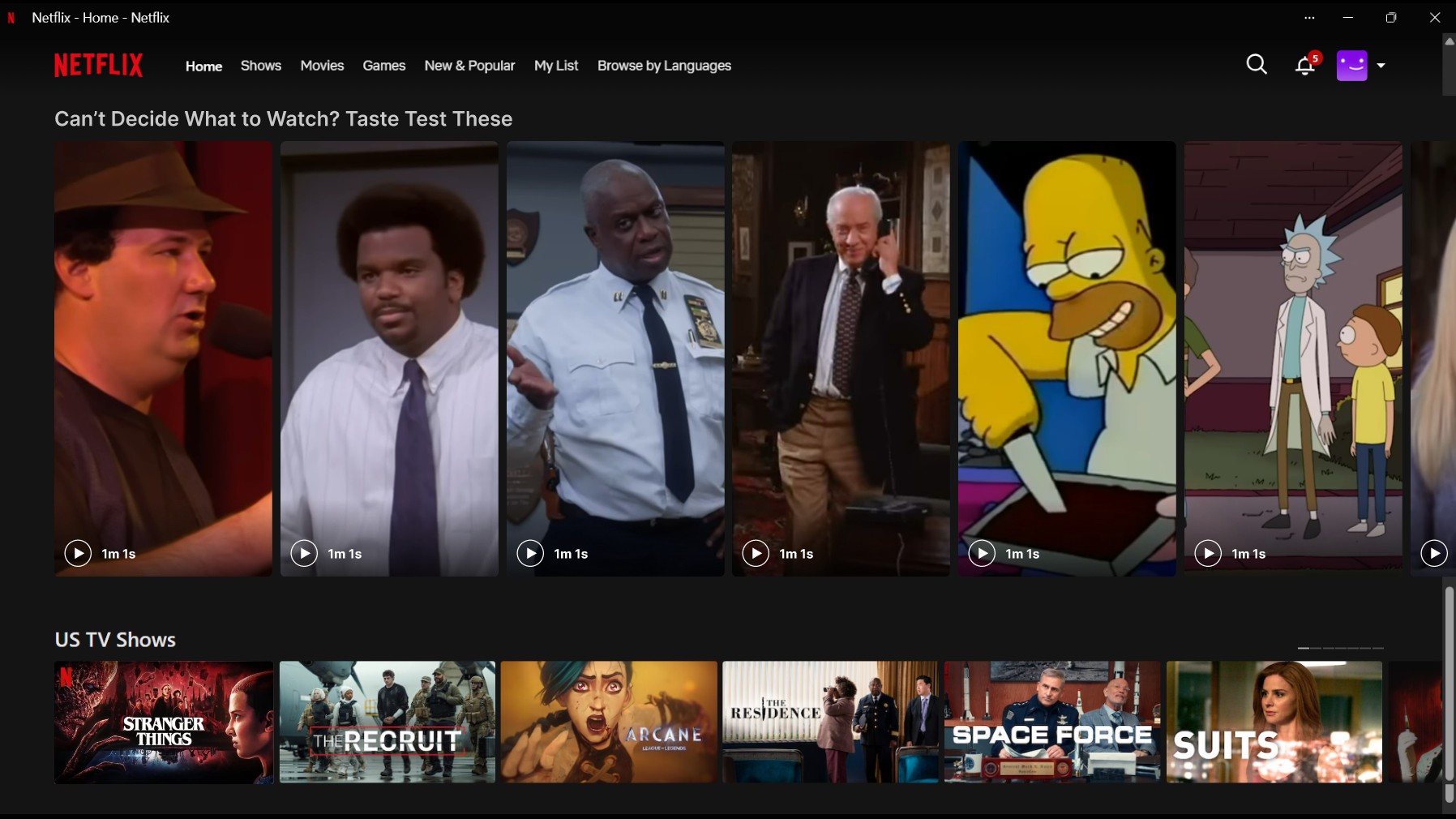
Home page
Suggests only those Clips approved by show creators as 'spoiler free'.
Genre & watch history based watchlists:
“Can’t decide what to watch?”
“Just finished but want more?”
“All the hype. None of the spoilers.”
Show & movie page
Creator-curated playlists, shown as per which episode the user has watched till:
“Safe to watch before Season 5”
“Catch up till Season 3”
“Best one-liners”
“Rewatch your favorite moments”
Personalized moments when users complete a season:
“New clips unlocked! Relive the best of Season 5”
"Sneak a peek behind the scenes"
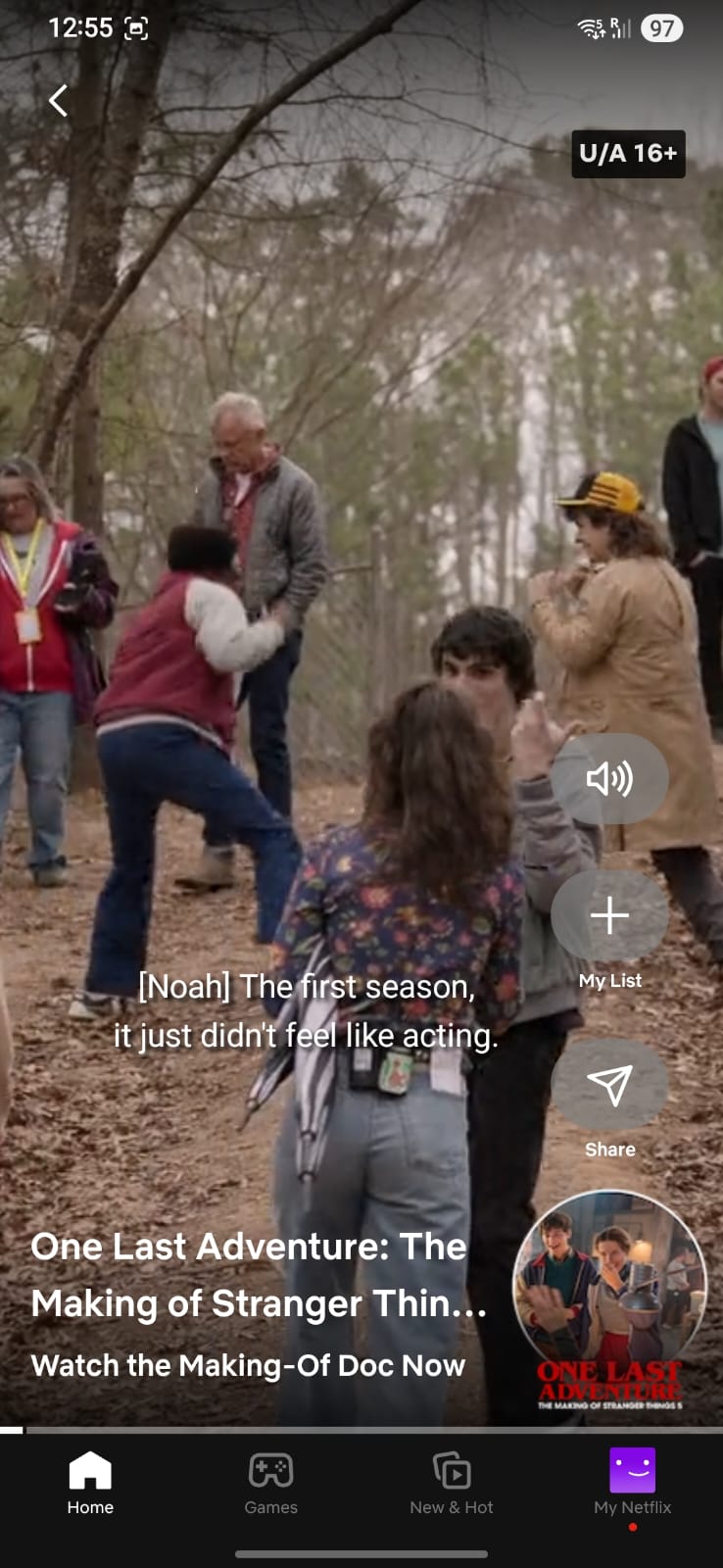
Before
After
In-Clips experience
Tweaked controls to suit the interaction habits of users.
04
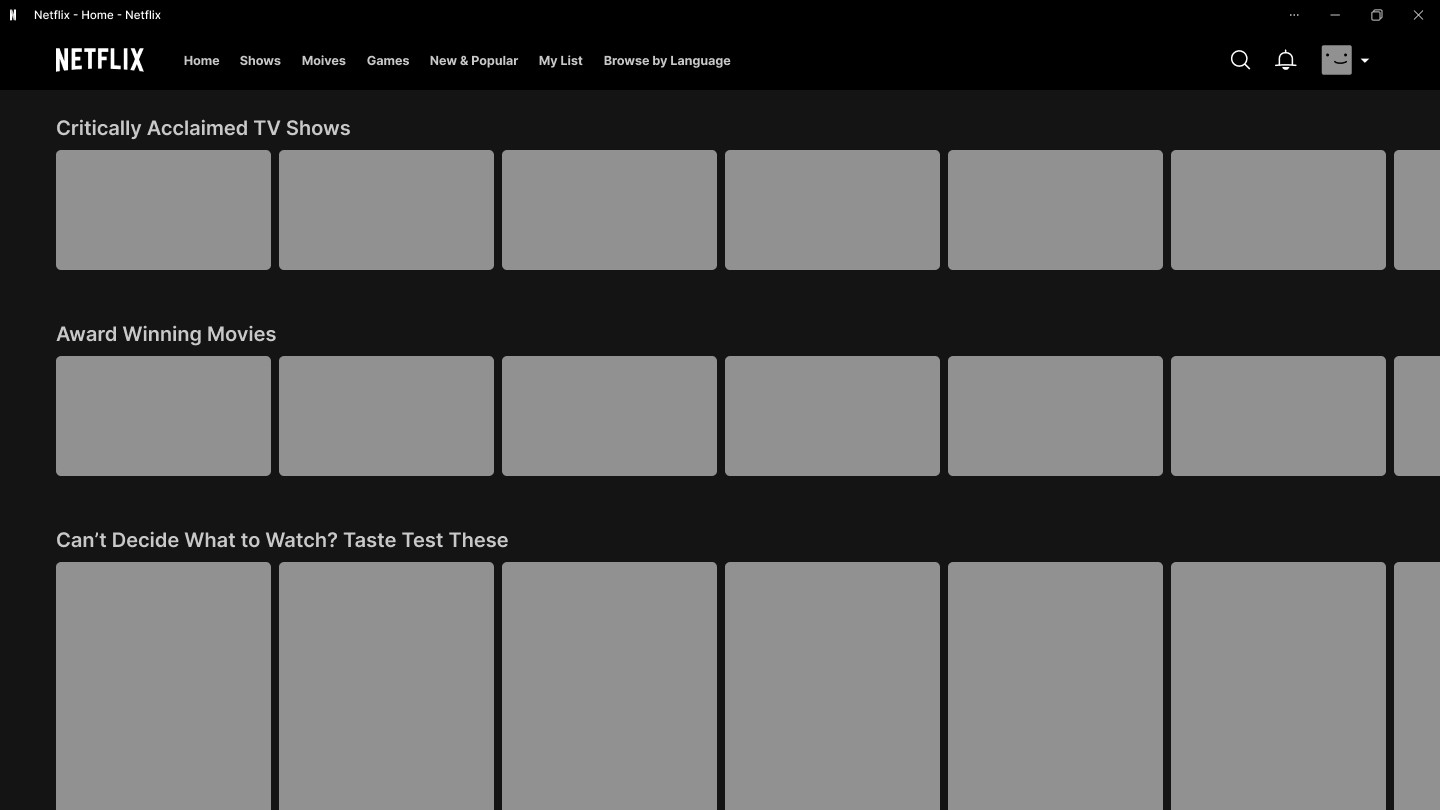
Designing for desktop & TV
Adapting interaction to posture & ergonomics.
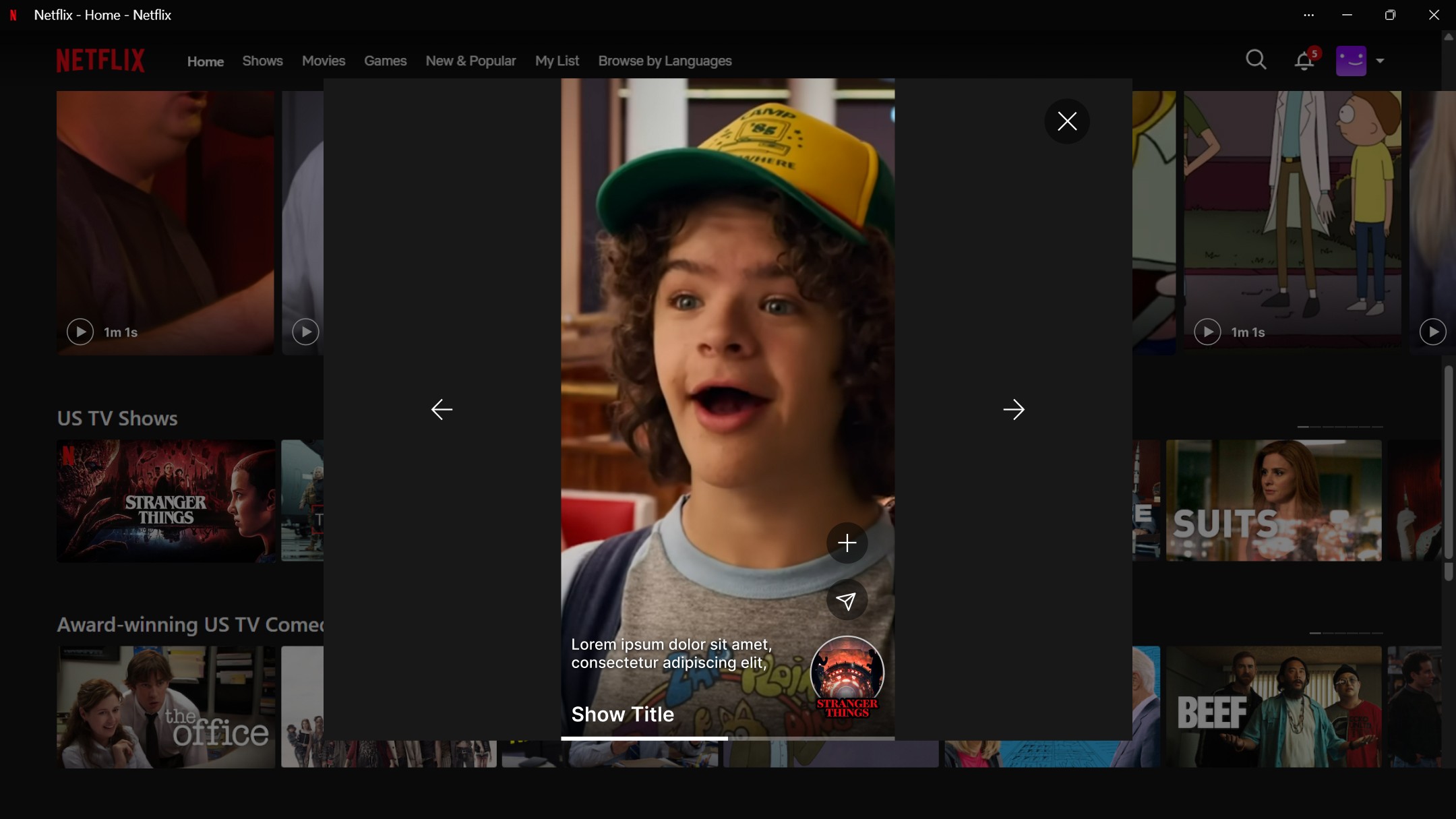
In-Clips experience
Appears as overlay to keep the doorway to watch full length content open since that is still Netflix's primary agenda.
Constraints
Vertical scrolling isn't ergonomic while using a remote on TV.
The TV remote pointer or mouse cursor is too small to quickly locate a button.
Thus the overall experience does not feel as intuitive as scrolling vertically on the phone.
Our solution
Press & hold action button & flick left/right to navigate, maintaining Netflix’s left-to-right browsing logic.
Arrow keys as fallback.
Increased surface area of clickable region to matches natural remote posture, making scrolling playful, not effortful.
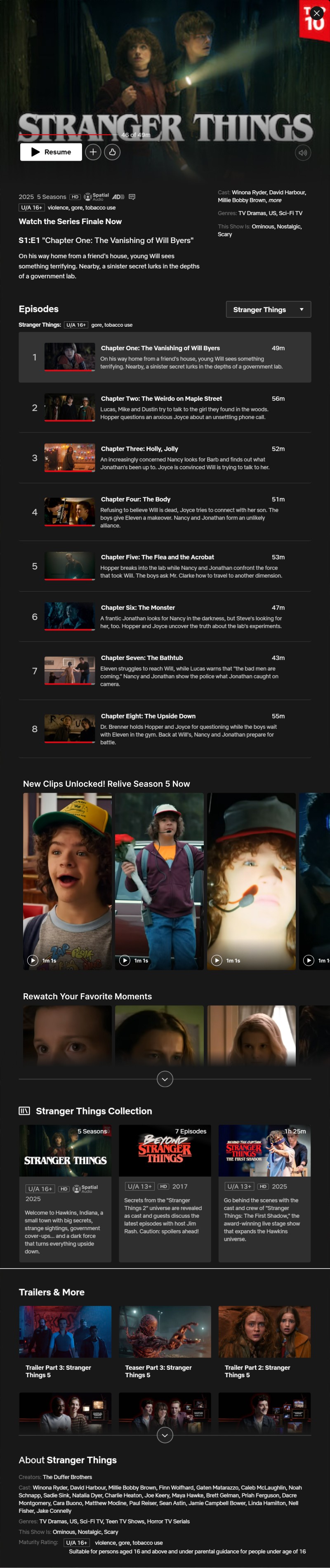
Show & movie page
- Retains the horizontal scrolling.
- Appears after episode list to aid rediscovery.